Generate a Work Report
To generate a work report, follow the steps below.
-
Go to .
The Manage Work Reports page appears.
-
Click the icon
 of
a report under the View Report column to view the report
landing page.
of
a report under the View Report column to view the report
landing page.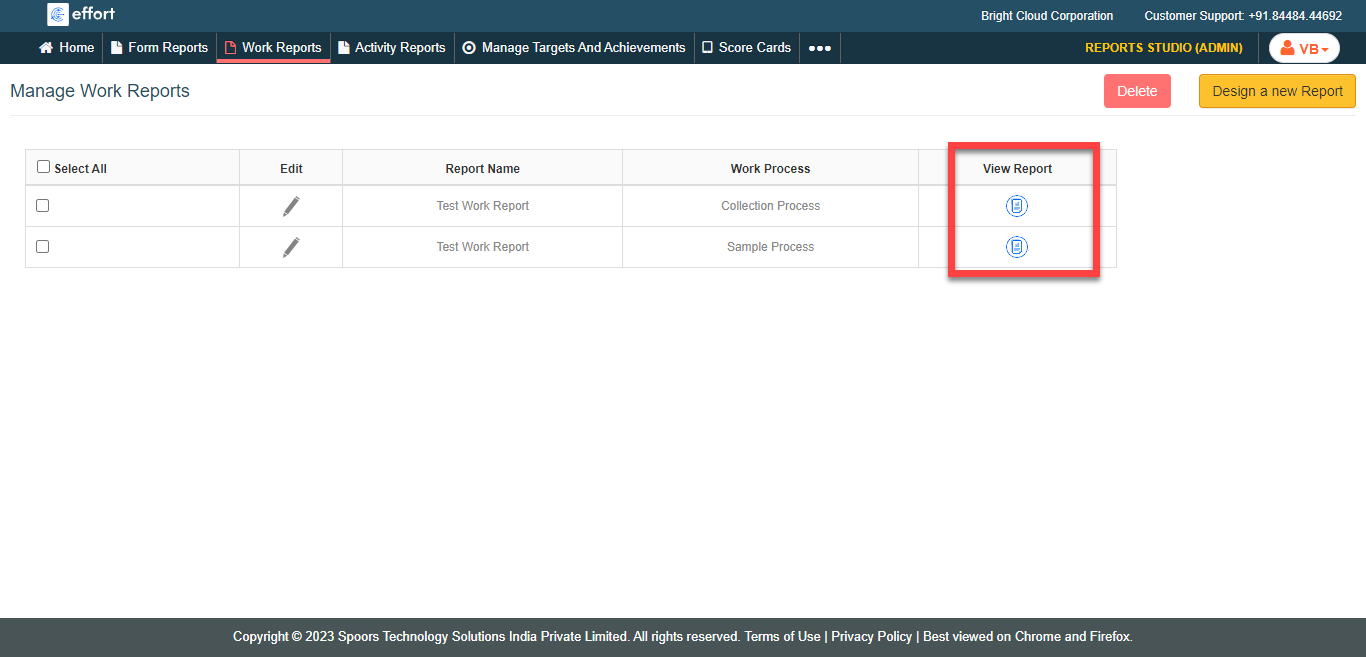
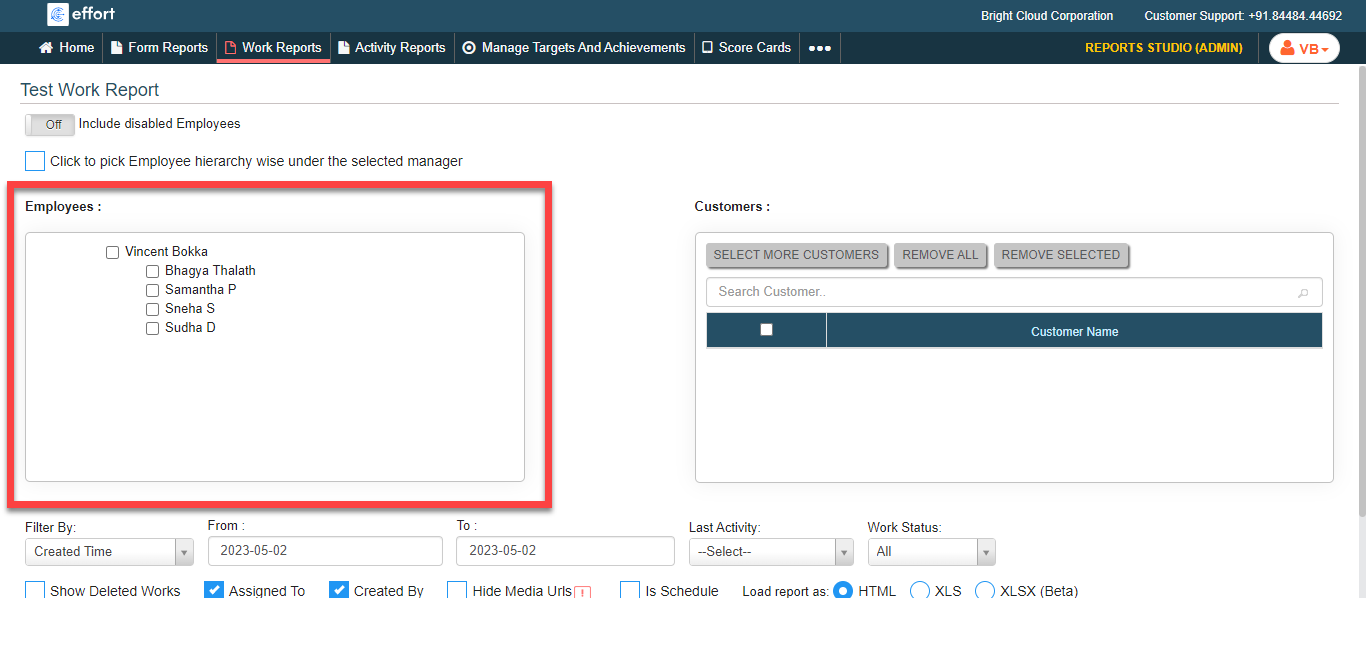
The Work Report page appears.
-
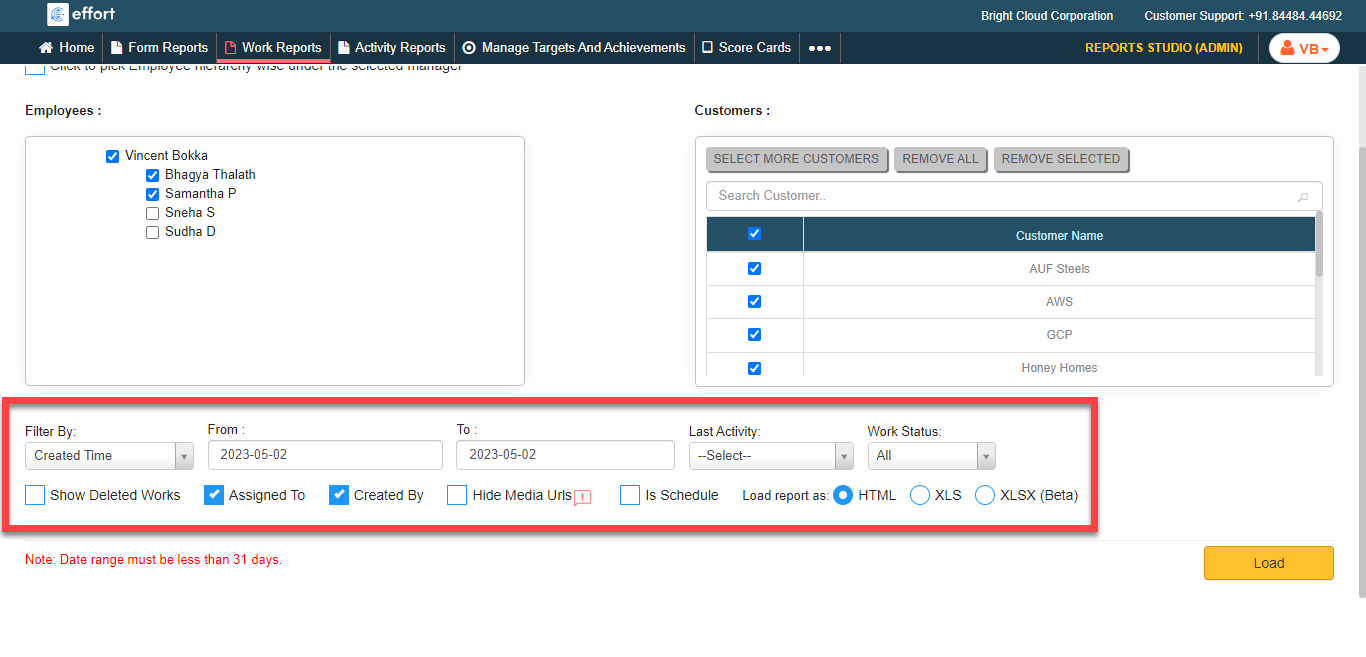
Select employees from the Employees section.
- Optional:
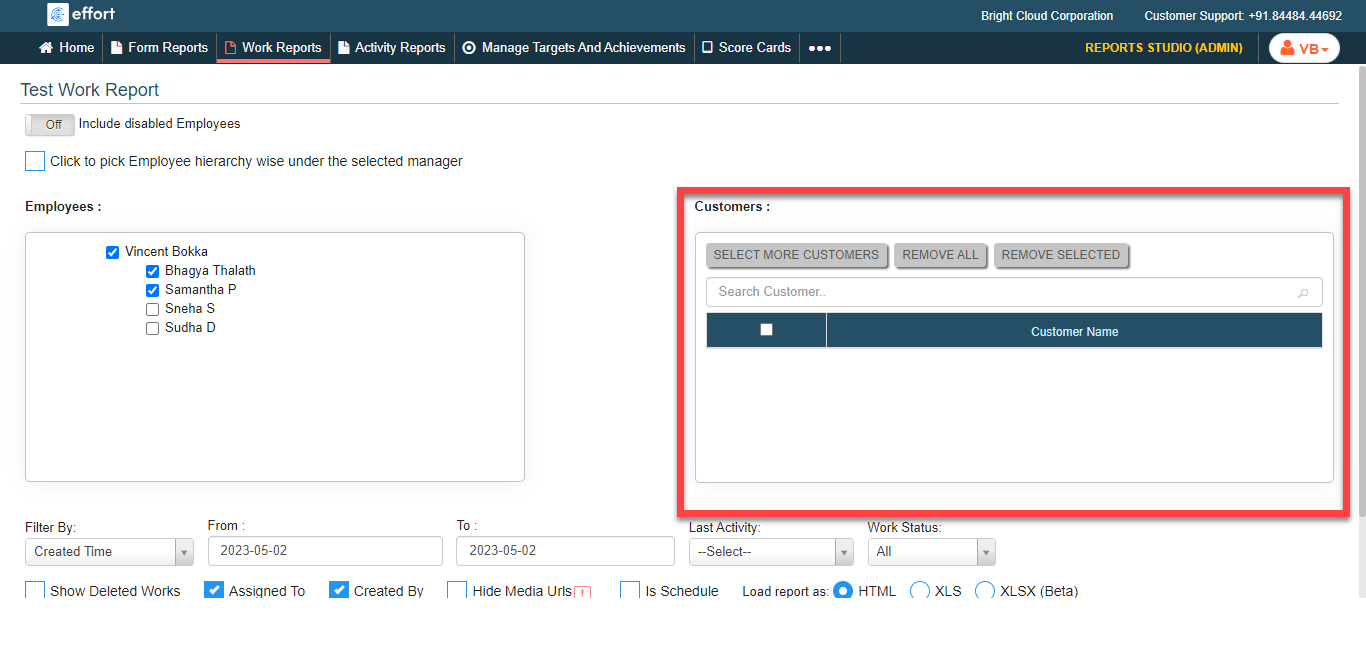
Select customers from the customers section.
- Select More Customers: Allows you to select customers from the list
- Remove All: Allows you to remove all the customers
- Remove Selected: Allows you to manually select the customers and remove only the selected ones.
-
Configure the below options as per your requirement.
- Filter By: Select the time based filters from the dropdown.
- From: Select From date.
- To: Select To date.
- Last Activity: Allows you to select work actions from the dropdown.
- Work Status: Allows you to select the work status from the dropdown.
- Show Deleted Works: Click the checkbox to include the deleted works in the output report.
- Assigned To: Click the checkbox to include the assigned employee name in the output report.
- Created By: Click checkbox to include the work created employee name in the output report.
- Load report as: Select the output report format.
-
Click Load to view the report.
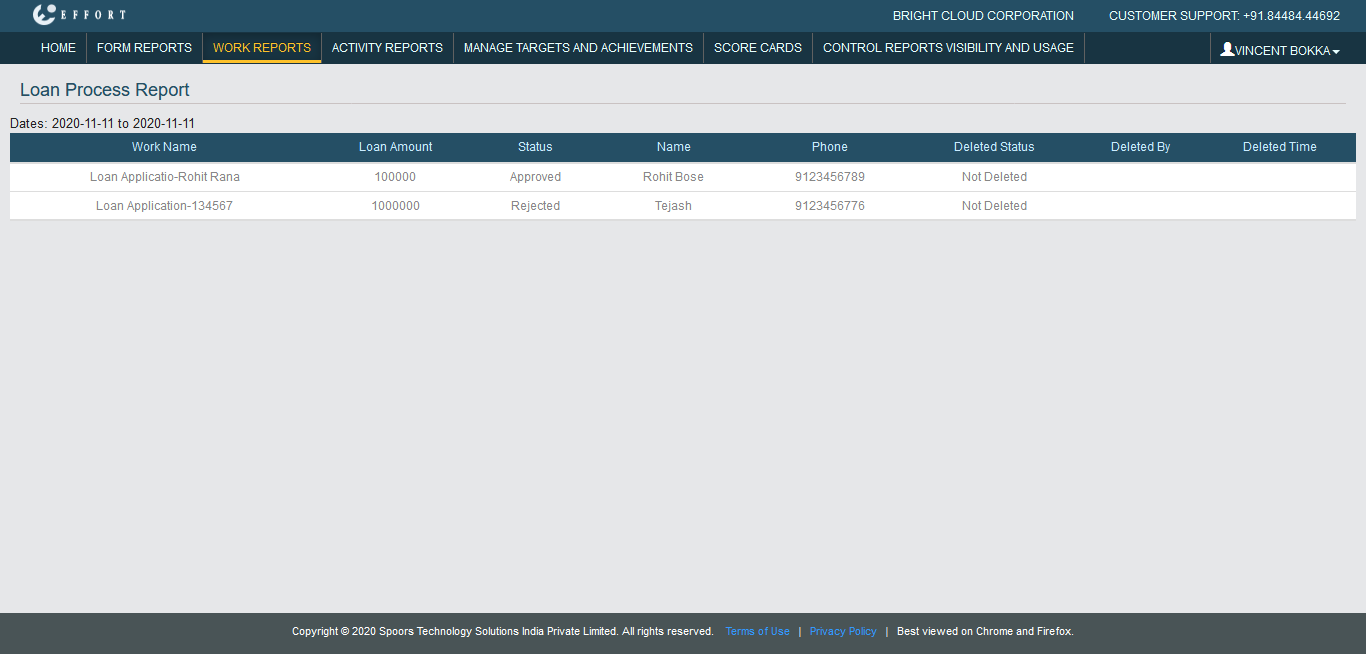
The Work Process Report is displayed based on the report format.