

Delete a Trigger Template
To delete an existing trigger template, follow the steps below:
-
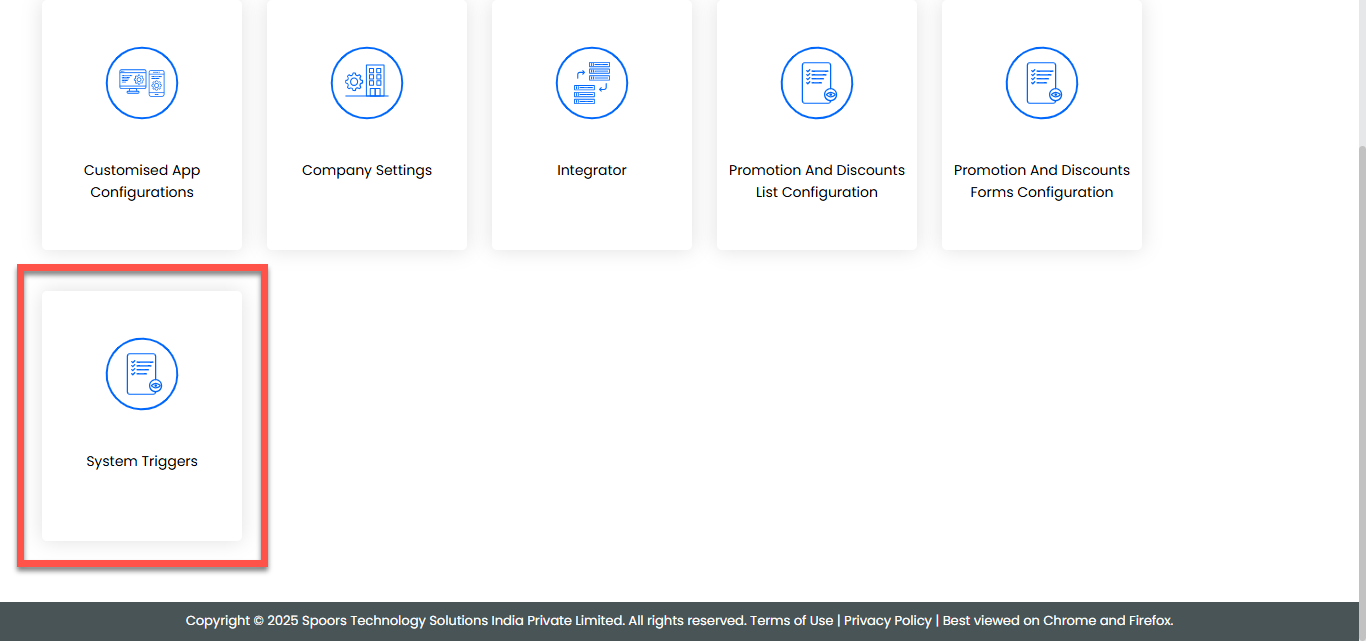
Go to .
-
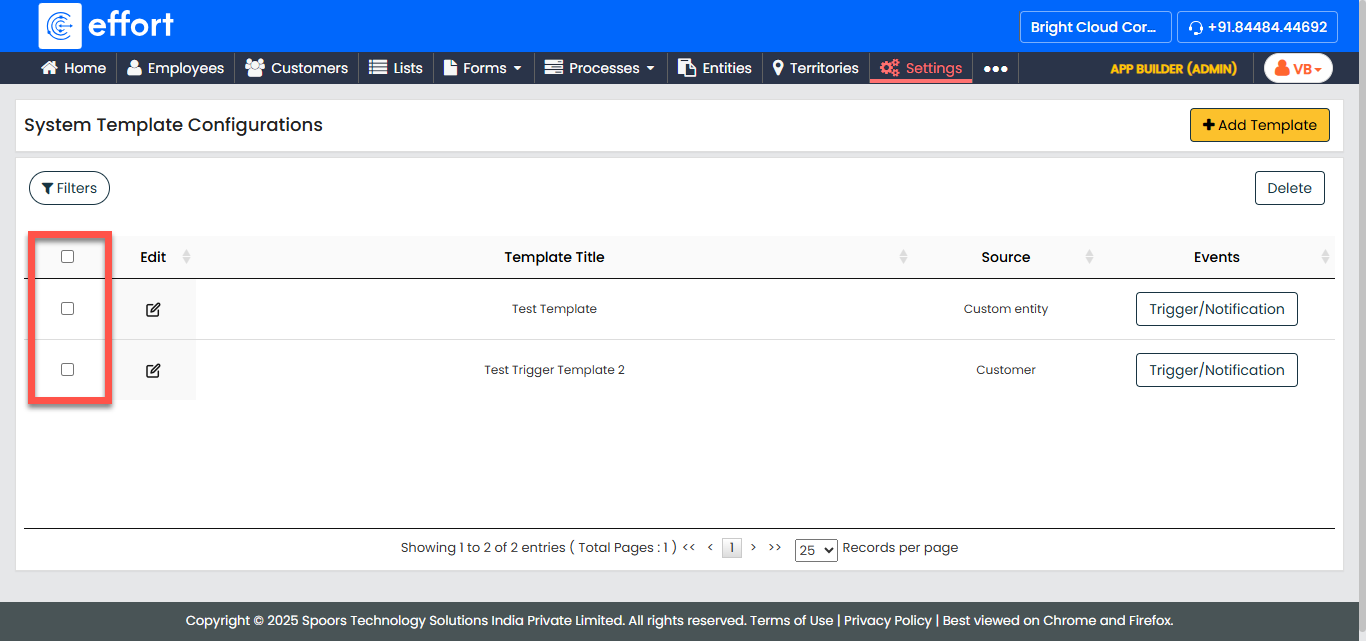
Select the checkbox of the template you want to delete.
-
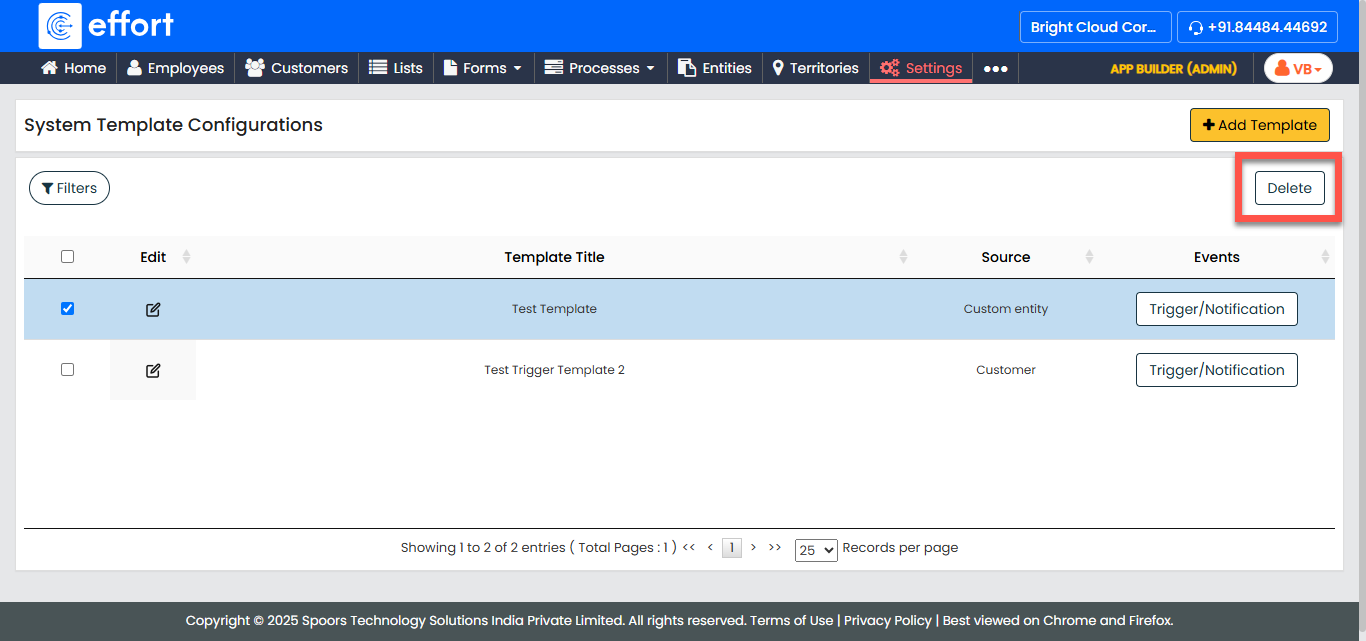
Click the Delete button.
- Click OK to confirm the deletion of the trigger template.