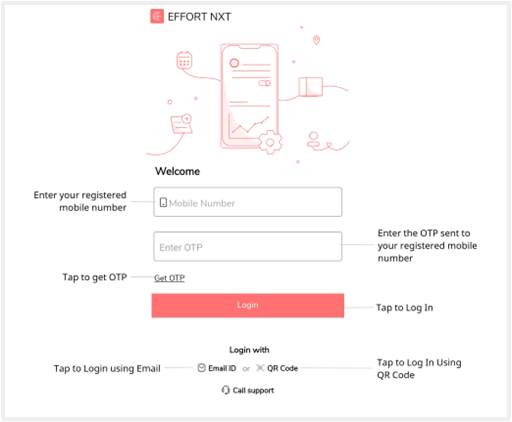
Step 6: Login to Mobile App
In previous steps, you have successfully configured your resources, business activities, and mobile app. Now, you are ready to work with your mobile app to carry out your business activities.
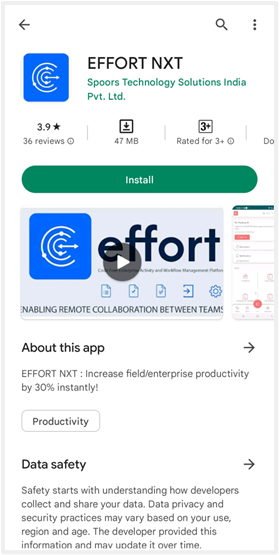
Download Effort Mobile App
On your mobile phone, open the App Store or Google Play Store and search for the
EFFORT NXT application. Select EFFORT NXT in the search results to
go to the app page and install it.
Login to Effort NXT App
You can login to the Effort NXT mobile app using your mobile number or email ID. You
need to ensure that your mobile number and email ID are registered with the company.
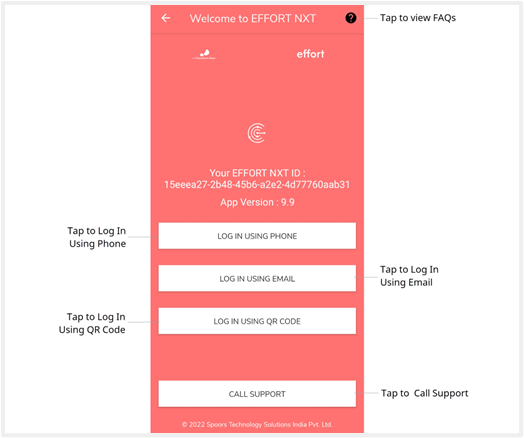
Open the EFFORT NXT app and allow all the app permissions. Tap Login Using
Email or Phone.
Enter your phone number in the Mobile Number field and tap Get OTP to
receive OTP to your mobile phone. After you receive the OTP, enter and tap the
Log In button.

Tap Launch App to go to the home screen or Tap Launch Quick Tour to
learn more about the app.