

Bulk Approve or Reject Form Submissions from Form List Screen
To bulk approve or reject form submissions from the form list screen, follow the steps below:
-
Go to .
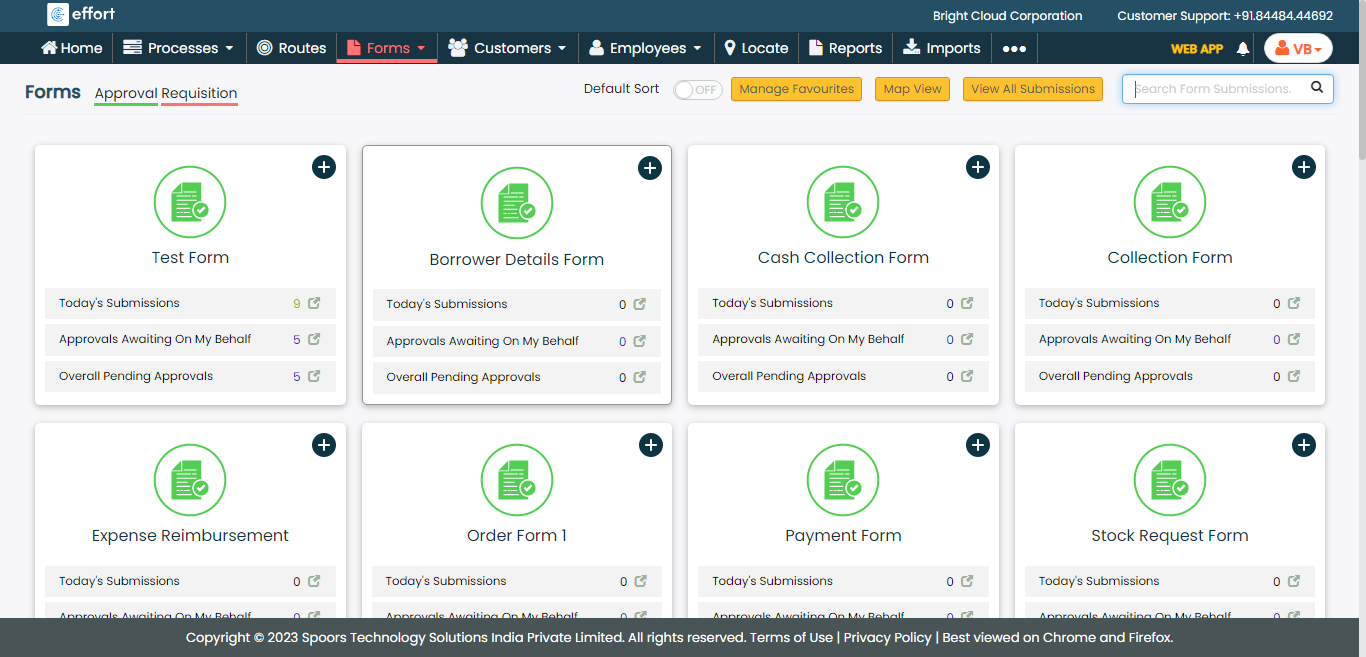
The Forms page appears.
-
Click the form card in which you want to approve or reject form
submissions.
-
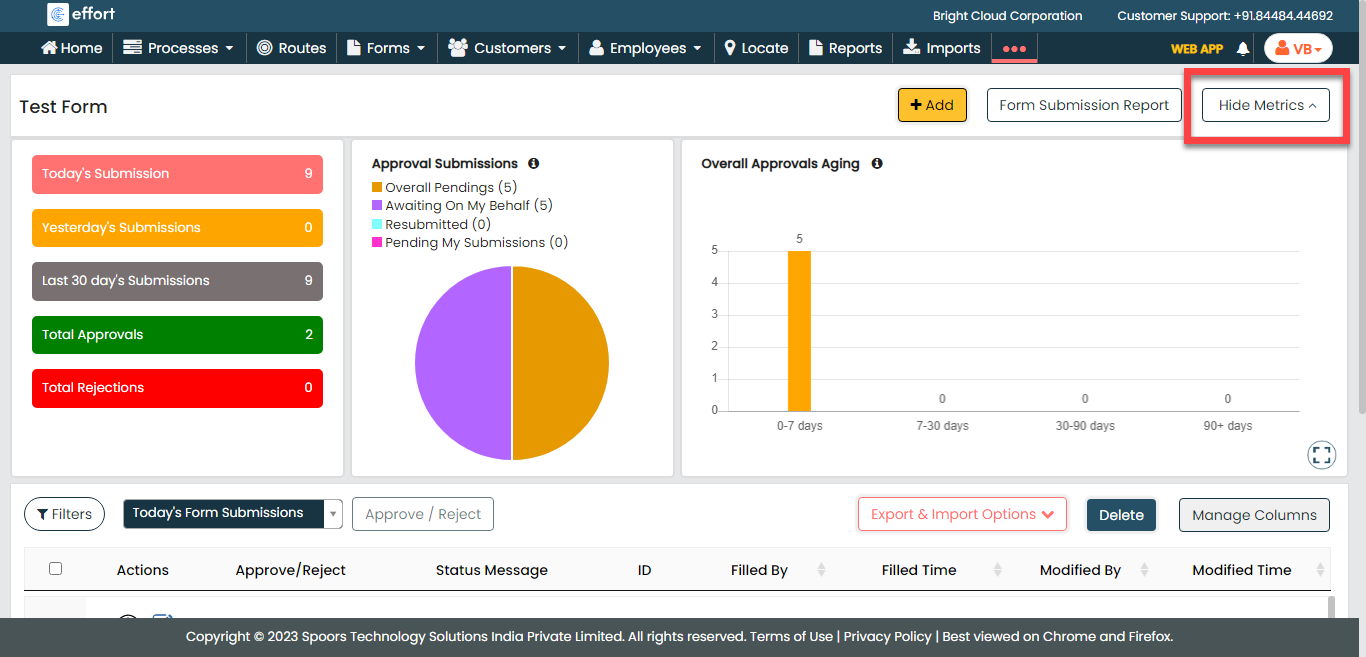
Click the Hide Metrics button.
-
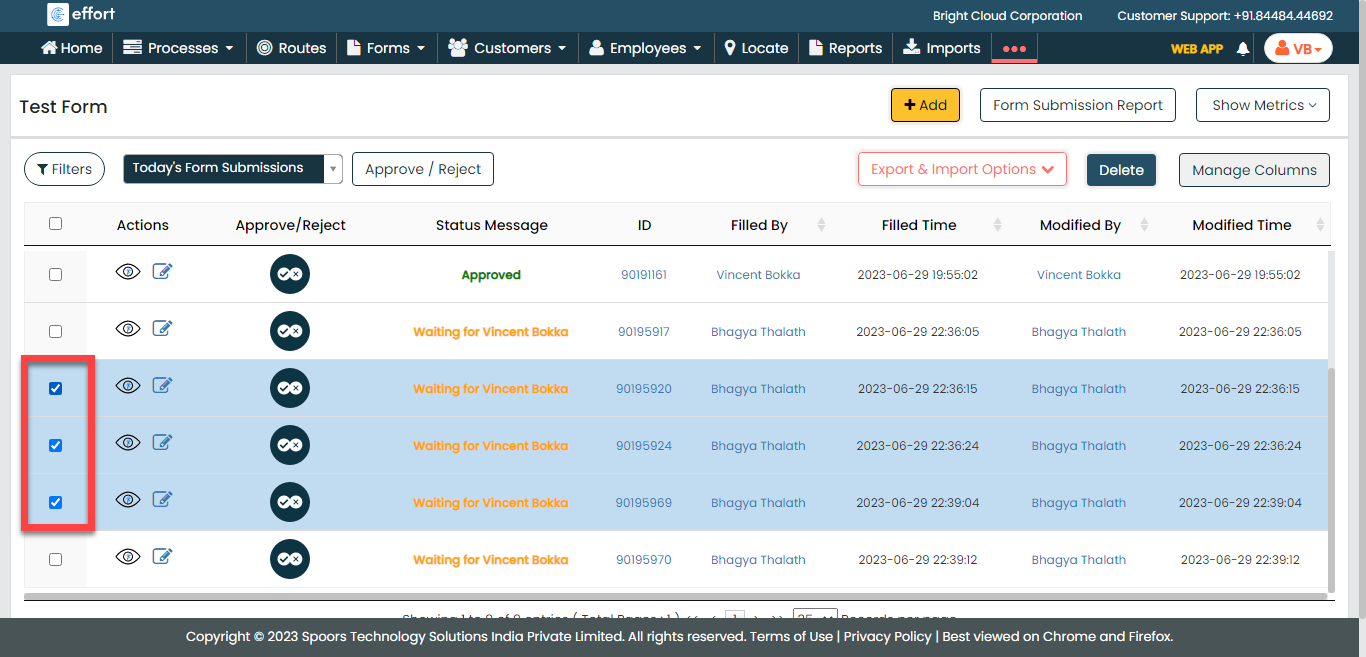
Select the form submissions you want to approve or reject.
-
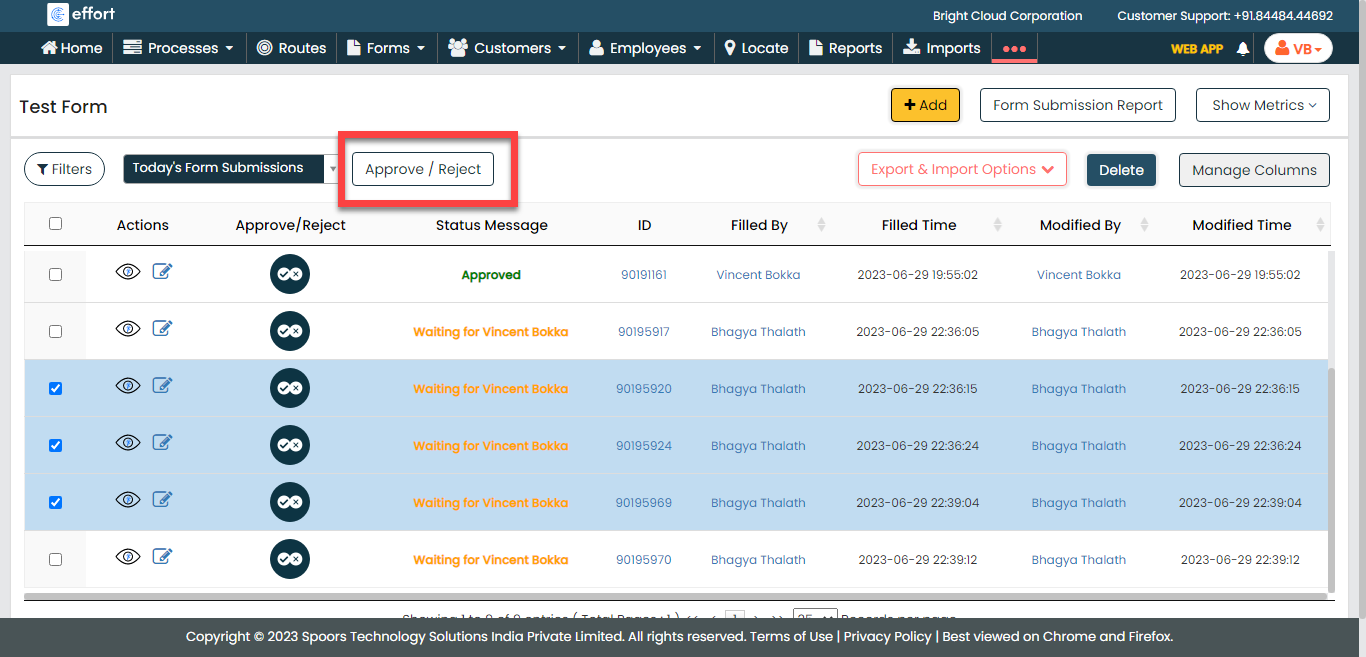
Click the Approve/Reject button.
-
On the Approve or Reject Forms pop-up window, enter your
comments in the Remarks field.
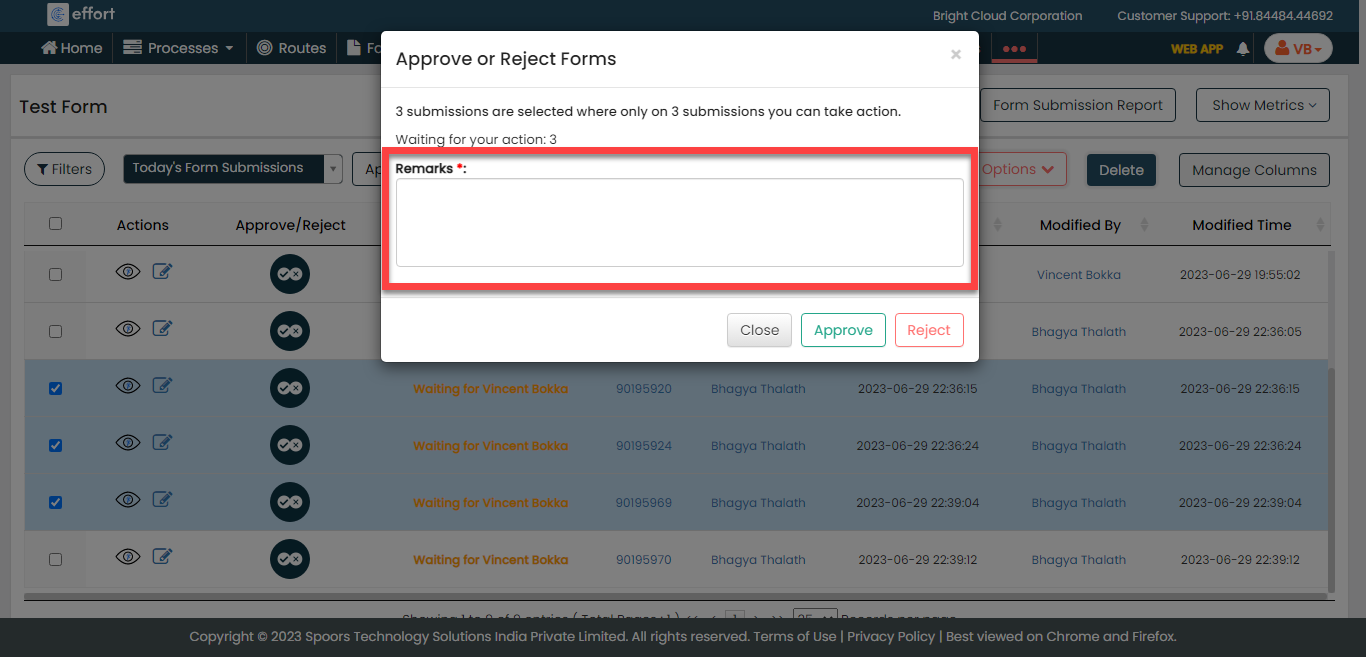
- Click Approve or Reject as per your requirement.