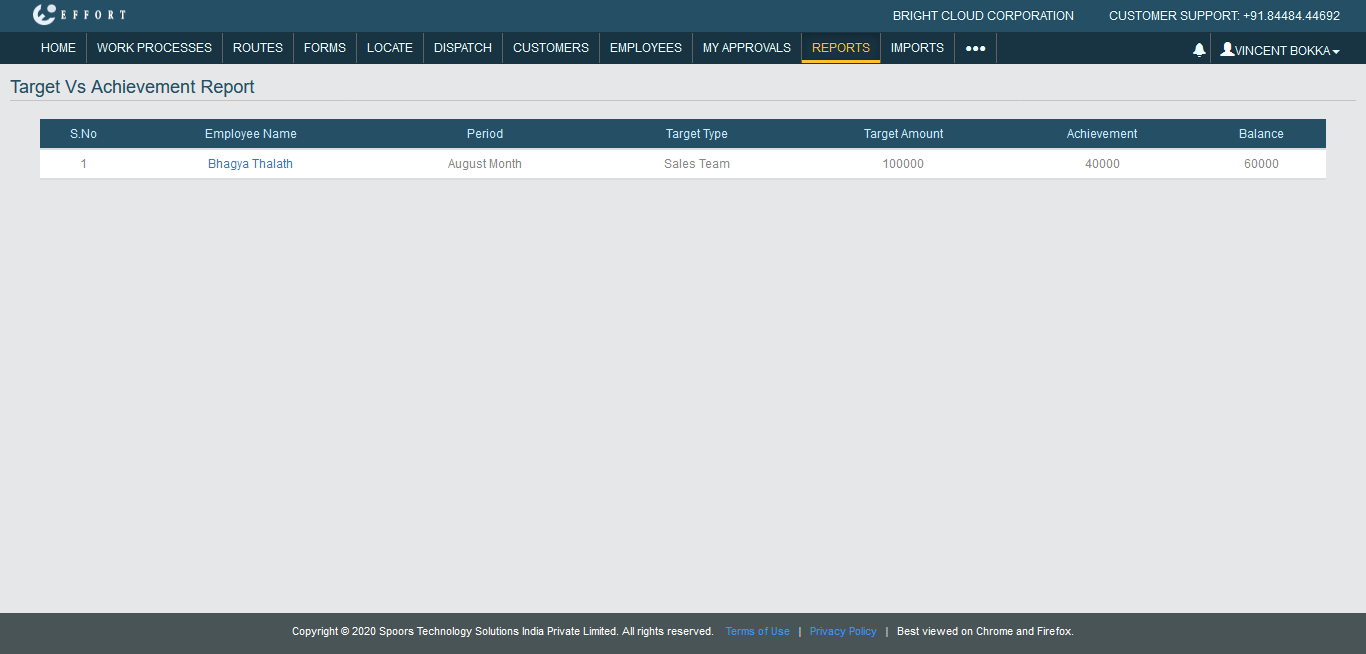
Generate a Target Vs Achievement Report
To generate a target vs achievement report, follow the steps below.
-
Go to .
The Reports page appears.
- Scroll down to the Form Submission Reports - Default section.
-
Click Target Vs Achievement Report link or icon.

The Target Vs Achievement Report page appears.
-
Select employees from the employees list.
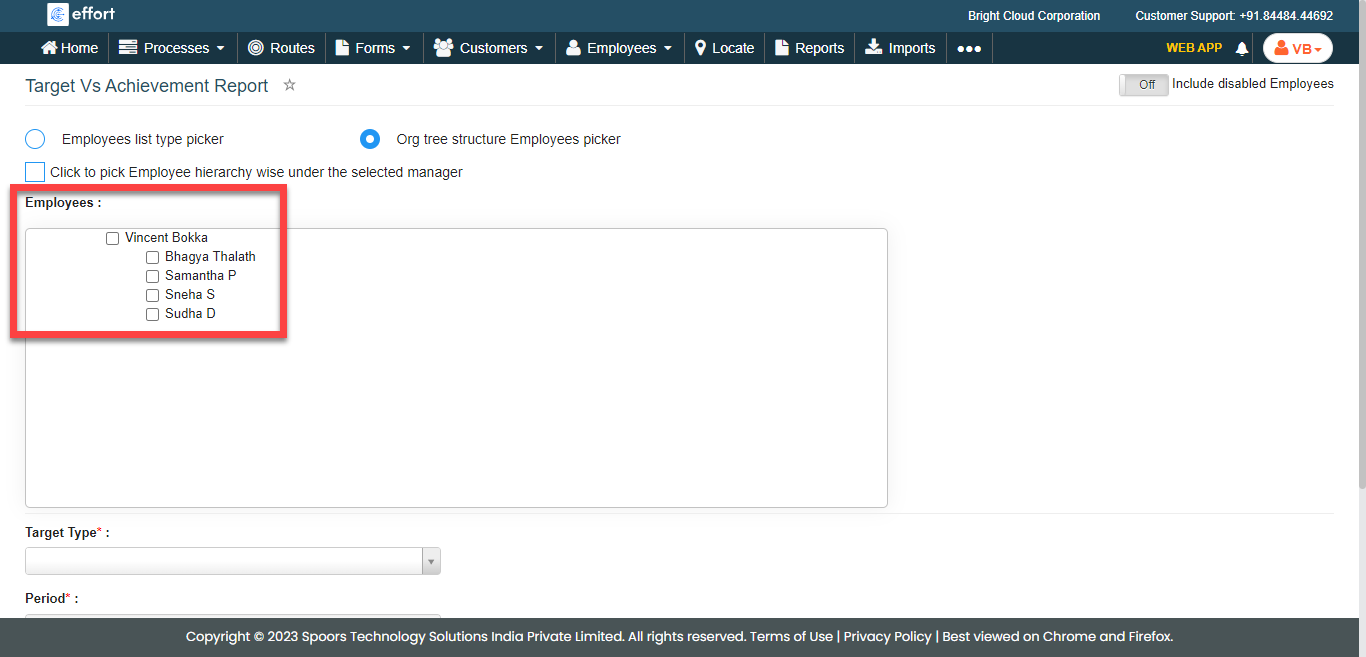
-
From the Target Type dropdown, select a target
type.
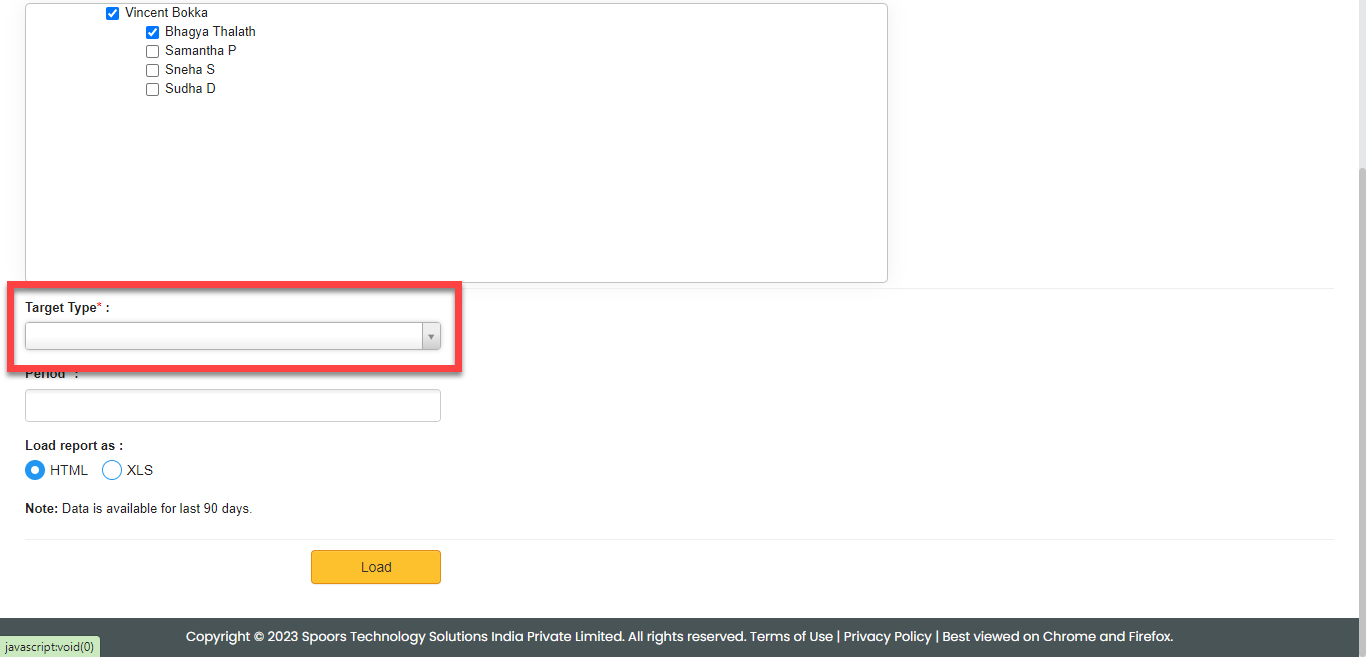
-
Select a period in the Period field.
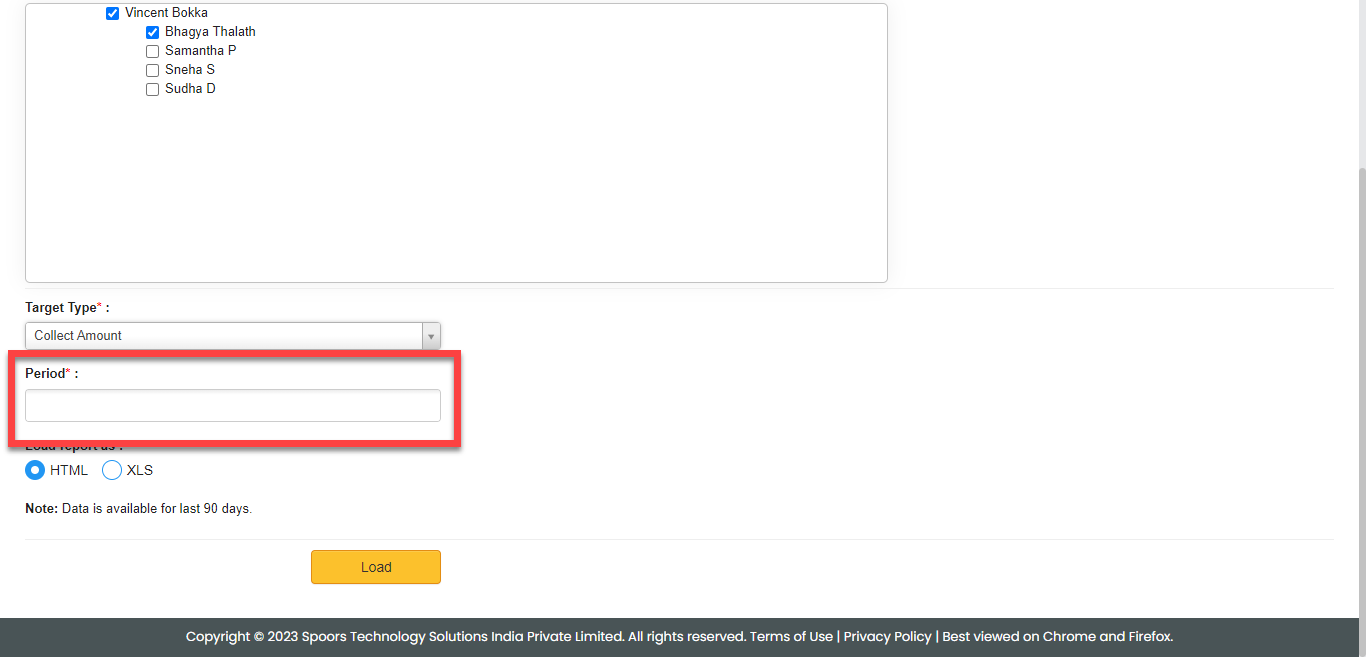
- Optional:
Select HTML or XLS for
Load report as.
Load report as defaults to HTML.
-
Click Load.
The Target Vs Achievement Report is displayed depends on the report format.