Get a Form Submission Report by Email
To get a form submission report by email, follow the steps below.
-
Go to .
The Reports page appears.
- Scroll down to the Form Submission Reports - Default section.
-
Click the Form Report link or icon.

The Form Report page appears
-
Click the Bulk Print Download button located on the top
right corner.
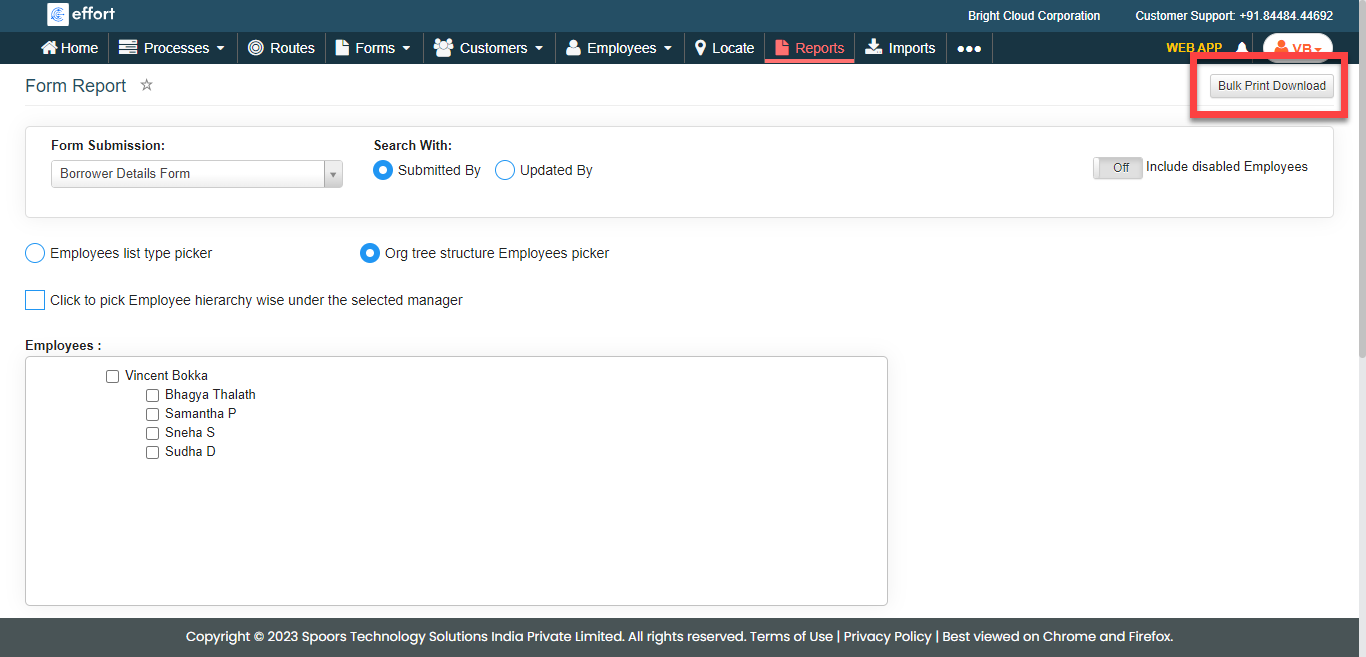
The Form Submission Bulk Download pop-up window appears.
-
Select a form spec from the Form Submission
dropdown.

- Optional:
Change Date as per your requirement.
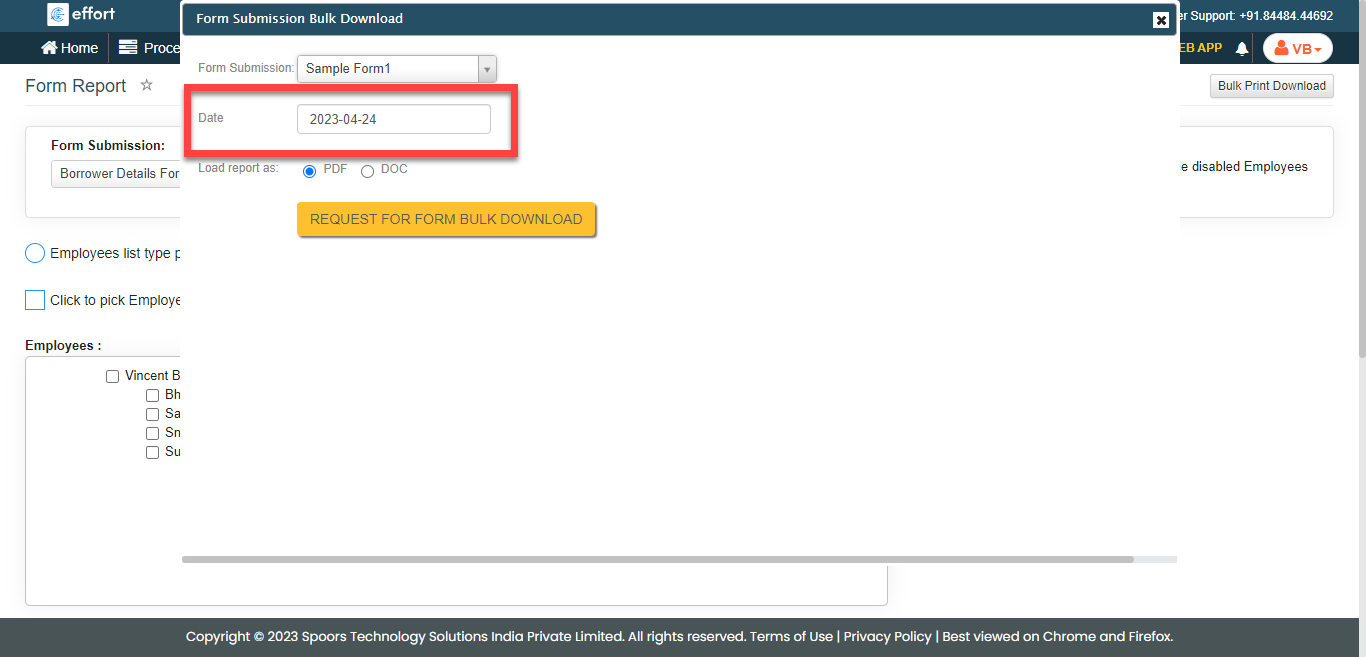
Date defaults to today. - Optional:
Select PDF or DOC for
Load report as.
Load report as defaults to PDF.
-
Click Request For Form Bulk Download.
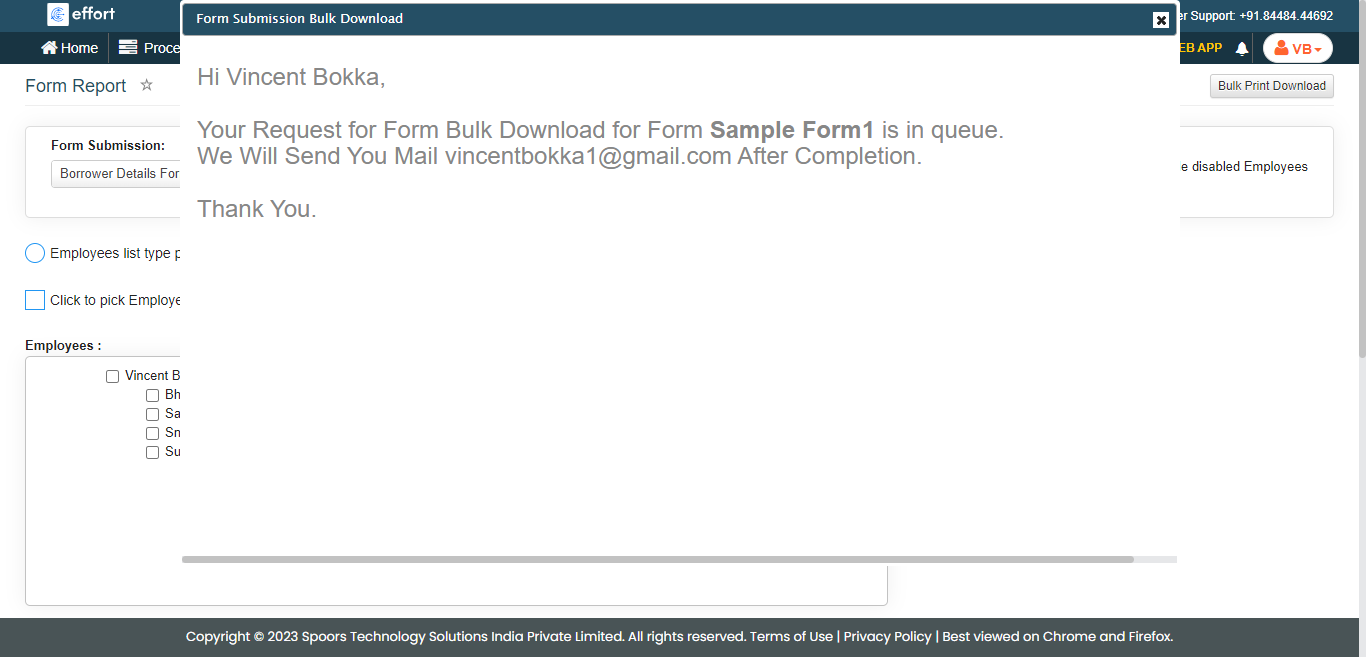
The Form Submission Report is sent to the root employee's Email Id in the selected format for the given date.