

Modify a Form Submission
To modify a form submission in the Web App, follow the steps below.
-
Go to .
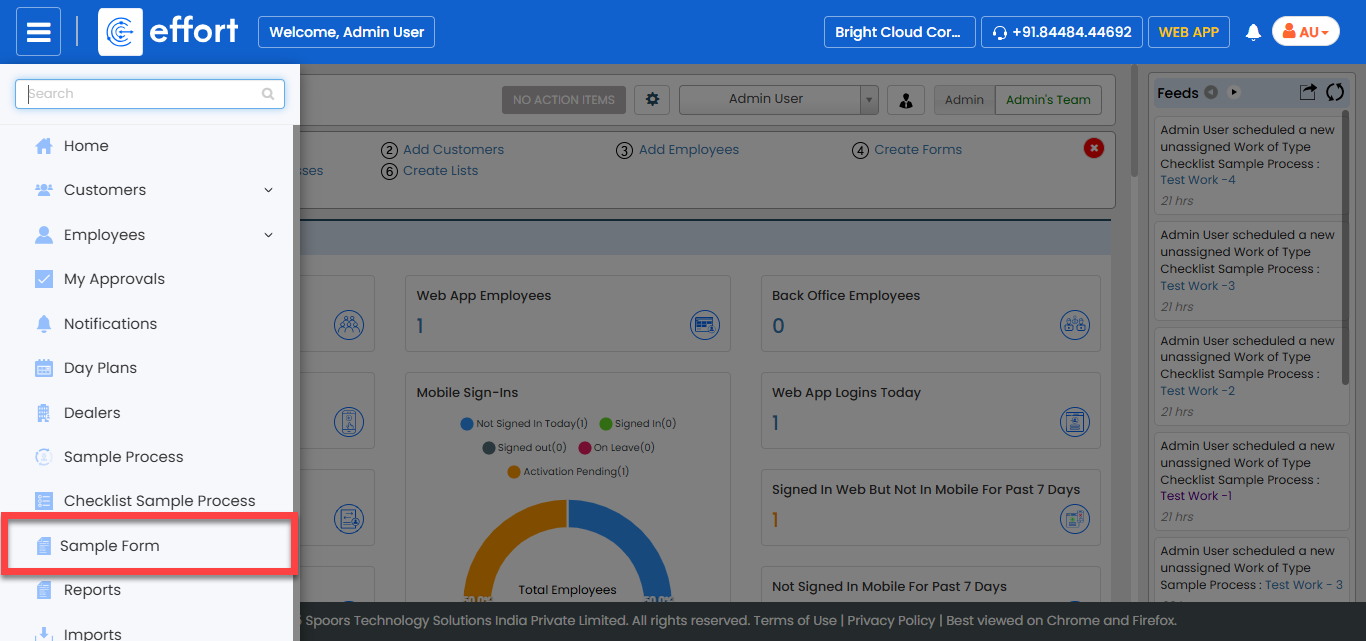
Note:The form shown in the screenshot is a sample. Click on the required form to proceed. If you don’t see any forms, contact your administrator.
-
Click the Hide Metrics button.
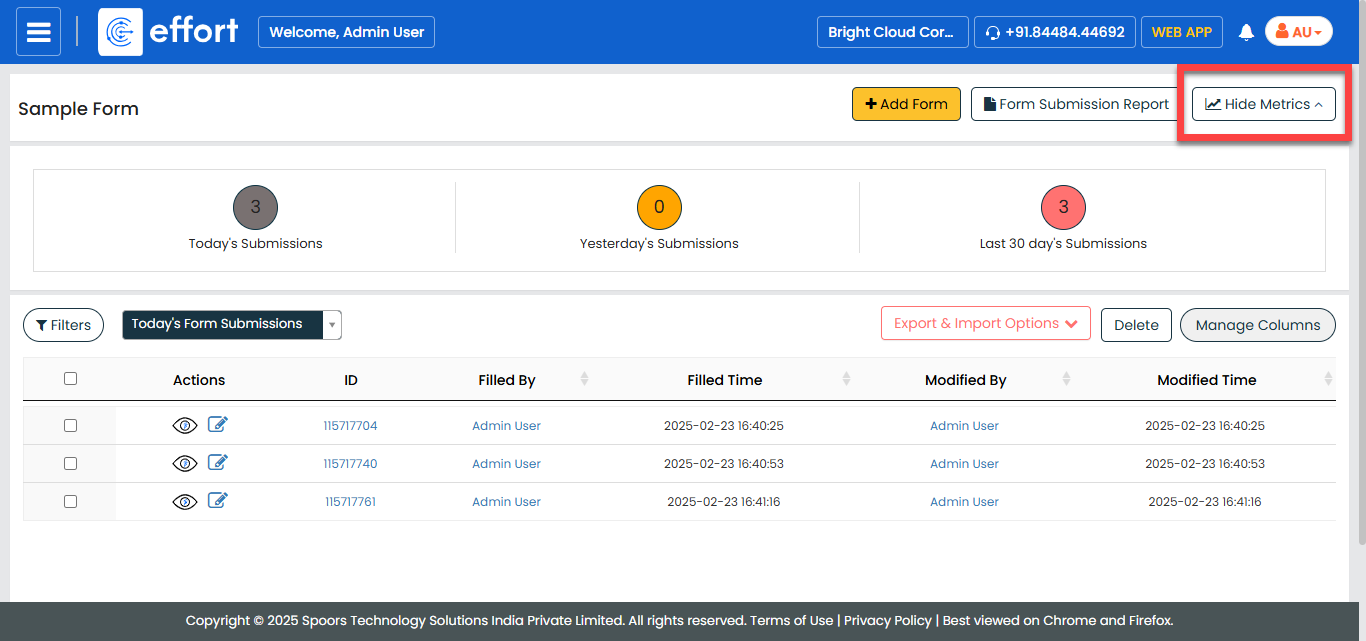
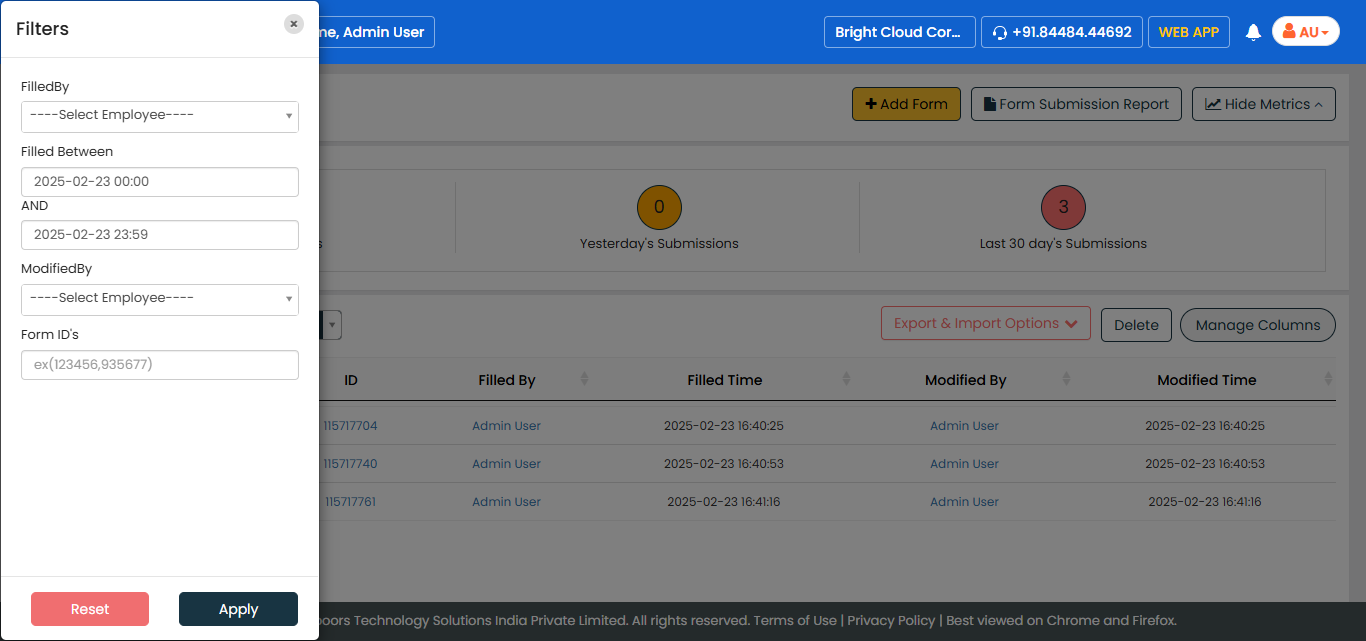
- Optional:
Click the Filters button and select the appropriate
filters to find the required form.
-
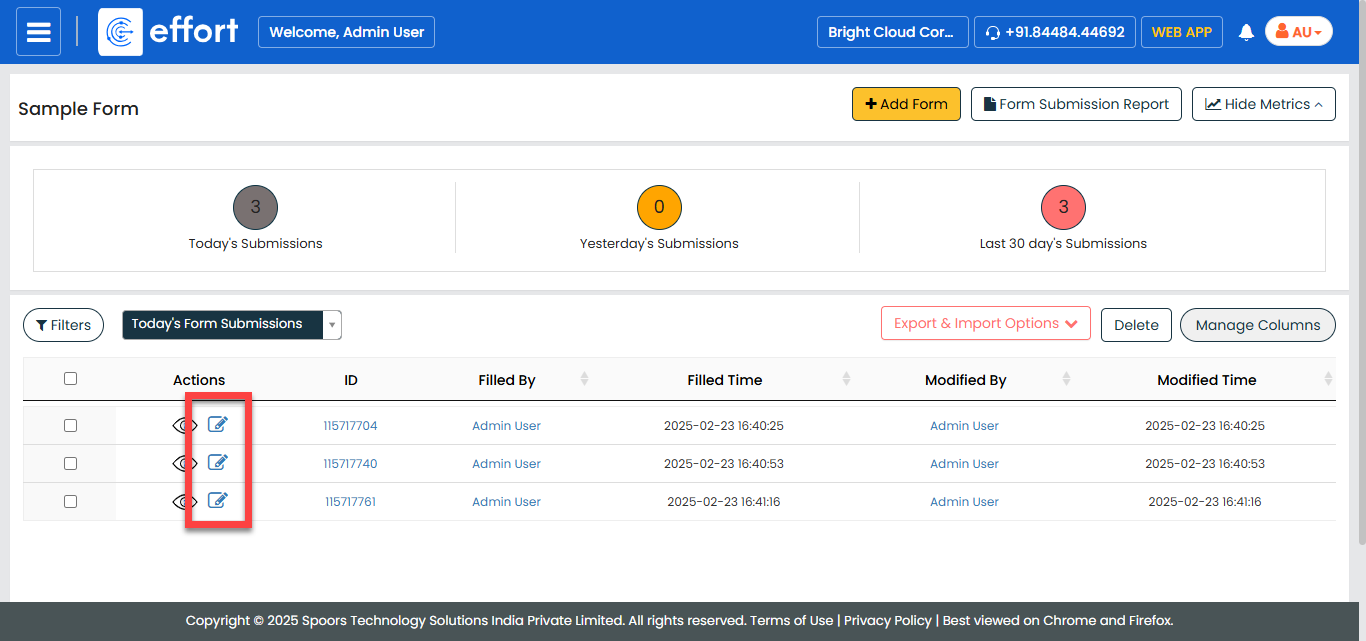
Under the Edit column, click the edit icon.
-
Modify the details in the form fields as per your requirement.
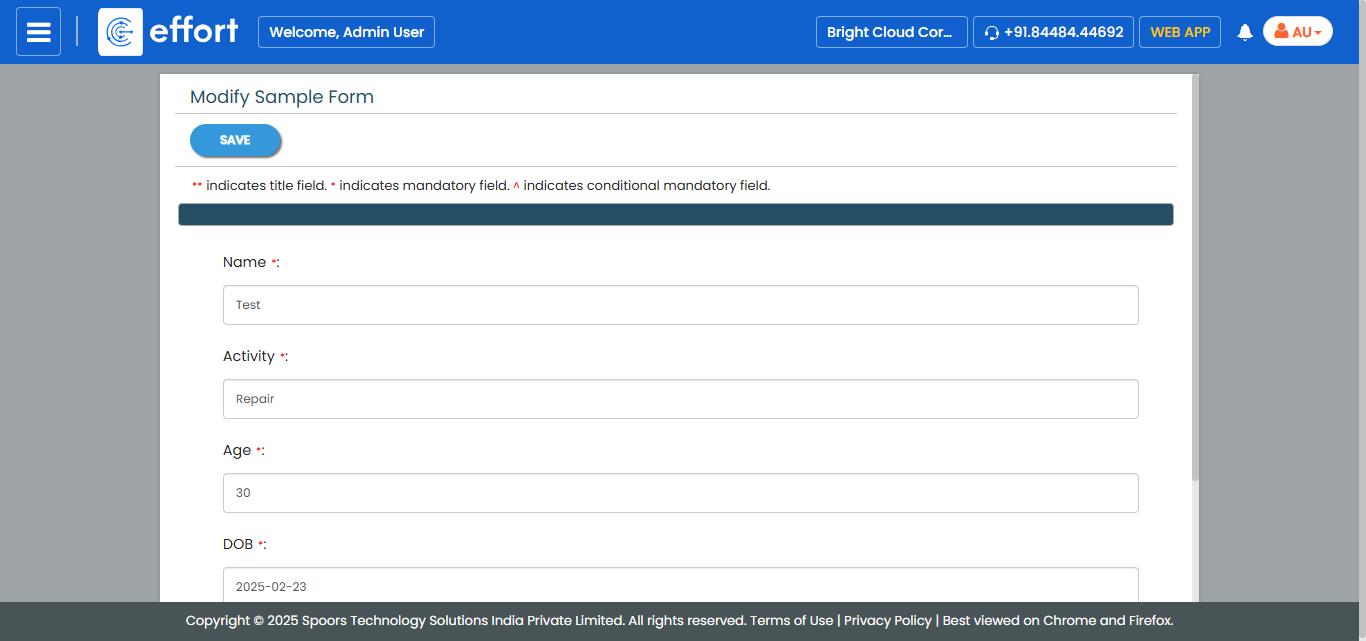
- Click Save.