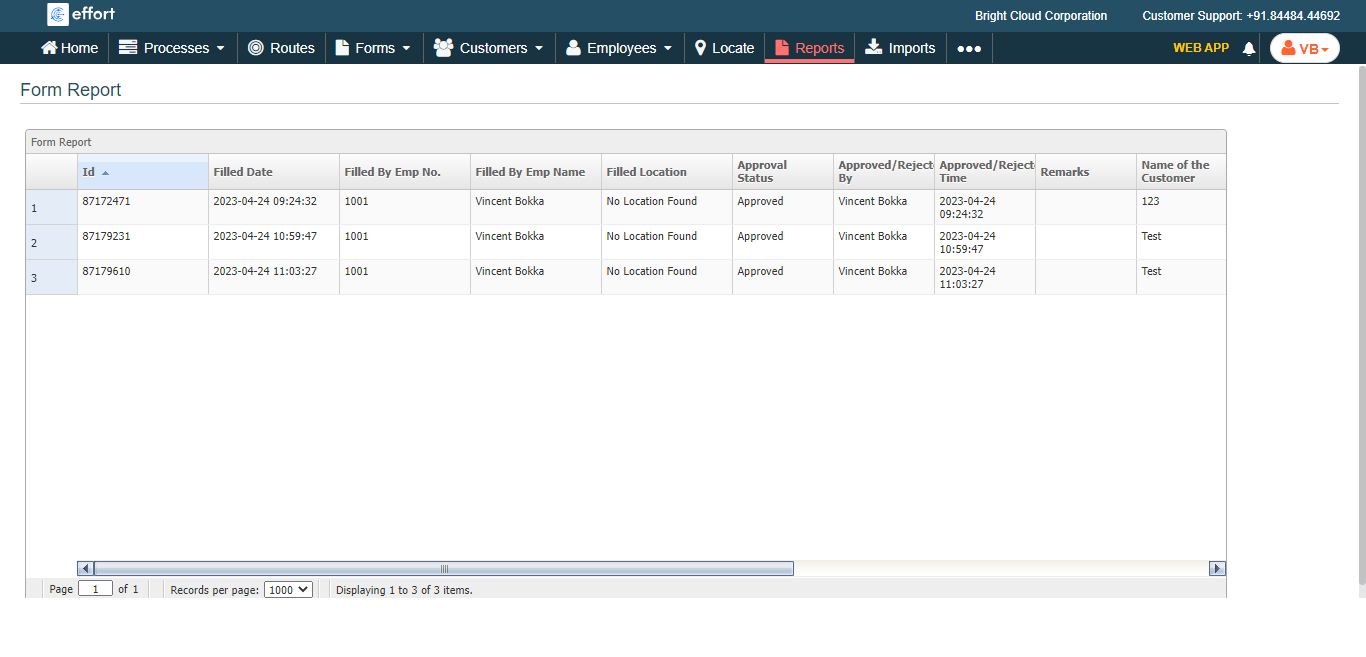
Generate a Form Submission Report
To generate a form submission report, follow the steps below.
-
Go to .
The Reports page appears.
- Scroll down to the Form Reports - Default section.
-
Click the <Form Template Name> Report link or icon
for which you want to create a report.

The <Form Template Name> page appears.
-
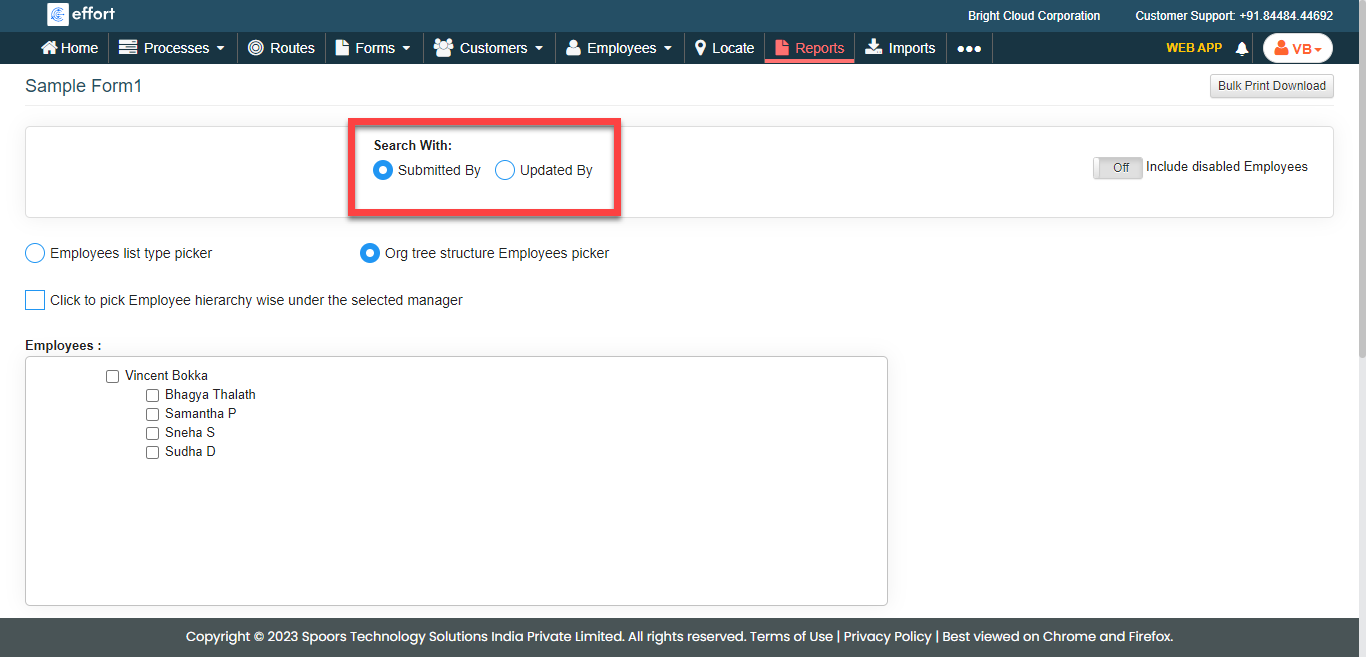
Select Search With.
-
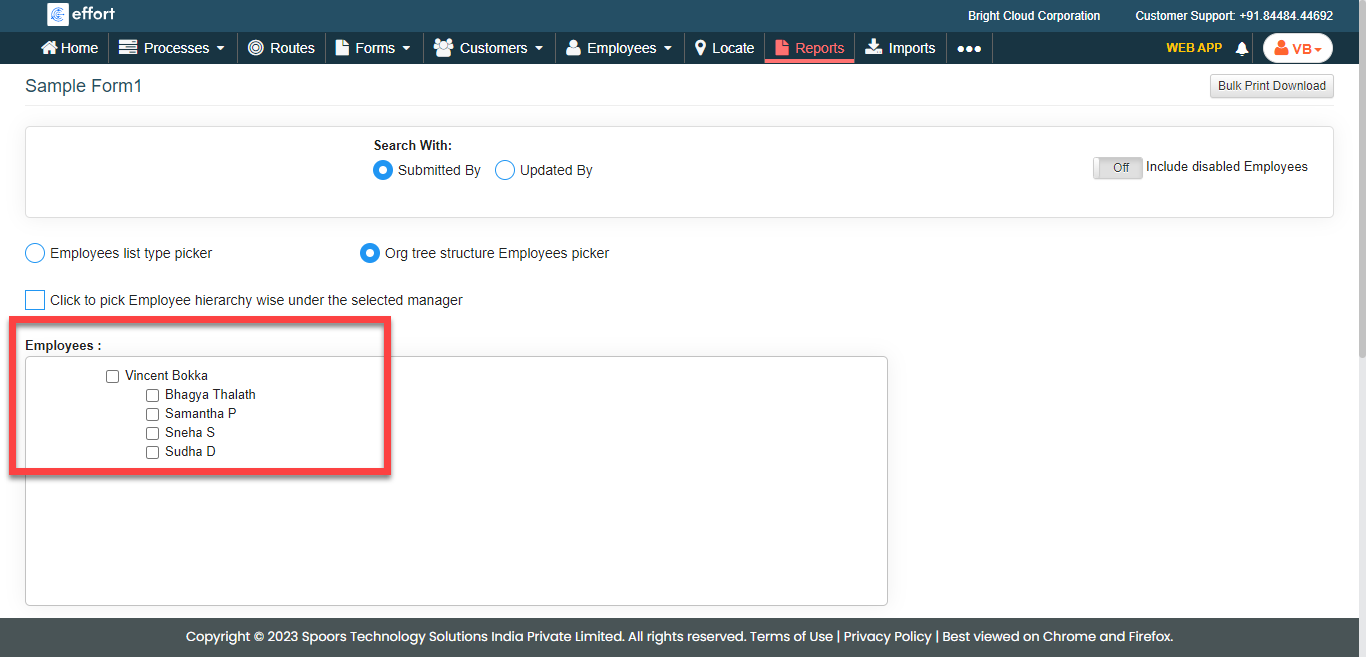
Select employees from the employees list.
- Optional:
Change From and To dates.
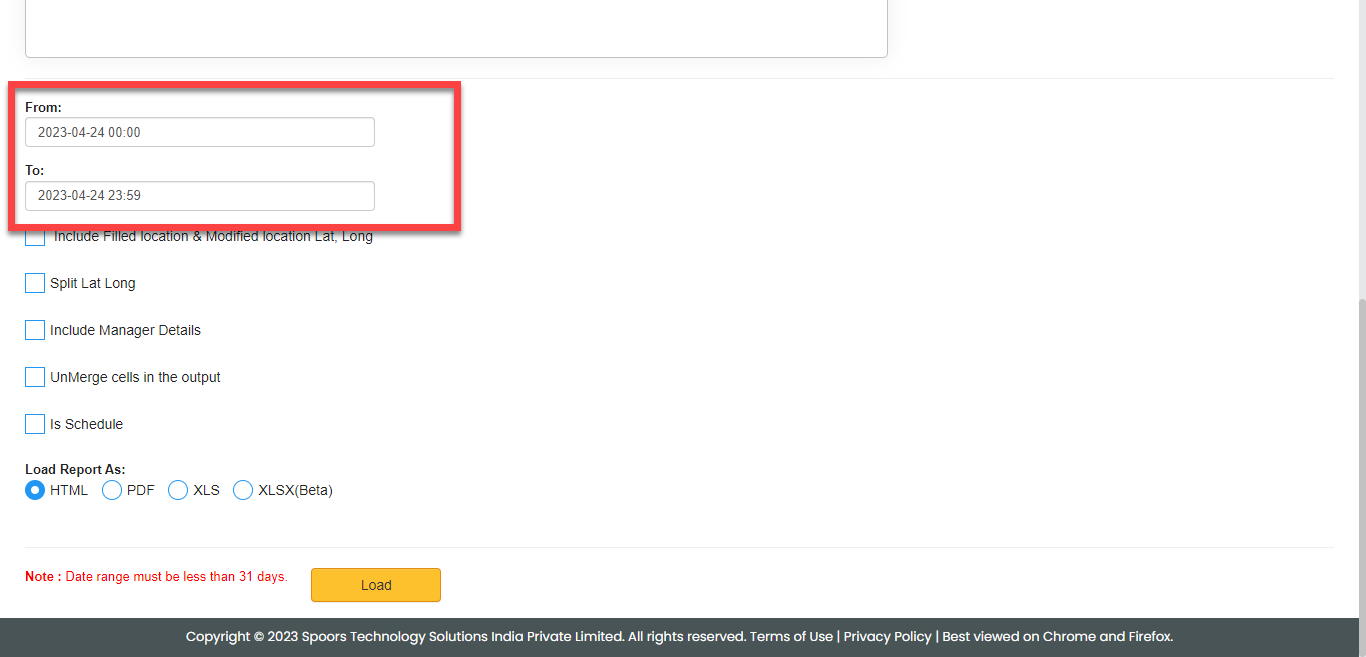
Both From and To default to today. -
Select the below options as per your requirement.
- Include Filled location & Modified location Lat, Long
- Split Lat Long
- Include Manager Details
- UnMerge cells in the output
- Is Schedule
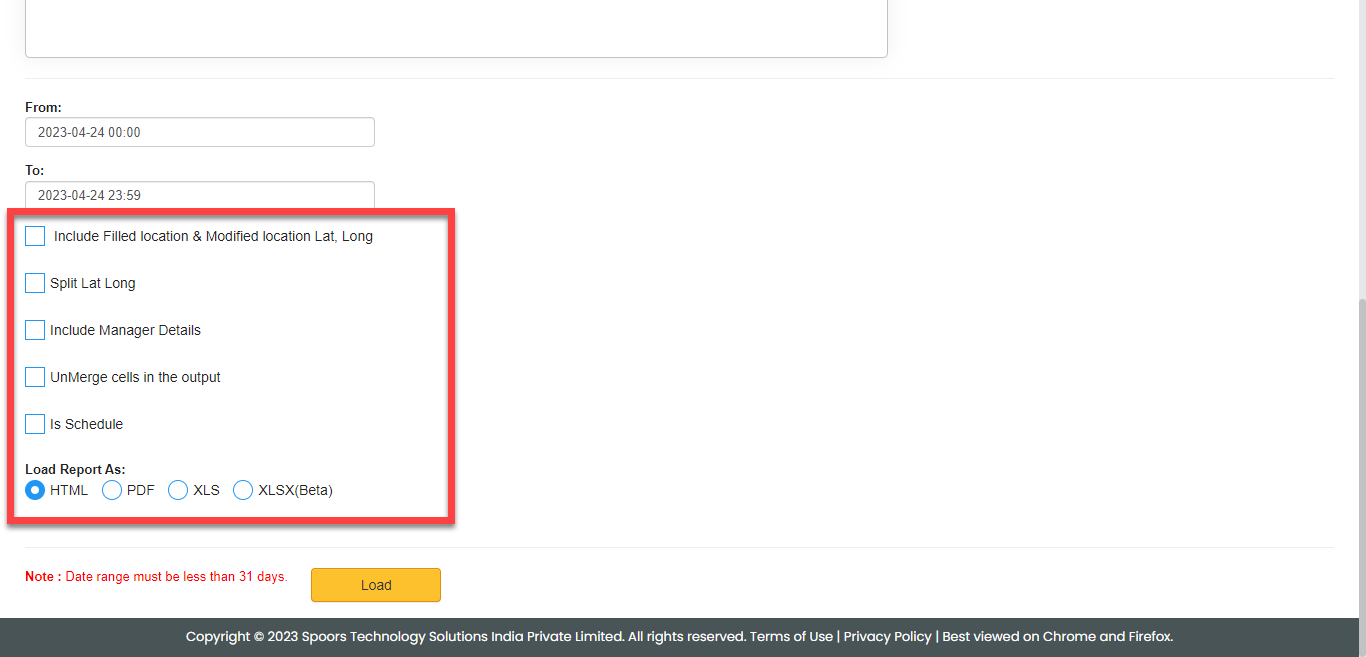
- Optional: Select report format for Load Report As.
-
Click Load.
The Form Submission Report is displayed depends on the report format.