Set a Customer as Favorite
This topic helps you learn how to mark a customer as favorite for quick and easy access.
-
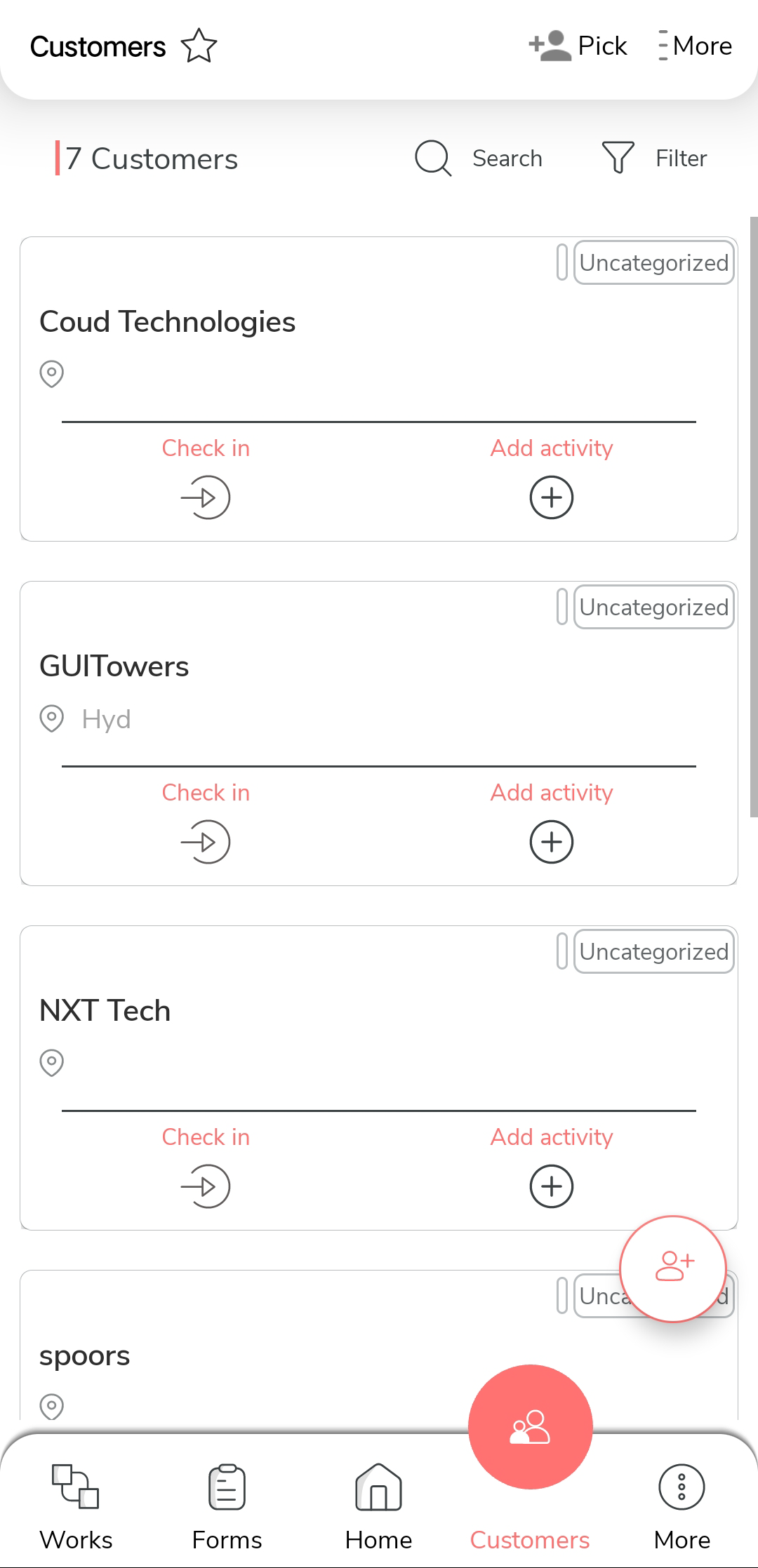
On the home screen or from the navigation drawer, tap Customers.

-
Tap the customer you want to mark as favorite from the customer list.
-
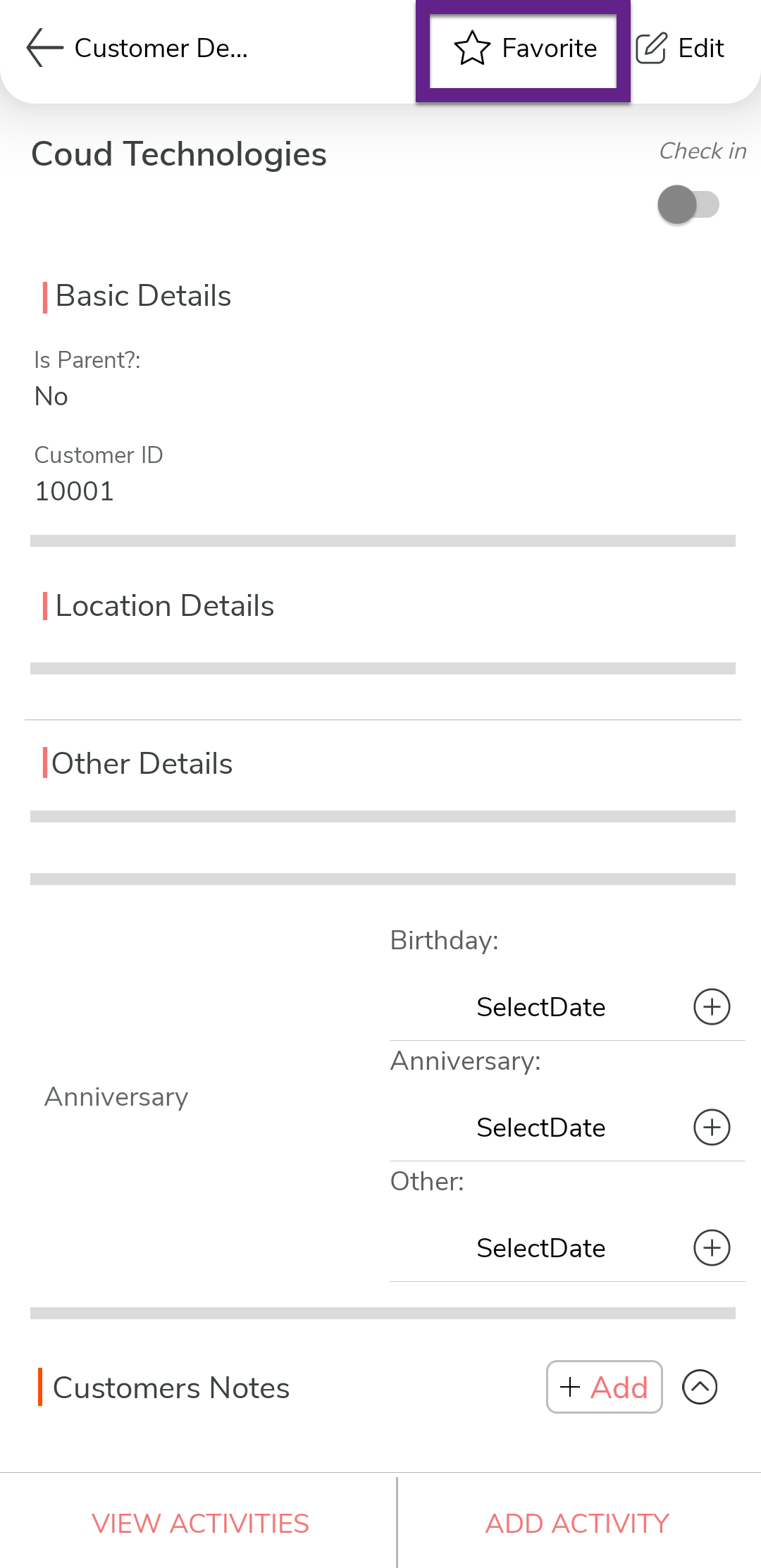
Tap the Favorite icon at the top of the screen.