

Add Customer
You must have the Customer Add permission to add or edit a customer.
-
Go to .
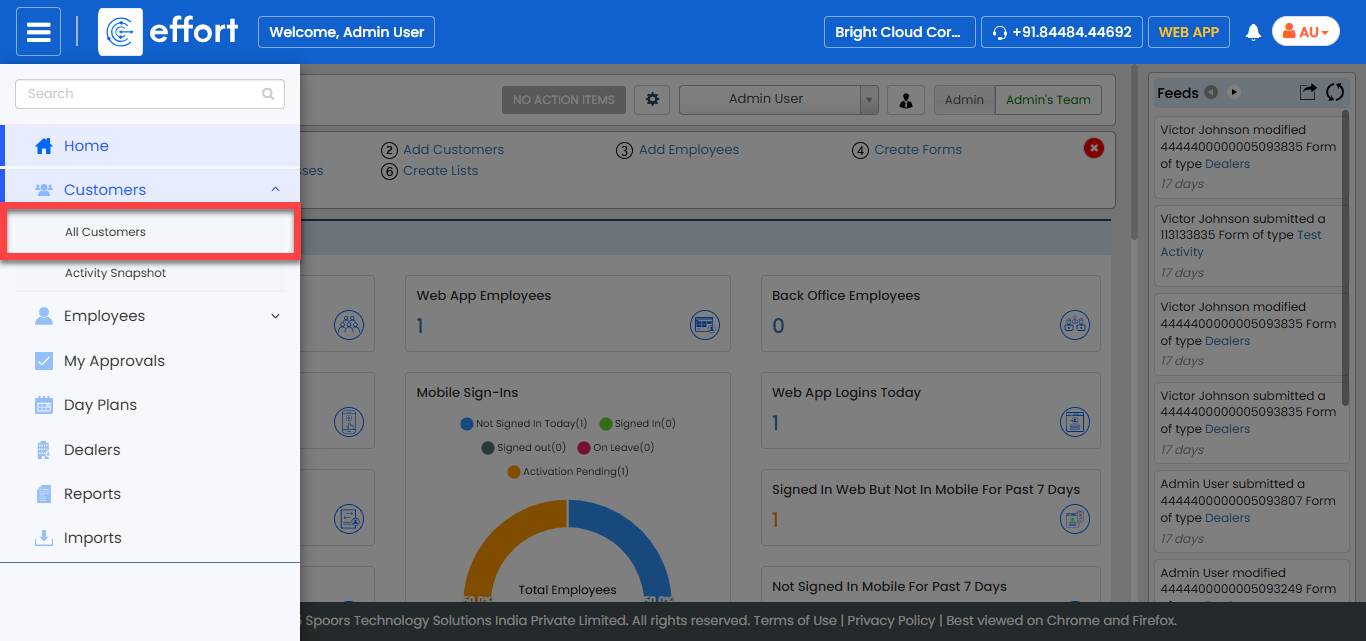
The Customers page appears.
-
Click the Add Customer button.
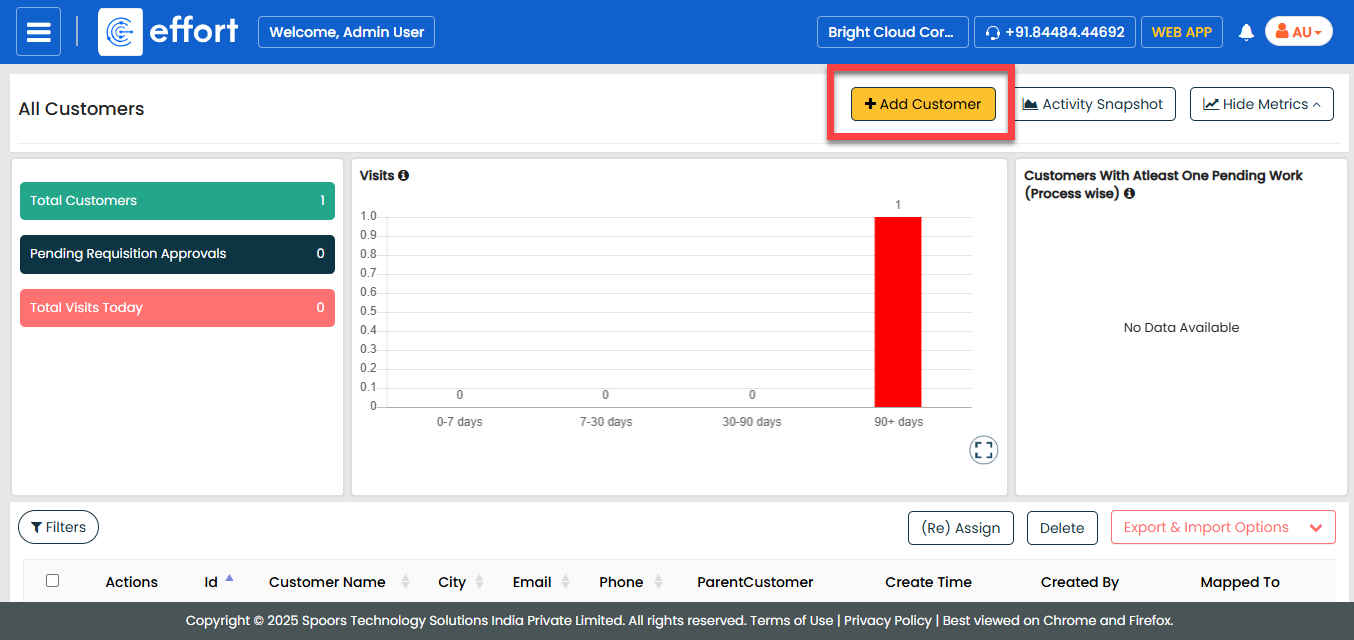
The Create Customer page appears.
-
Fill in the customer details.
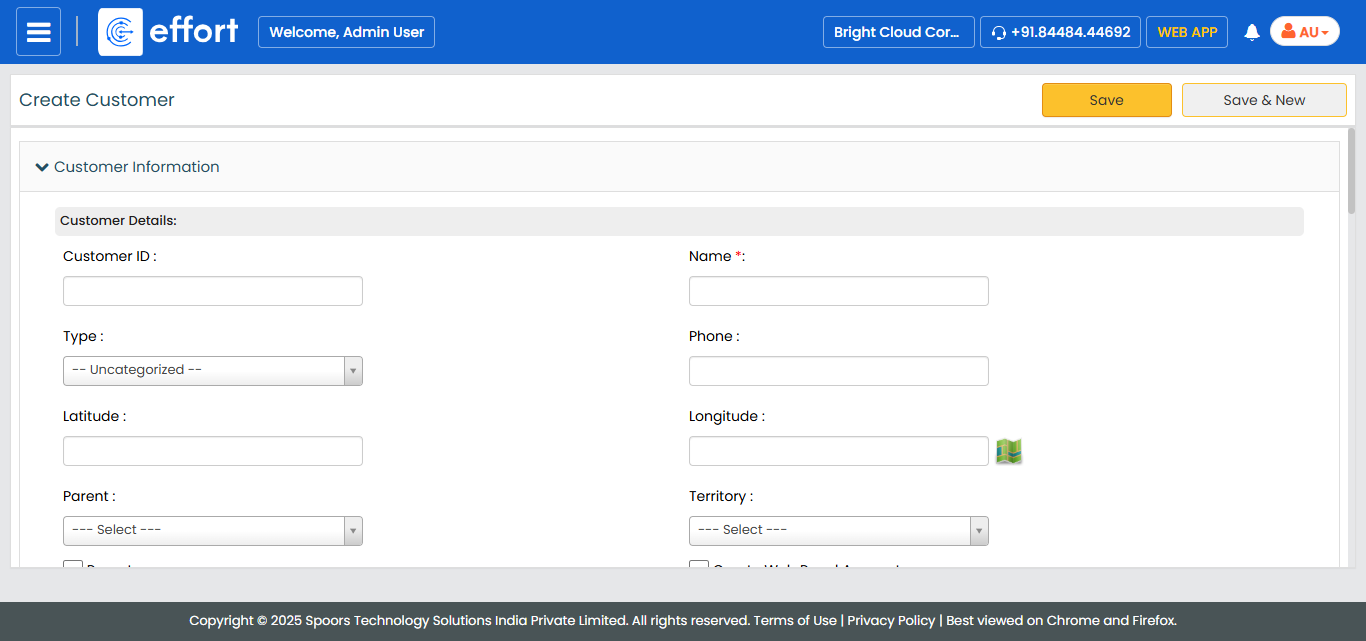
- Click Save or Save & New to save and add another customer.