

Define Sort Criteria
To define sort criteria, follow the steps below.
-
Go to .
Customers page appears
-
Under the Display section, click the Manage
Sorting Options card.

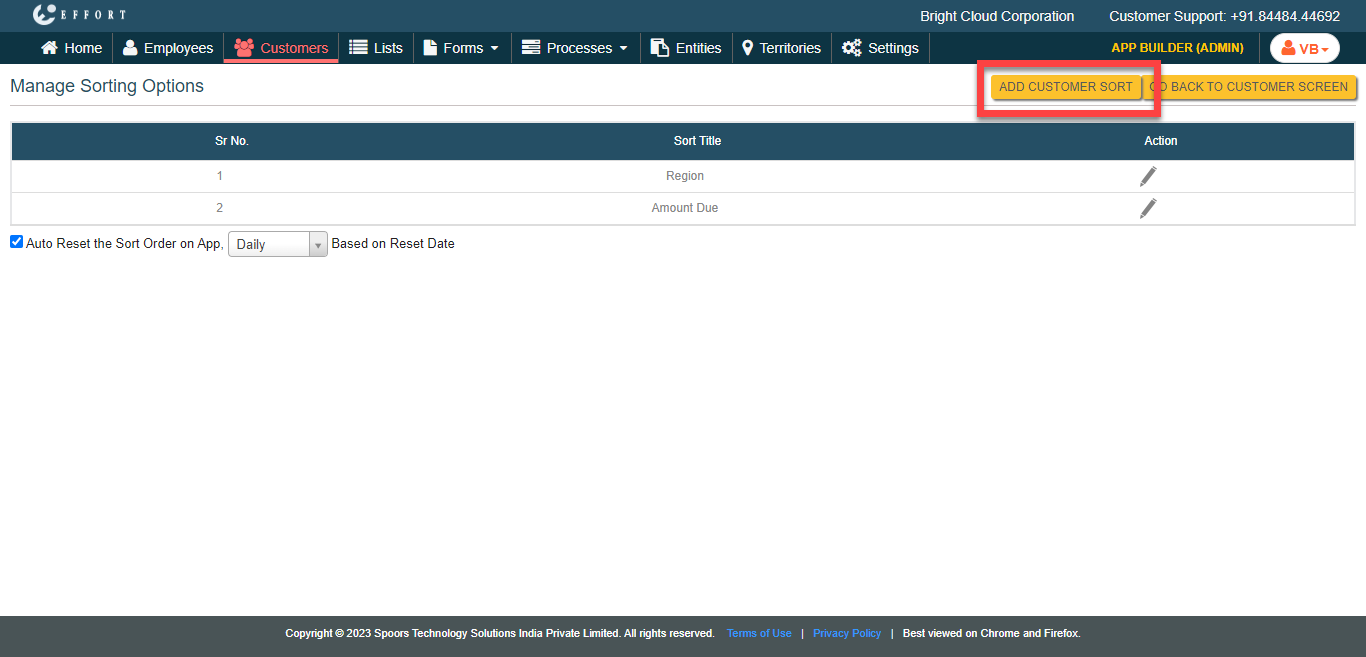
The Manage Sorting Options page appears.
-
Click the Add Customer Sort button.
-
In the Sort Order Title field, enter a name for the sort
option.

-
Click the Add Field button.

-
Configure the sort criteria, such as, priority, the fields and order.

-
Select the Apply the Sorting by default on the Mobile
App checkbox to make the defined sort criteria as a default
option in the Mobile App Customers module.

- Click Save.