

Configure Terms and Conditions
The Configure Terms and Conditions feature enables you to define and manage the terms and conditions associated with an entity. By configuring terms and conditions, you ensure that users must agree to the specified terms before they can interact with certain entities or perform specific actions within your application. This functionality is especially useful for ensuring legal compliance and managing user consent.
You can associate terms and conditions with entities, making it a mandatory step for users to review and accept these terms before they proceed.
To configure the terms and conditions for an entity, follow the steps below:
-
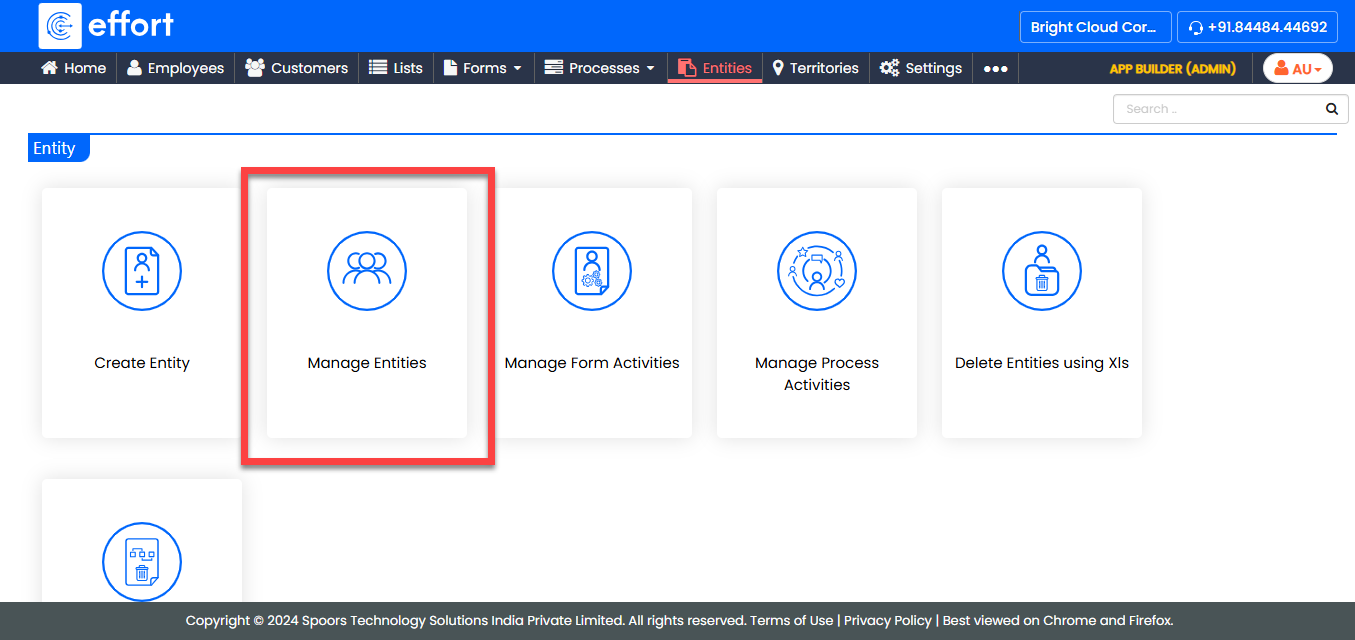
Go to .
-
Under the Active Entities section, click the entity for
which you want to configure the terms and conditions.

-
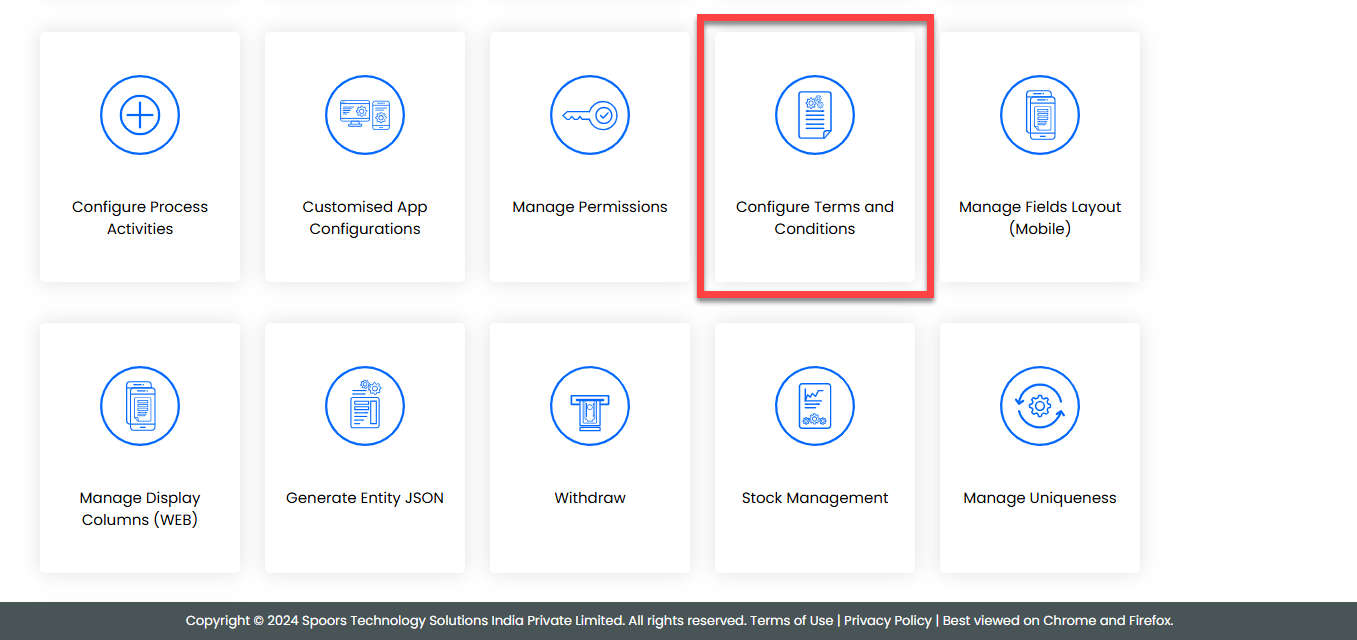
Under the Entity Actions section, click
Configure Terms and Conditions.
-
In the Configure Terms and Conditions page, enter the
relevant terms and conditions text or upload a document.
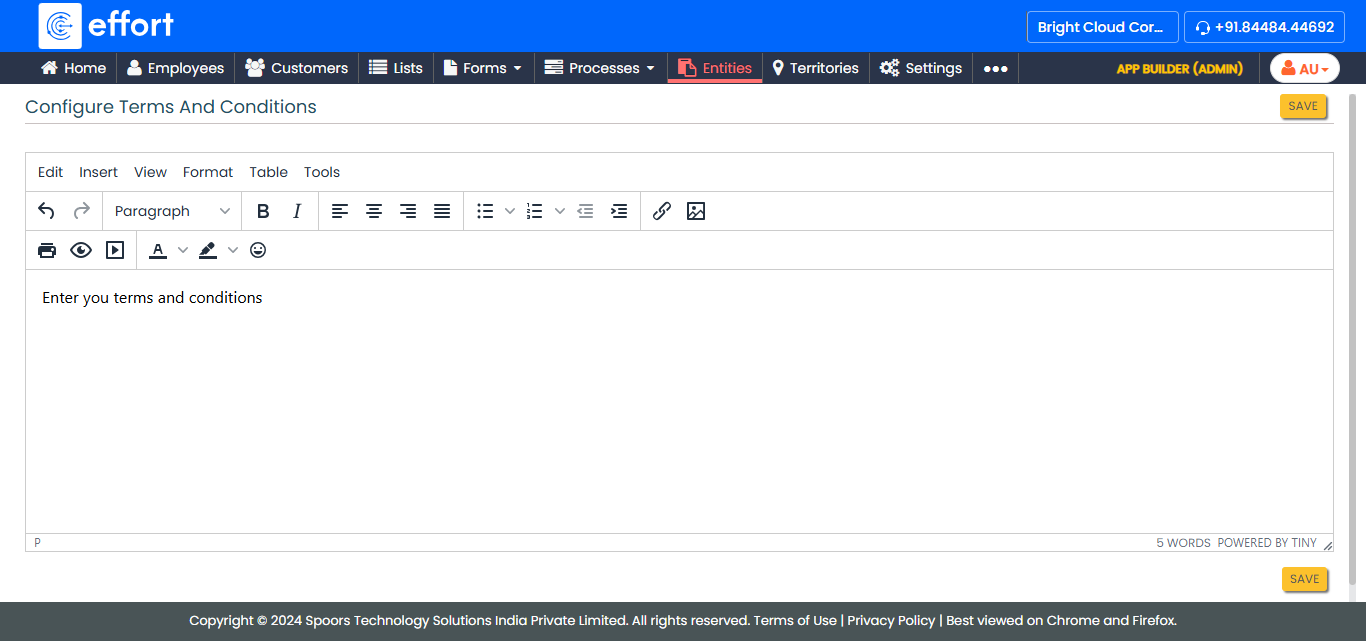
- Once configured, click Save to apply the terms and conditions to the selected entity.