

Manage Entity Permissions
The Manage Permissions feature enables you to control access to entities at a granular level. With this functionality, you can assign permissions to employee groups, ensuring that users within those groups have appropriate access to entity data. The permissions can be set for different actions such as viewing, adding, modifying, or deleting entity records.
There are four types of permissions available:
- View Only: The employees in the assigned employee group can only view the entity but cannot make any modifications.
- View + Add: The employees can view the entity and add new records but cannot modify or delete existing records.
- View + Modify: The employees can view the entity and modify existing records, but they cannot delete records.
- View + Delete: The employees can view the entity and delete records, but they cannot add or modify data.
To configure entity permissions, follow the steps below:
-
Go to .
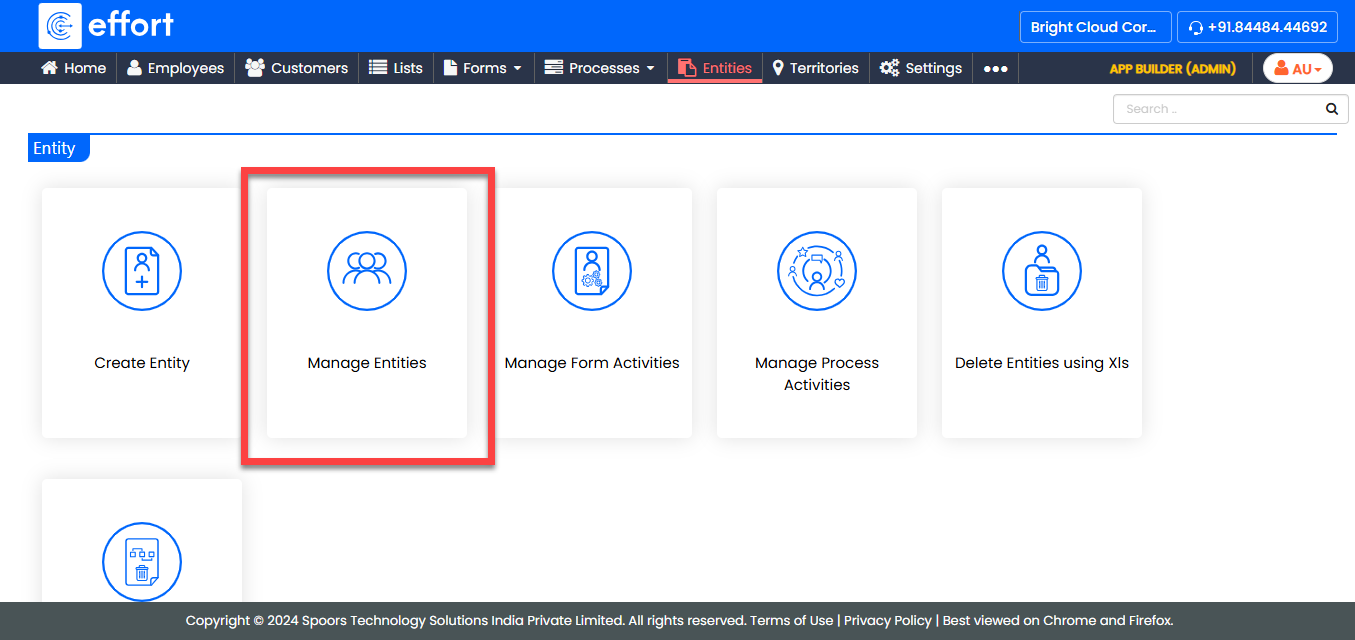
-
Under the Active Entities section, click the entity in
which you want to edit the fields.

-
Under the Entity Actions section, click
Manage Permissions.
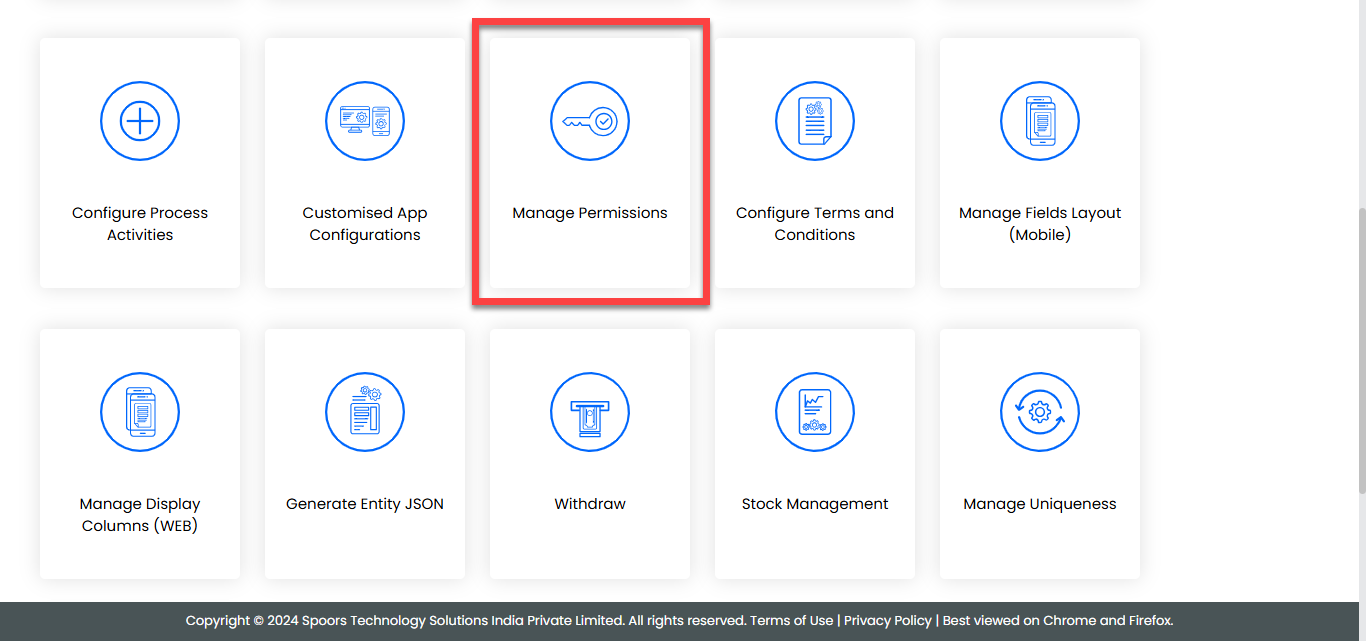
-
In the Manage Permissions For Entity Name page, select
the checkboxes against the required permissions and select an employee group
from the dropdown.
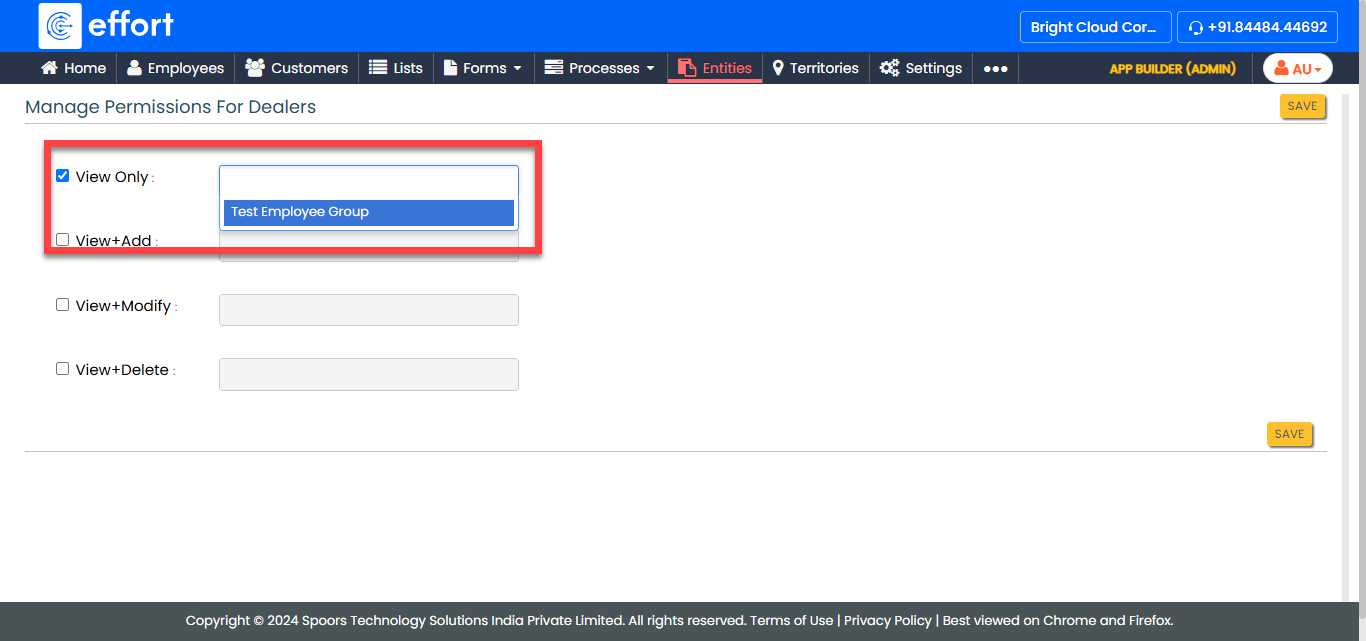
- Click Save to apply your changes.