

Manage Display Columns (WEB)
The Manage Display Columns (WEB) feature allows you to control the visibility of columns in the web application. With this functionality, you can select or unselect specific columns to specify whether they appear in the user interface. This feature provides flexibility for customizing the display of data, ensuring that only the most relevant columns are shown to users, based on specific business needs or user roles.
To configure display columns for web app, follow the steps below:
-
Go to .
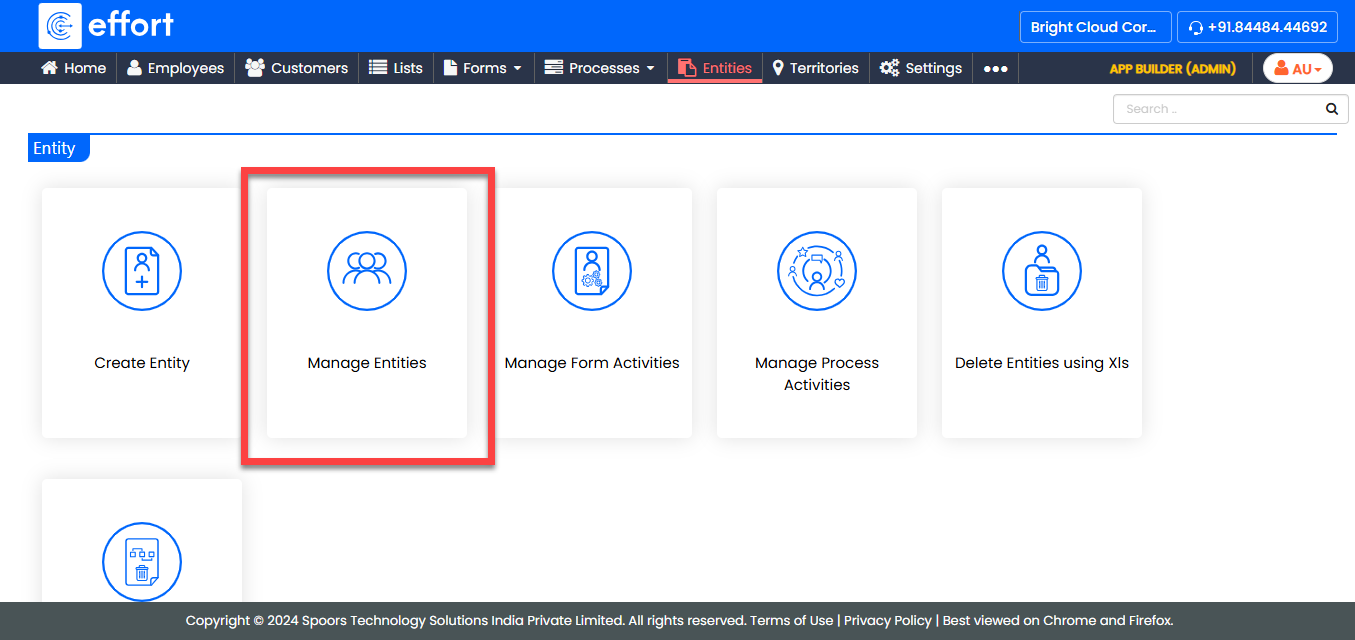
-
Under the Active Entities section, click the entity for
which you want to manage display columns.

-
Under the Entity Actions section, click
Manage Display Columns (WEB).
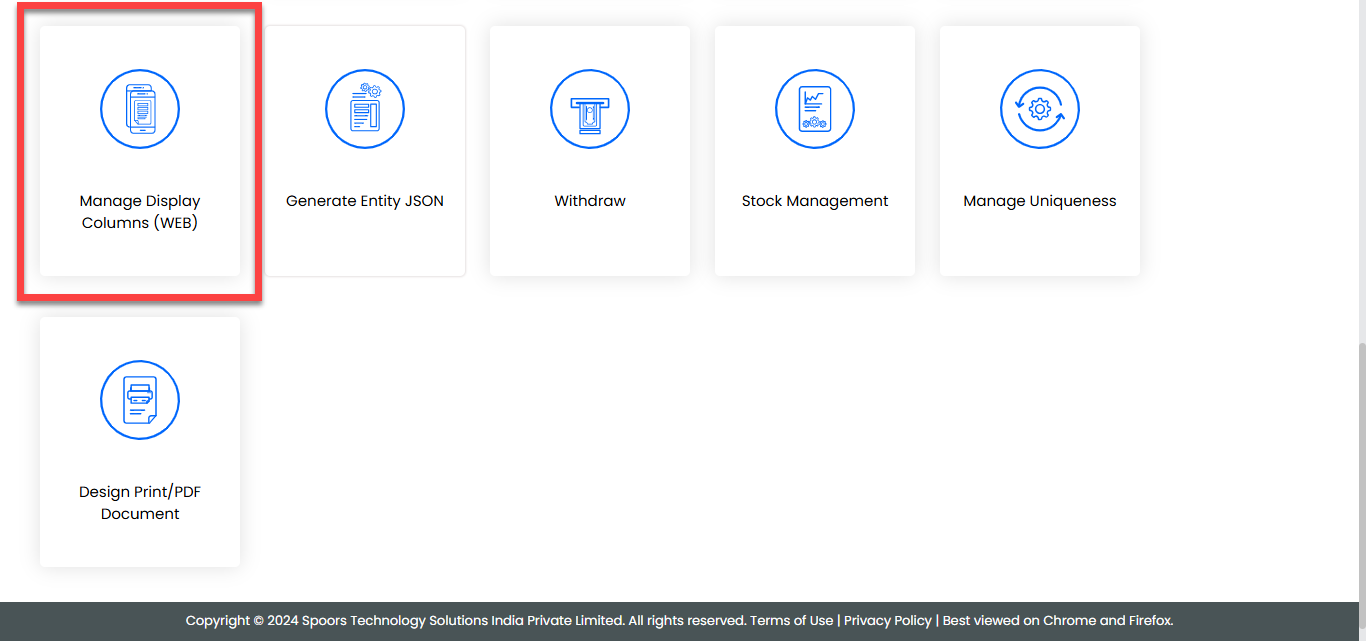
-
In the Manage Display Custom Entity Fields page, you
will see a list of available columns. Select or unselect the checkboxes next to
the columns you want to show or hide in the Web App.
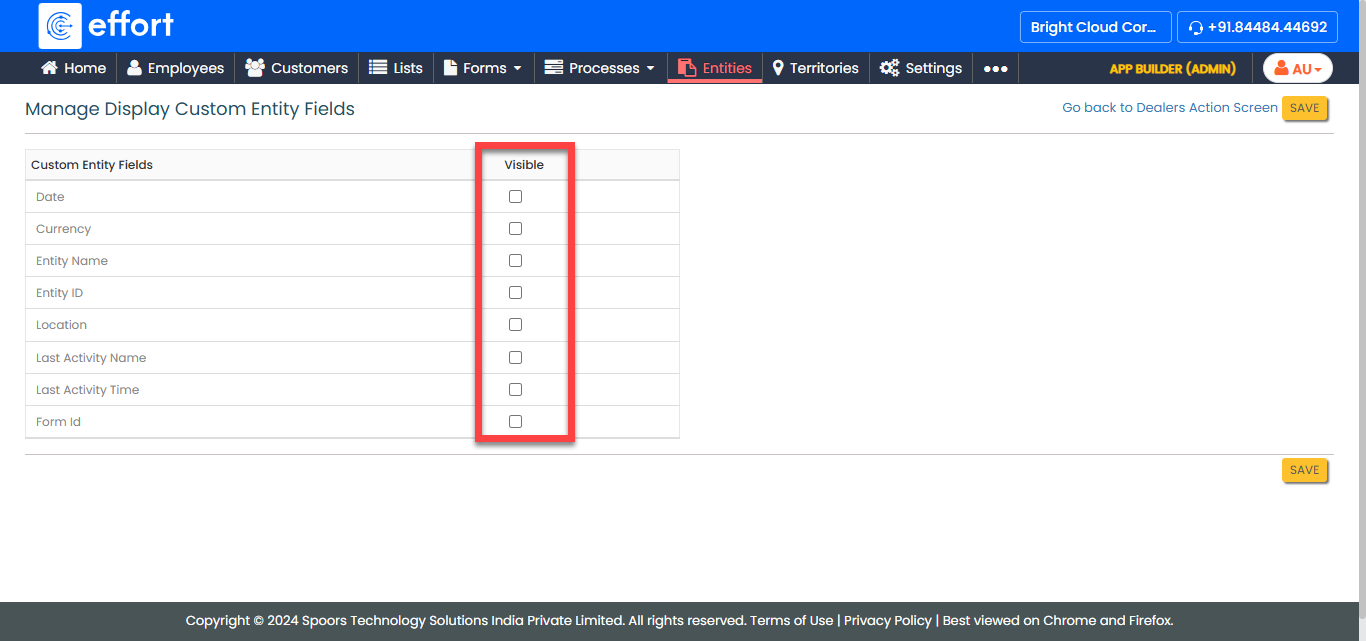
- After making your selections, click Save to apply the changes.