

Design a Mobile App Print Template for an Entity
The Manage Fields Layout (Mobile) feature allows you to create mobile app print templates for entities. This functionality is useful for generating printable versions of entity data. It enables users to obtain physical or PDF copies of relevant entity details. These templates can be configured to meet specific business requirements, ensuring that the printed output is formatted appropriately for both mobile and web users.
With the ability to design a print template, you can include entity fields, branding, and dynamic content, ensuring that the printout contains all the necessary information in a structured format. Once the print template is designed, it can be accessed and used directly within the mobile app, allowing users to print or export entity data as needed.
To design a mobile app print template for an entity, follow the steps below:
-
Go to .
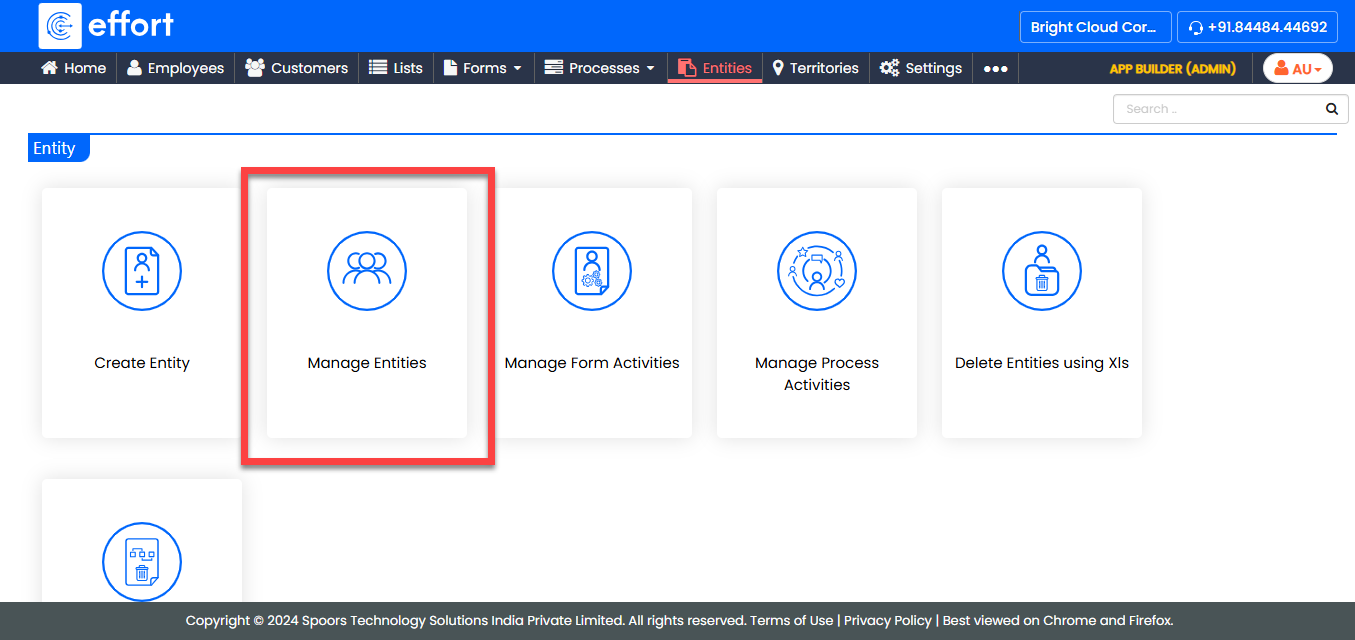
-
Under the Active Entities section, click the entity for
which you want to configure the terms and conditions.

-
Under the Entity Actions section, click
Manage Fields Layout (Mobile).

-
In the Define Entity Layout page, you will see two
sections: one with entity fields and the other is a blank section. Click the
plus icon next to the field you want to add to the print template.

-
Design the template according to your requirements.

- After completing your design, click Save.