

Edit Location Proximity Settings for Entity
The Location Proximity Settings functionality allows you to define and edit location-based rules and constraints for an entity. These settings ensure that activities with the entity are performed within entity location.
To edit location proximity settings for an entity, follow the steps below:
-
Go to .
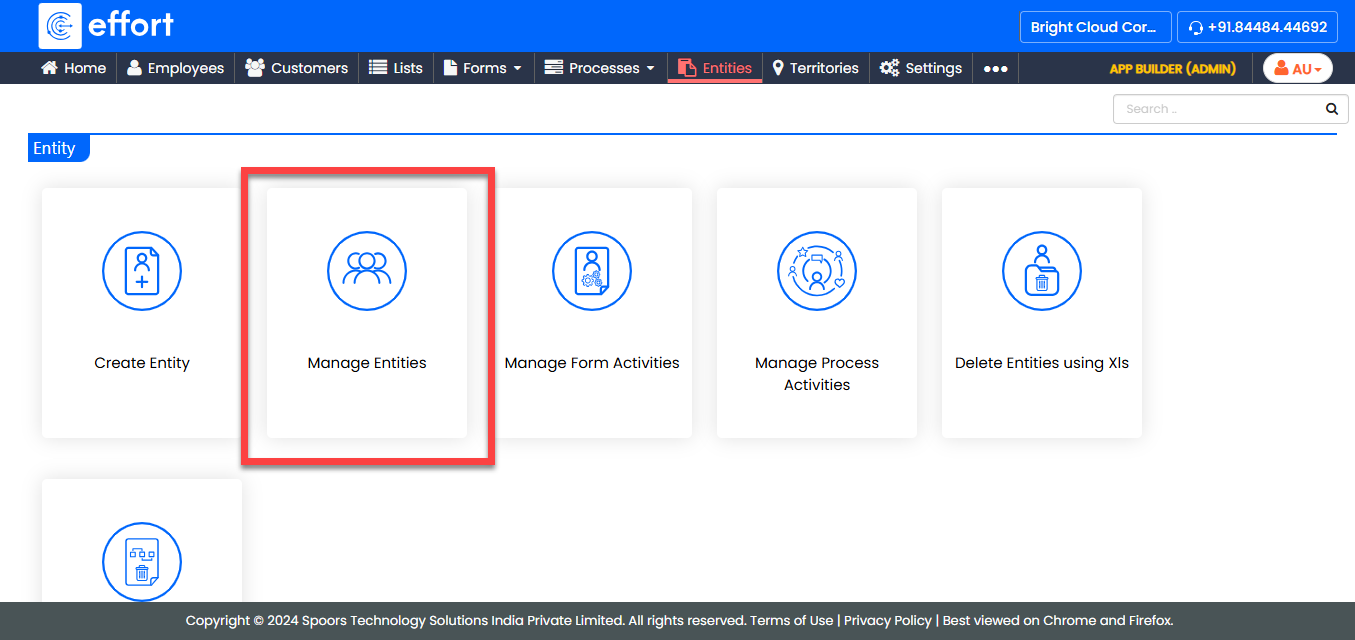
-
Under the Active Entities section, click the entity you
want to modify.

-
Under the Entity Actions section, click
Location Proximity Settings.
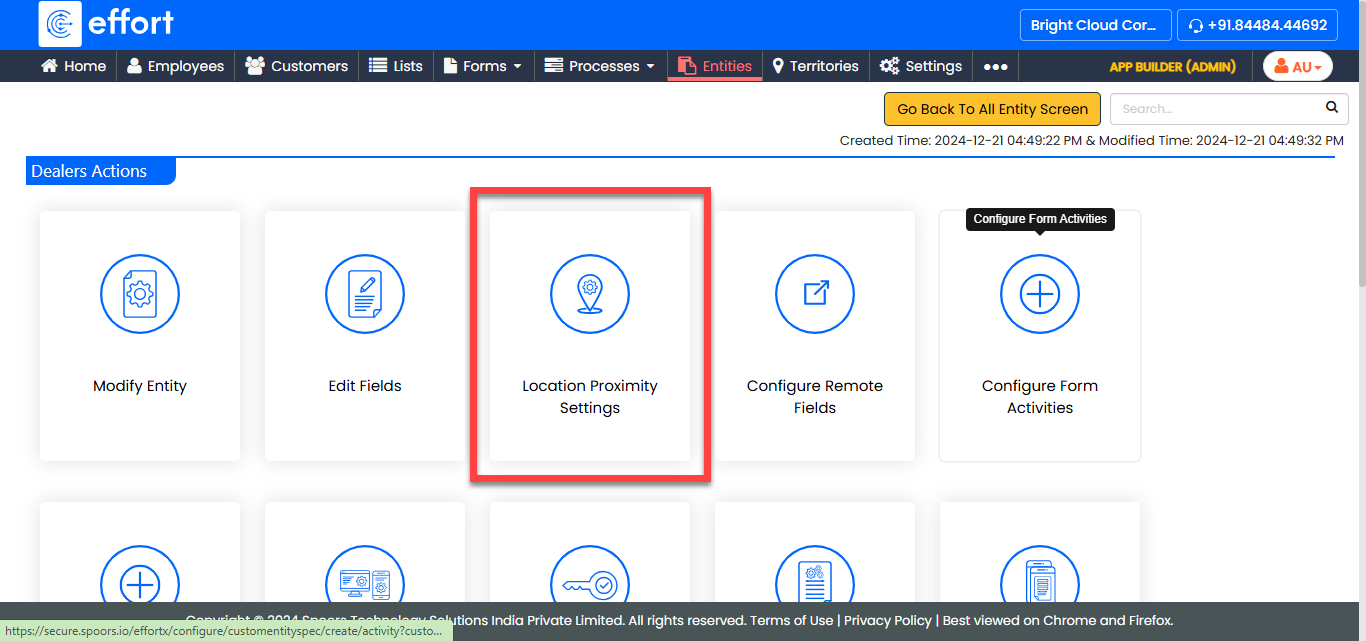
-
Select or edit the settings as per your requirements.
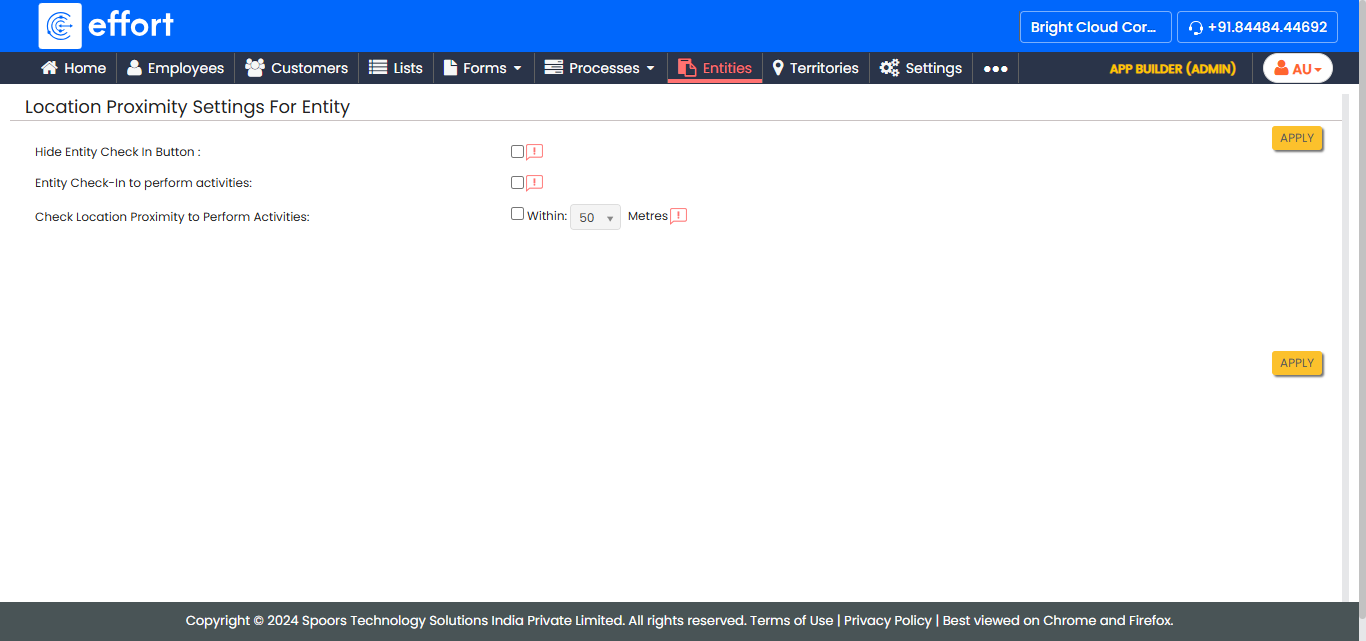
Note: To learn more about all the location settings available for entities, refer to the step 7 of the Create Entity topic. - After configuring the required settings, click Apply.