

Withdraw Entity
The Withdraw feature allows you to deactivate or remove an entity from active use. This feature is useful when an entity is no longer needed, but you want to retain its historical data or prevent further interactions with it without completely deleting it. Once an entity is withdrawn, it will no longer be available for use in new operations or configurations, but its data remains intact for reference or audit purposes.
To withdraw an entity, follow the steps below:
-
Go to .
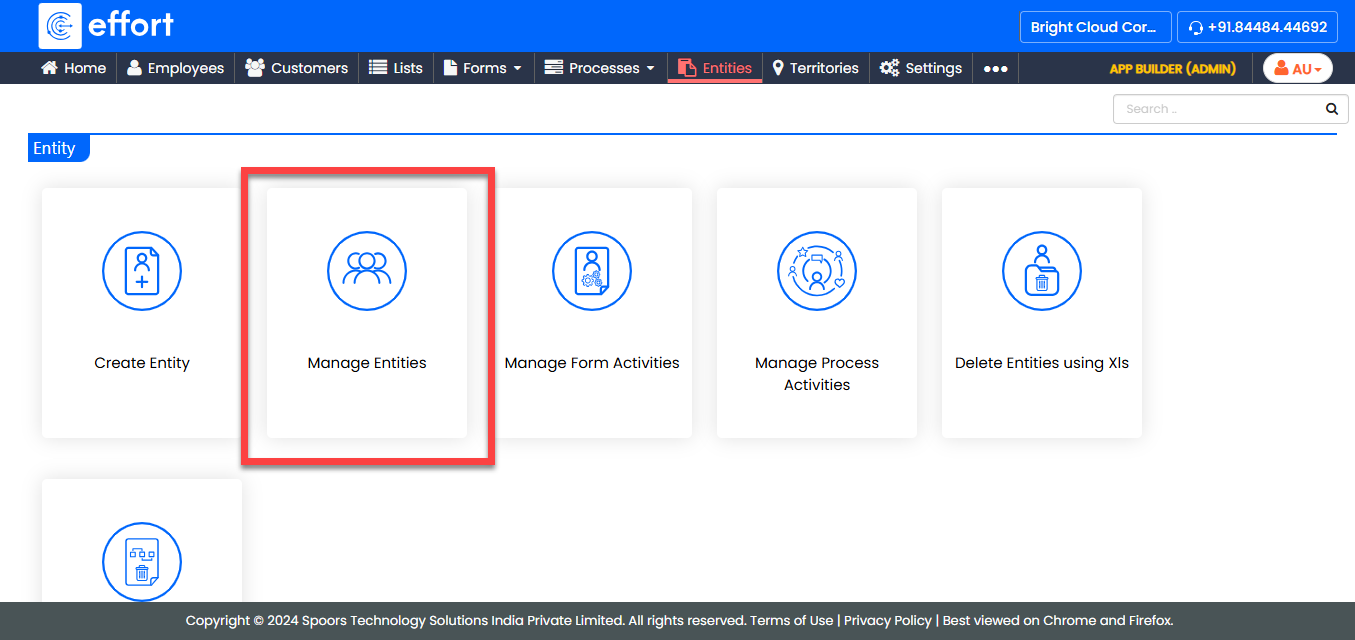
-
Under the Active Entities section, click on the entity
you want to withdraw.

-
Under the Entity Actions section, click
Withdraw.
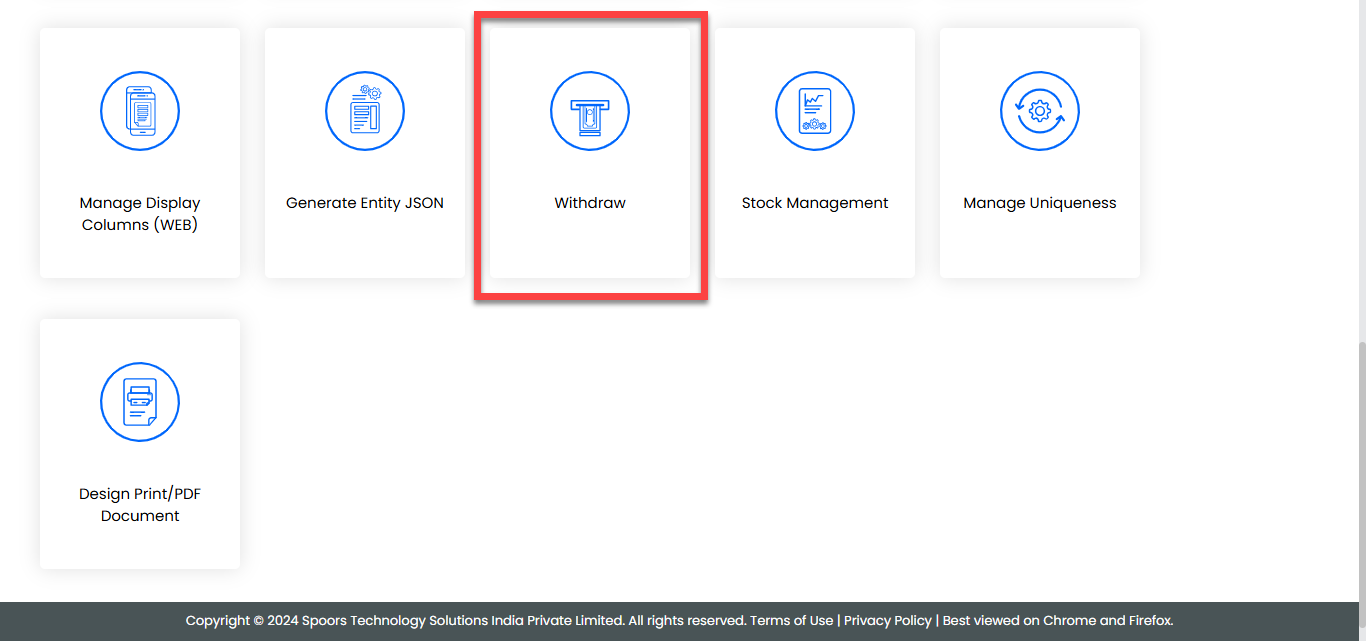
- Click OK in the prompt to withdraw the entity.