

Design Print/PDF Template for Web App
Designing a print template for an entity in the web application allows you to generate printable versions of entity data, ensuring that all required fields are included without any information being cropped. This functionality is particularly useful for creating standardized documents such as reports, invoices, or forms that need to be printed or exported as PDFs.
To design Print/PDF template for web app, follow the steps below:
-
Go to .
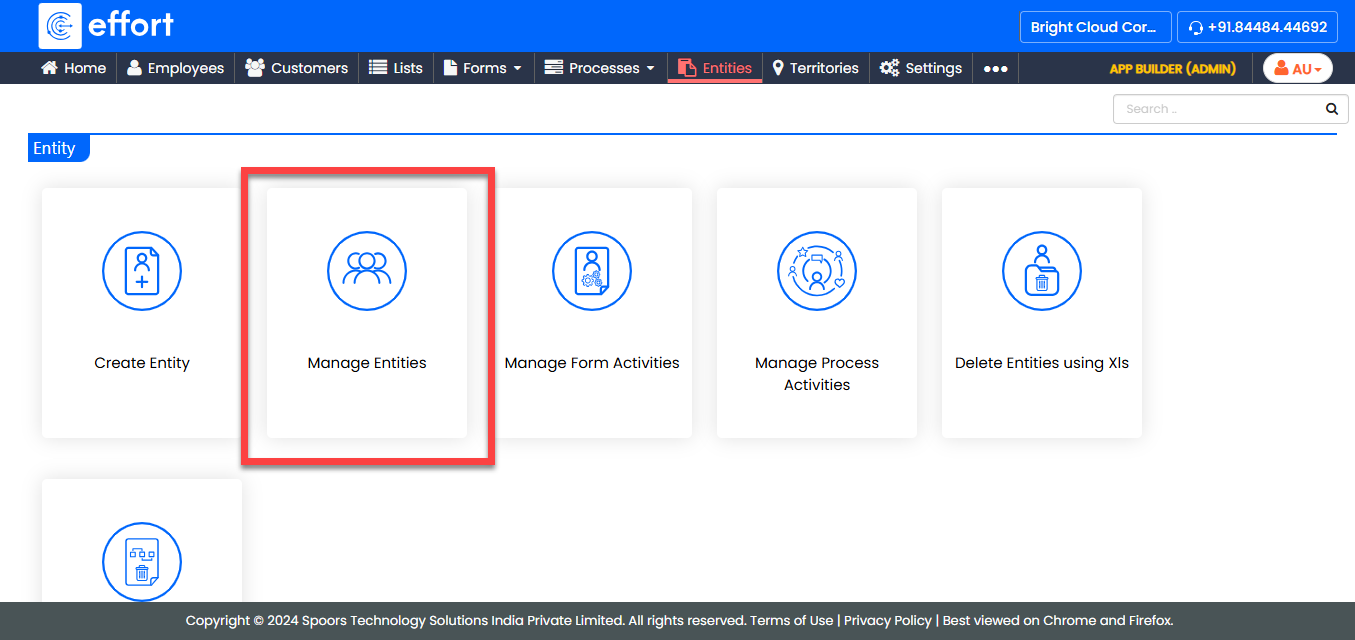
-
Under the Active Entities section, click the entity you
want to configure.

-
Under the Entity Actions section, click
Design Print/PDF Document.

-
Click the plus icon in the left panel to populate the field in the right
panel.

-
In the editor section, format the fields and conent as per your
requirement.

- Click Save.