

Add a New Item to Customer App
To add a new item to the existing customer app, follow the steps below:
-
Go to .
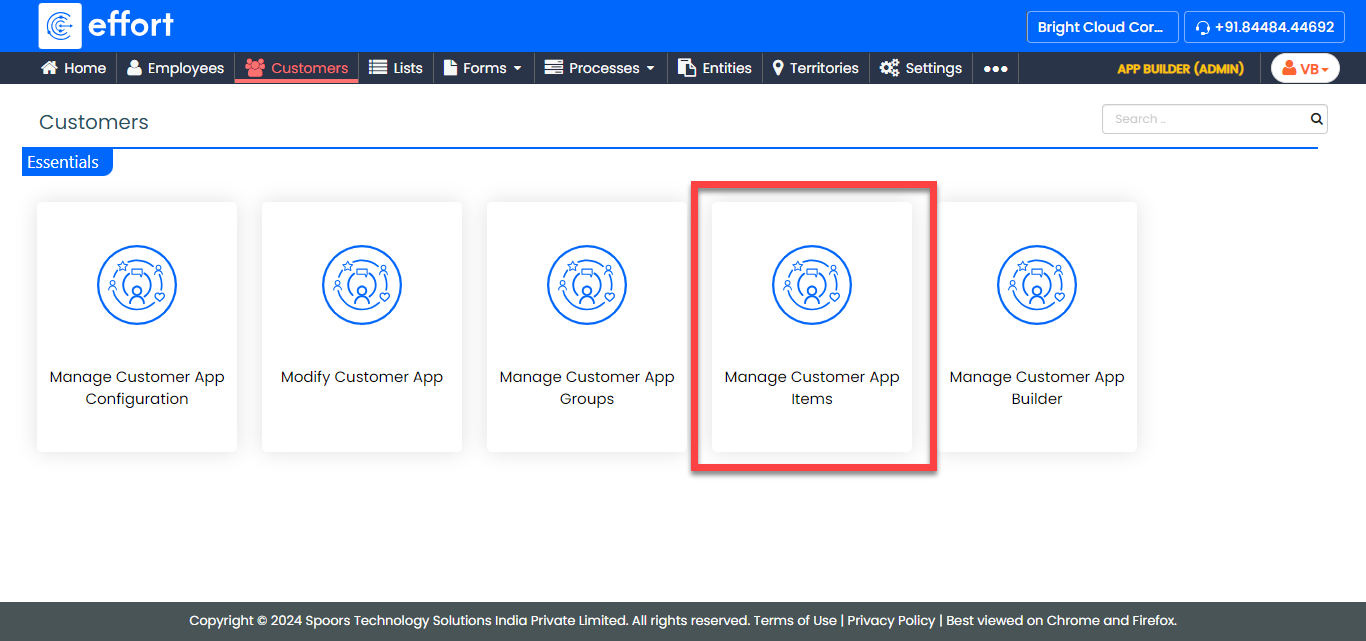
-
On the Customers App Items page, click Add
Item.
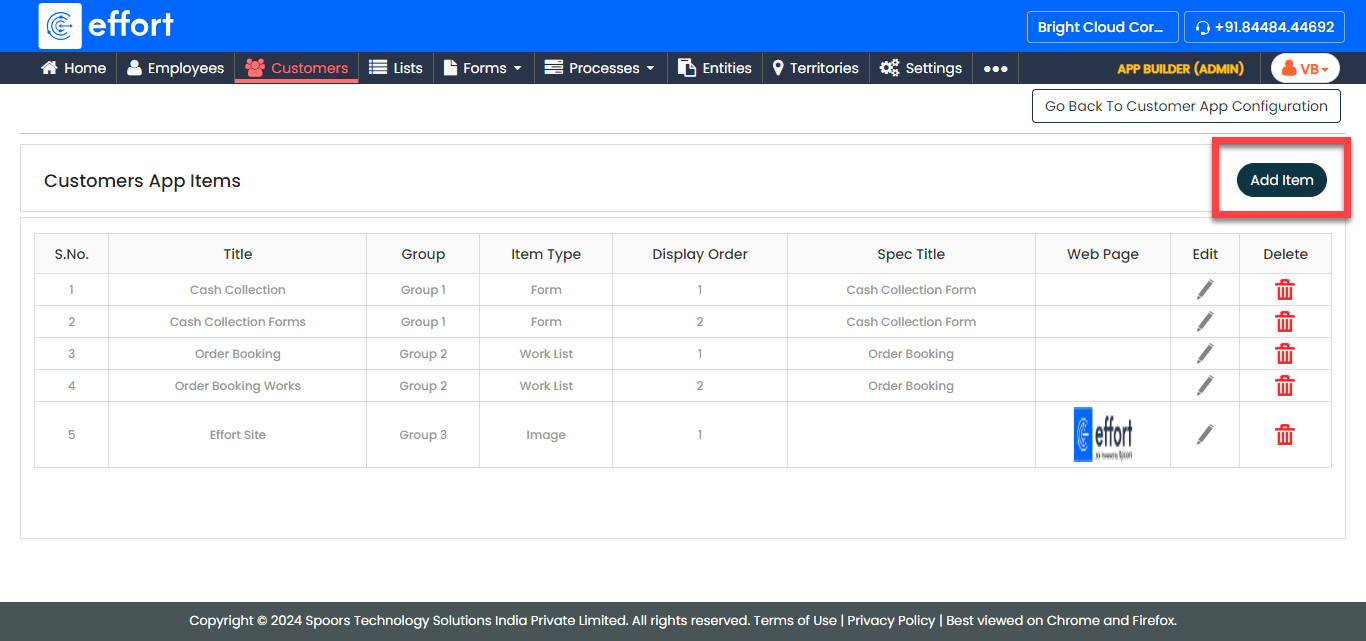
-
On the Add Item pop-up window, provide the required
details.
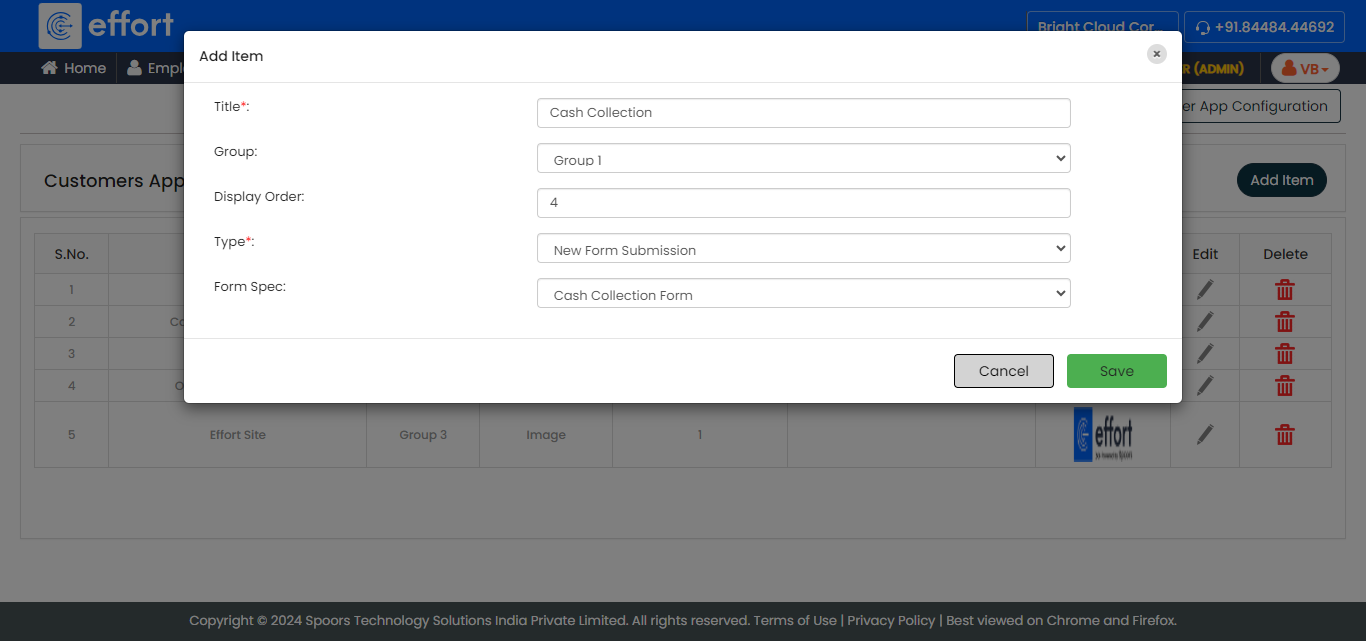
Refer to the Create a Mobile App for Customers topic to know more about the configuration fields. - Click Save.