

Modify Customer App Configuration
To modify an existing customer app configuration, follow the steps below:
-
Go to .
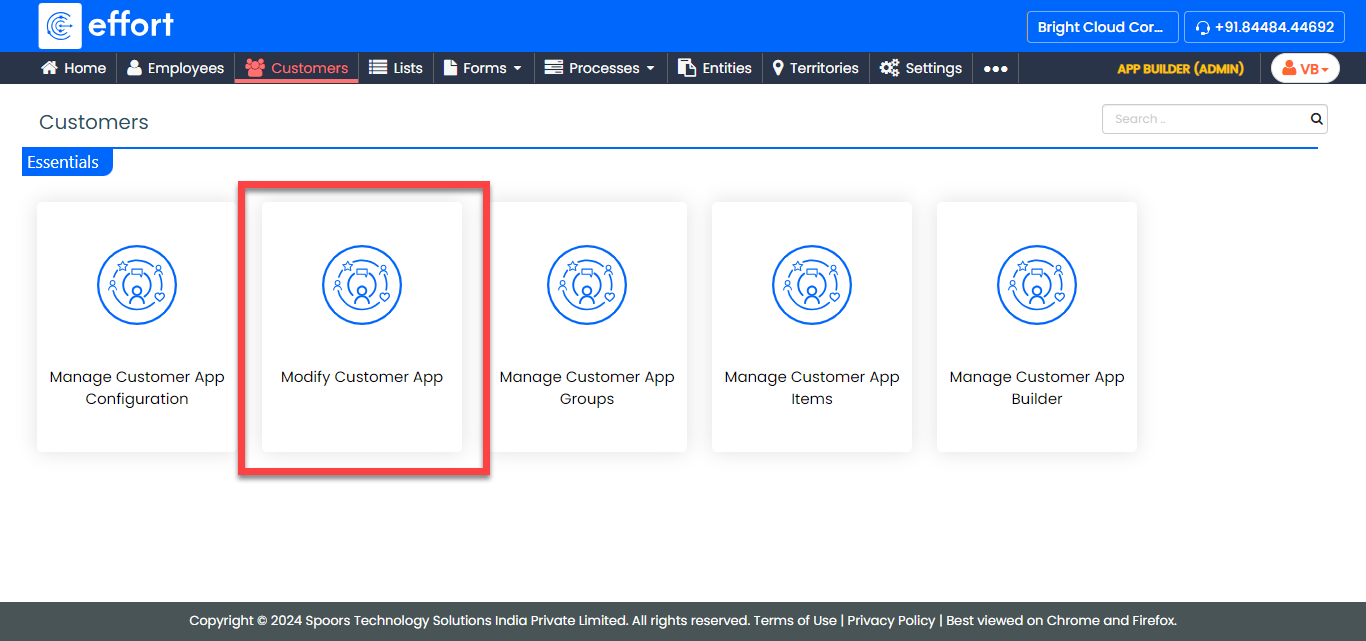
-
Update the configuration fields according to your requirements.

Refer to the Create a Mobile App for Customers topic to know more about the configuration fields. - Click Save.