

Generate Android/iOS Mobile App
Pre-Requisites
Before you generate the mobile app, go to and enable the following setting and click
Save.
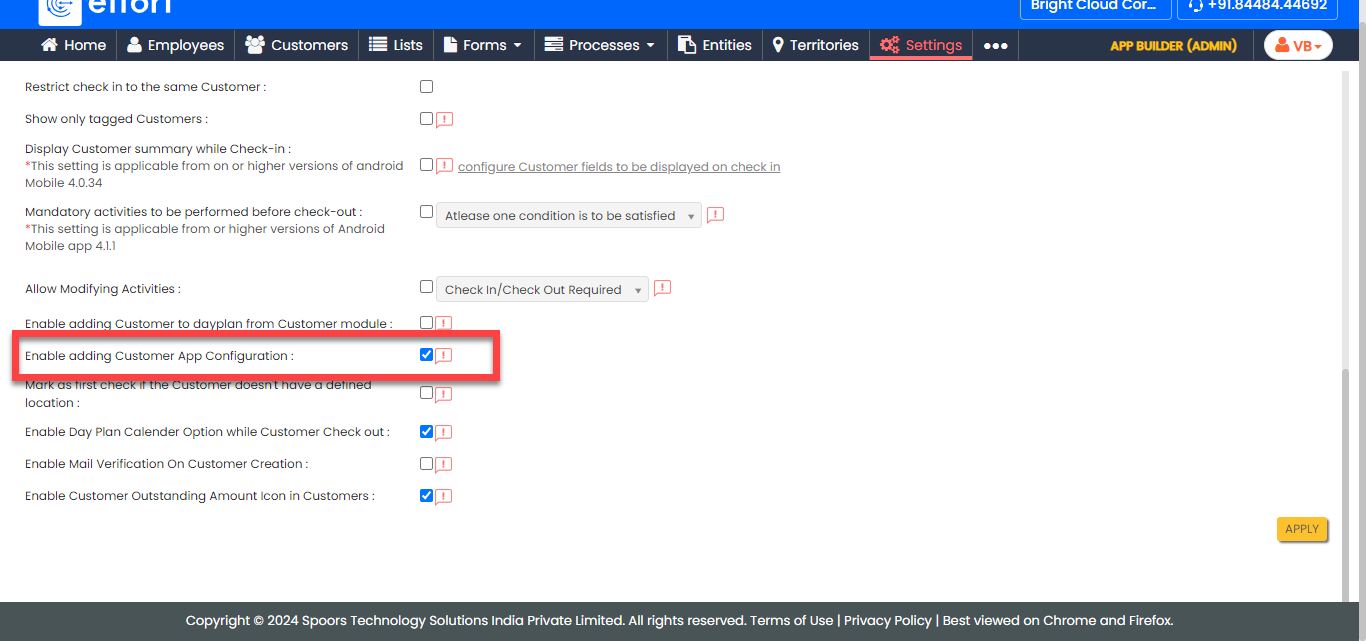
- Enable adding Customer App Configuration
To generate an android/iOS mobile app for your customers, follow the steps below:
-
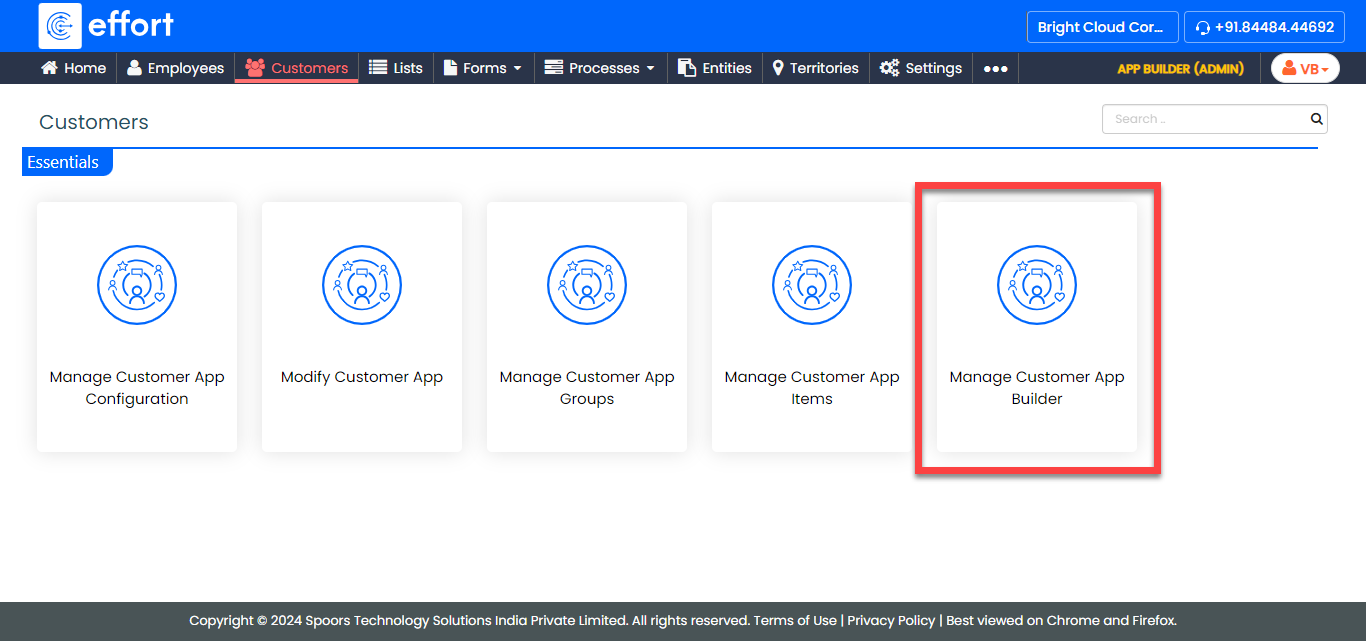
Go to .
-
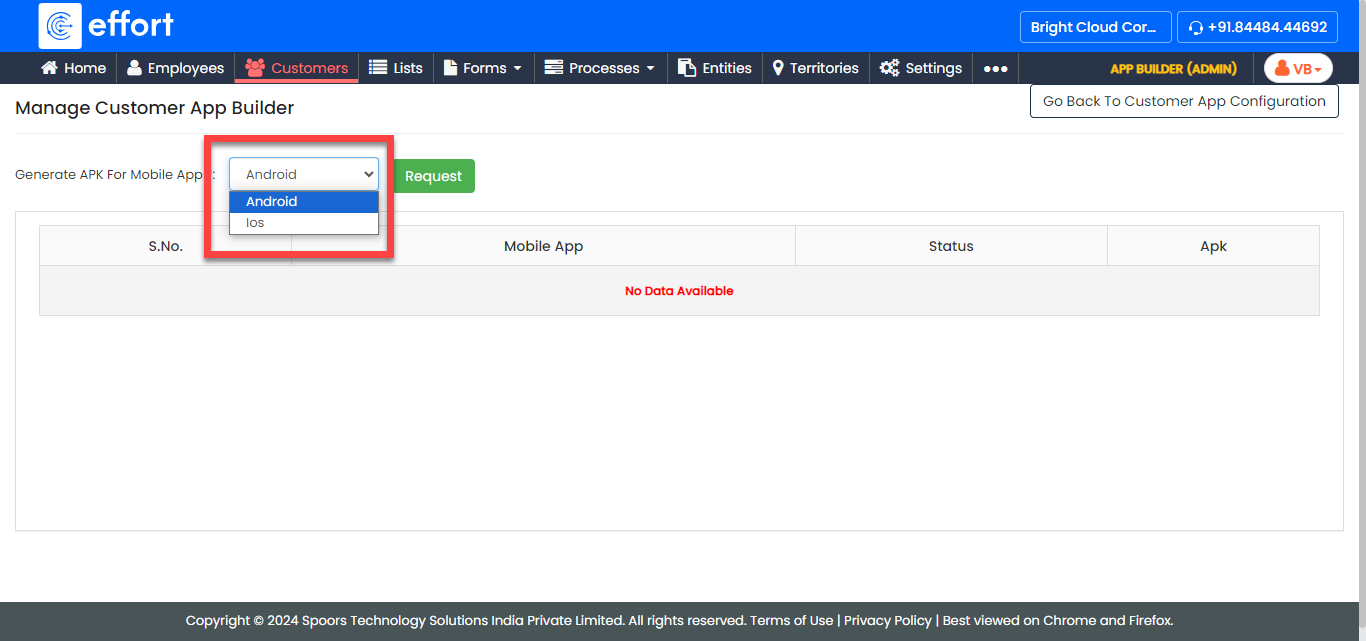
On the Manage Customer App Builder page, select
Android or iOS from the
Generate APK For Mobile App dropdown based on the
requirement.
-
After you select the mobile OS, click Request.

- After you click Request, wait for a few minutes and refresh the page to generate the app. Once the app is generated, the status changes to Success and the app is available to download under the Apk column.