

Design Print Template
To design print template for web app, follow the steps below.
-
Go to .
The Process page appears.
-
Click the Activity Process card.

The Activity Process page appears.
-
Click the required process card.

The selected <work process name> Activities page appears.
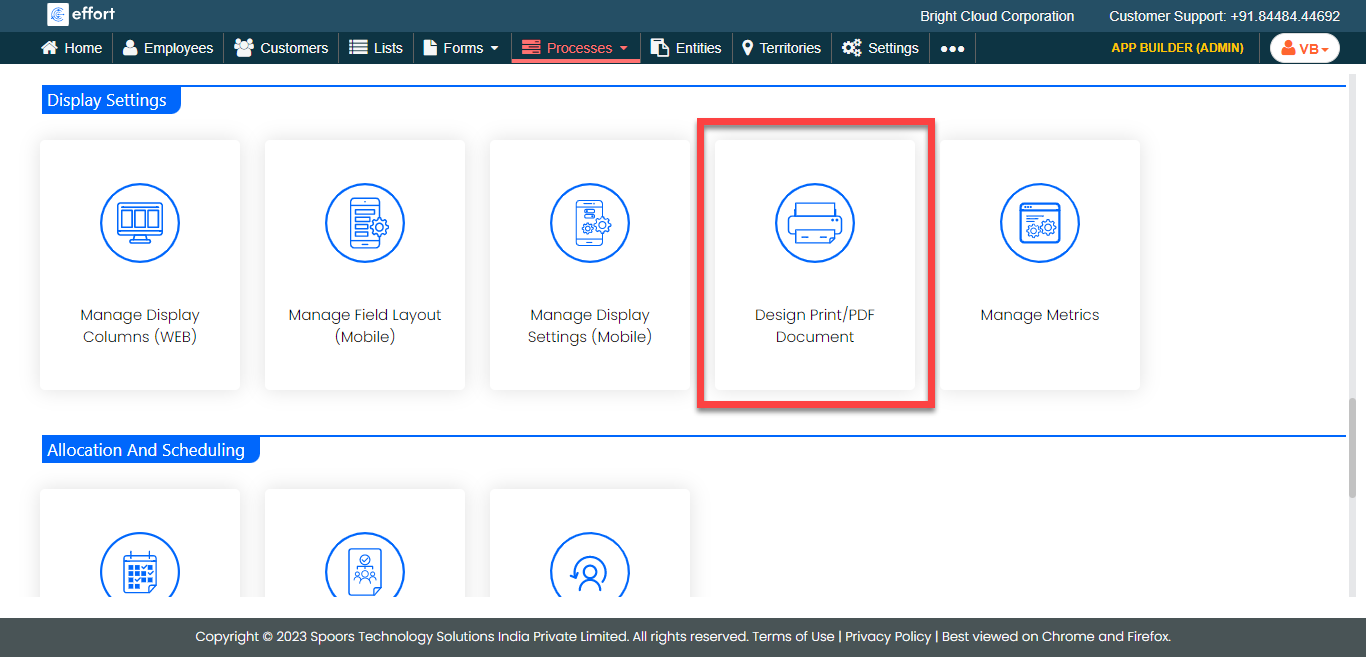
- Scroll down to the Display Settings section.
-
Click the Design Print/PDF Document card.
-
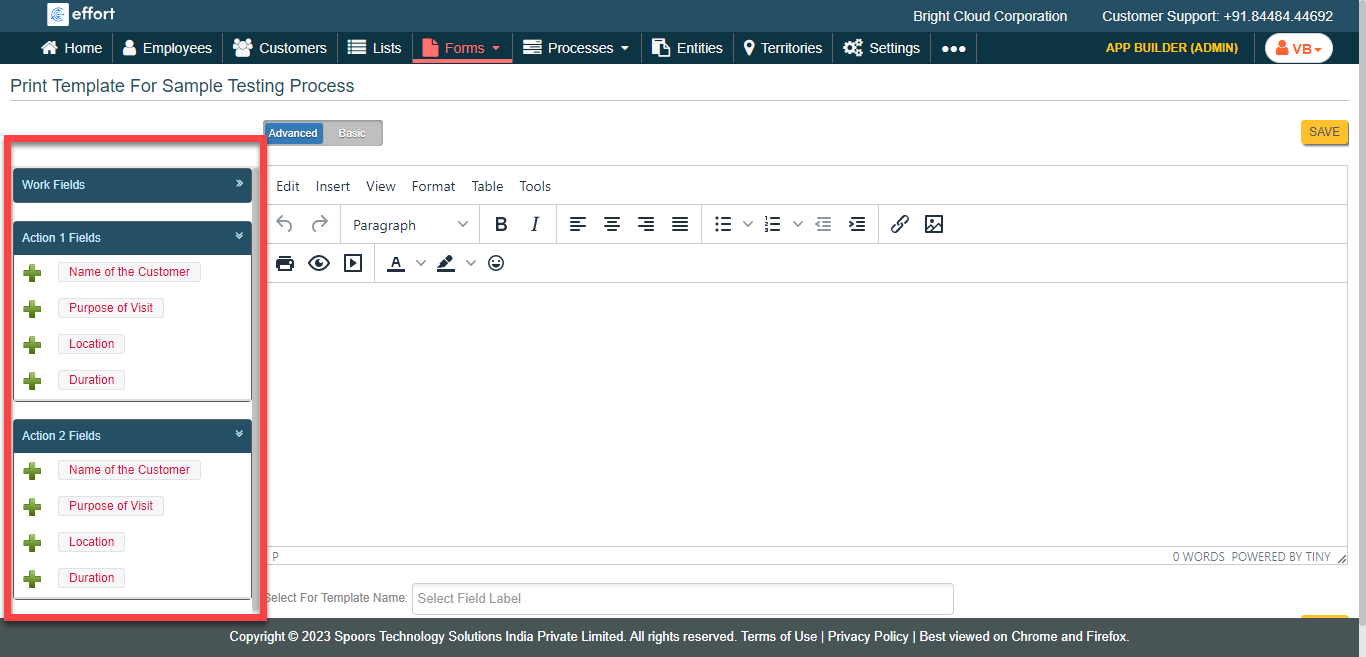
Click the
 icon in the
left panel to populate it in the right panel.
icon in the
left panel to populate it in the right panel.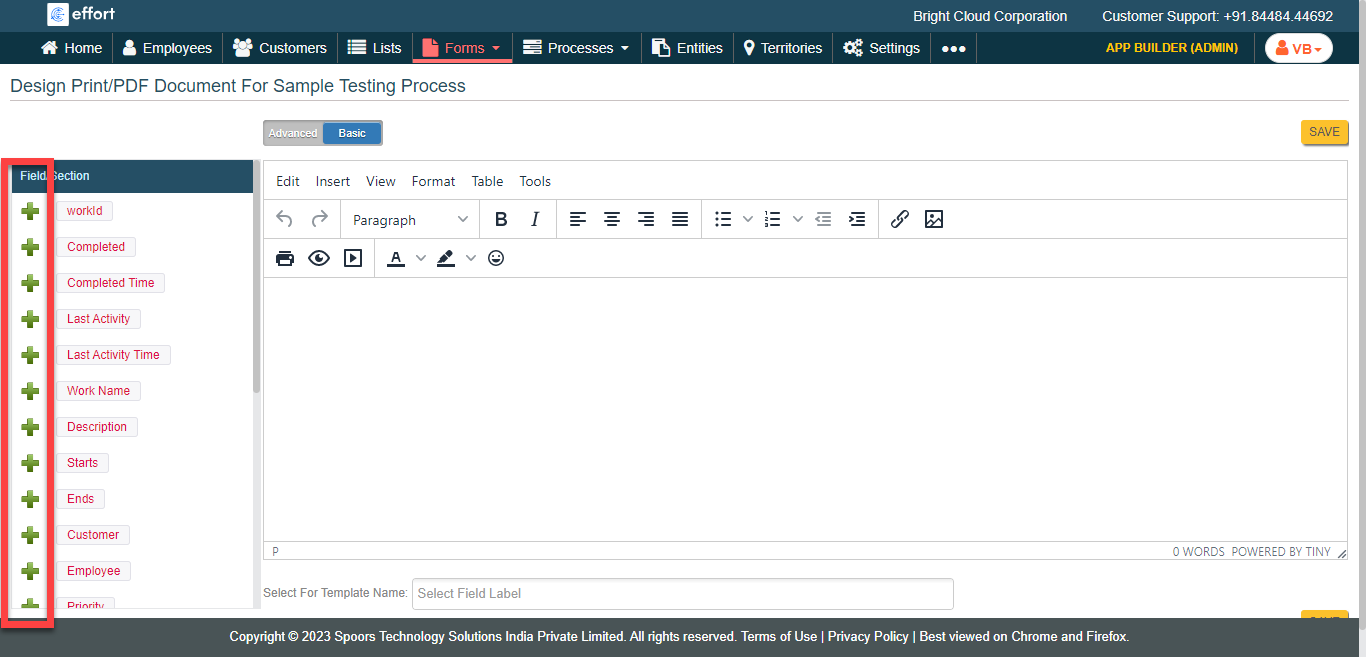
-
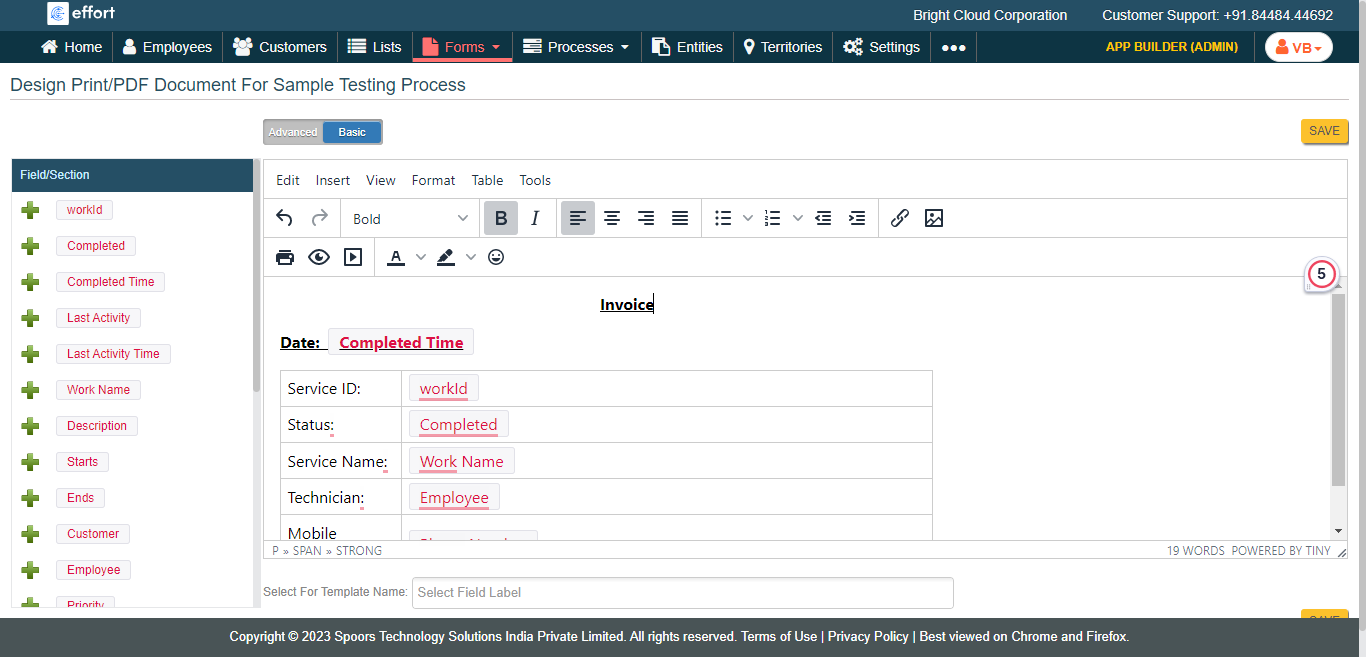
In the editor section, design the template as per your requirement.
- Optional:
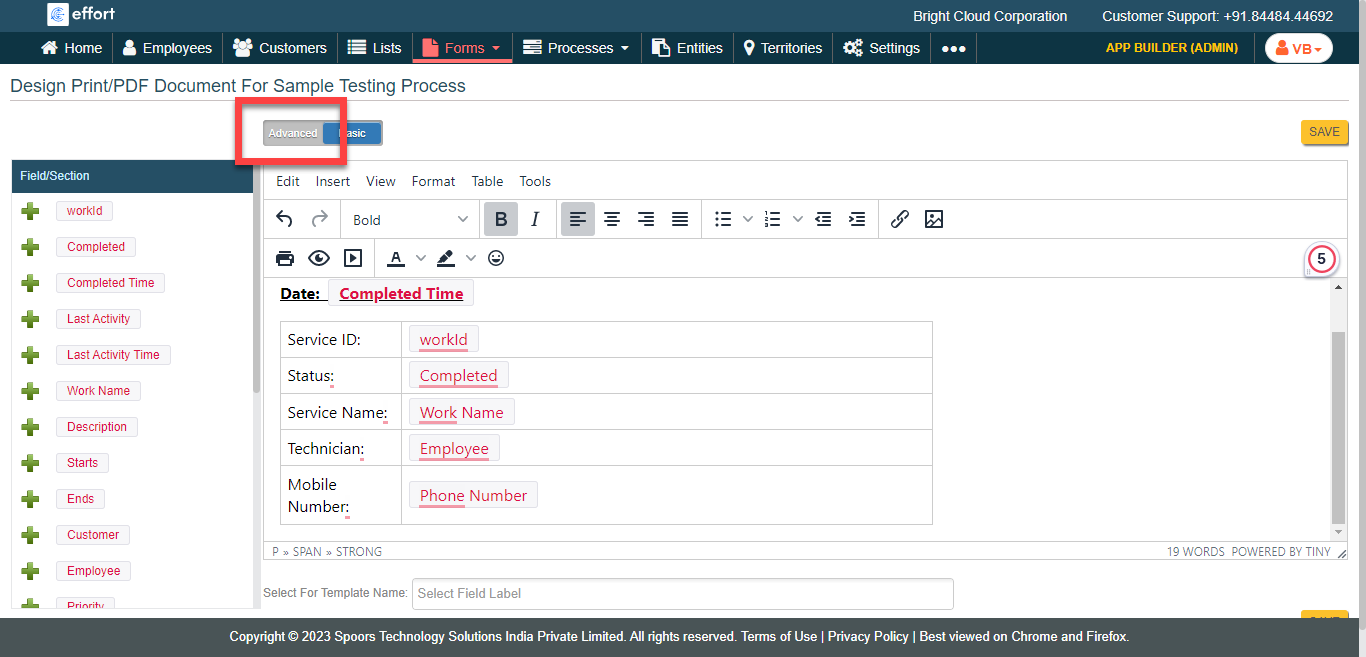
Click Advanced to add the work activity fields.
- Optional:
Expand the sections to view the fields.
- Click Save.