

Manage Checklist Process
To manage a checklist process, follow the steps below.
-
Go to .
The Processes page appears.
-
Click on the required checklist process card.
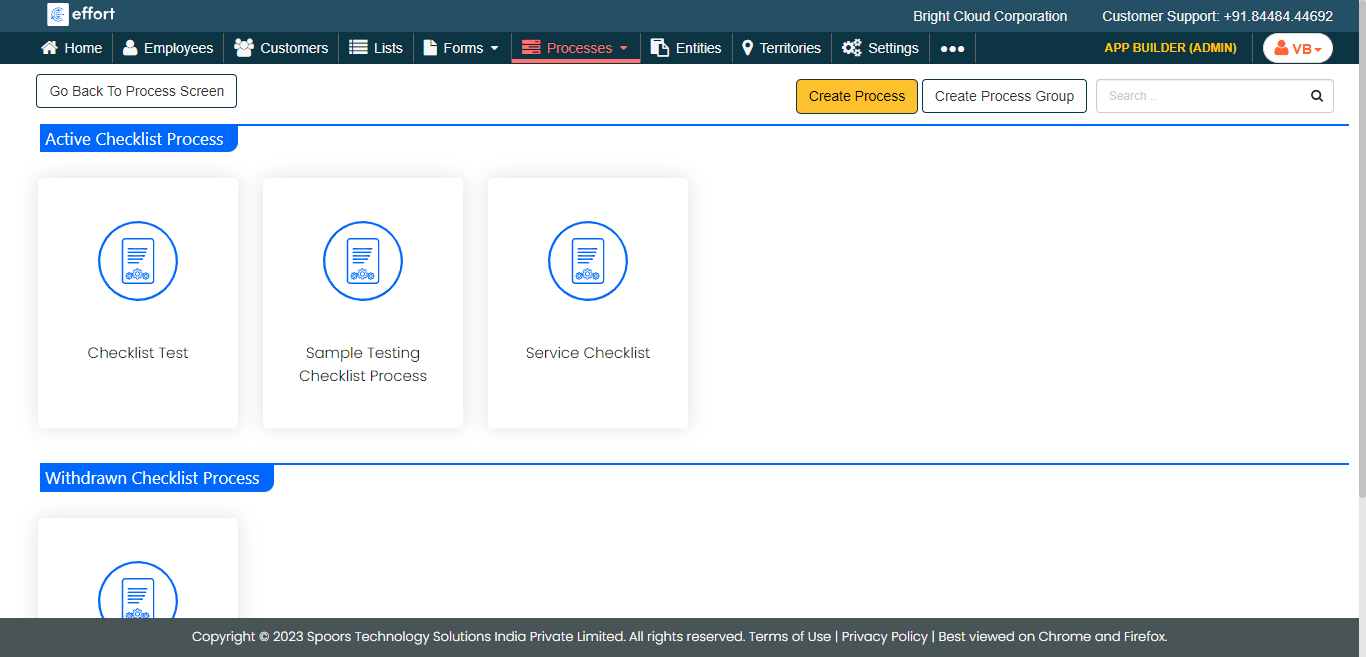
The Work Process Activities page appears.
-
The below are the process actions applicable to the Checklist process. Click
the below links to configure the activities.
- Edit Process Fields
- Edit Process Flow
- Configure Work Attachments
- Assign Work to Employee Groups
- Assign Work to Employee Groups
- Configure Permissions
- Configure Activity Submission Visibility
- Configure Work Settings
- Configure Uniqueness To Work Fields
- Create Work Rejection Form
- Configure Activity Repetition
- Configure Auto Fill
- Configure Display Columns (WEB)
- Design Mobile Fields Layout
- Configure Display Settings (Mobile)
- Design Print Template
- Configure Metrics on the Dashboard