

Create Work Rejection Form
To create work rejection form, follow the steps below.
-
Go to .
The Processes page appears.
-
Click either Activity Process or Checklist
Process as per your requirement.

The Activity Process or Checklist Process page appears.
-
Click the required process card.

The work processes in the Activity Process are shown in the above screenshot. If you click on the Checklist Process, the work processes in it will appear. -
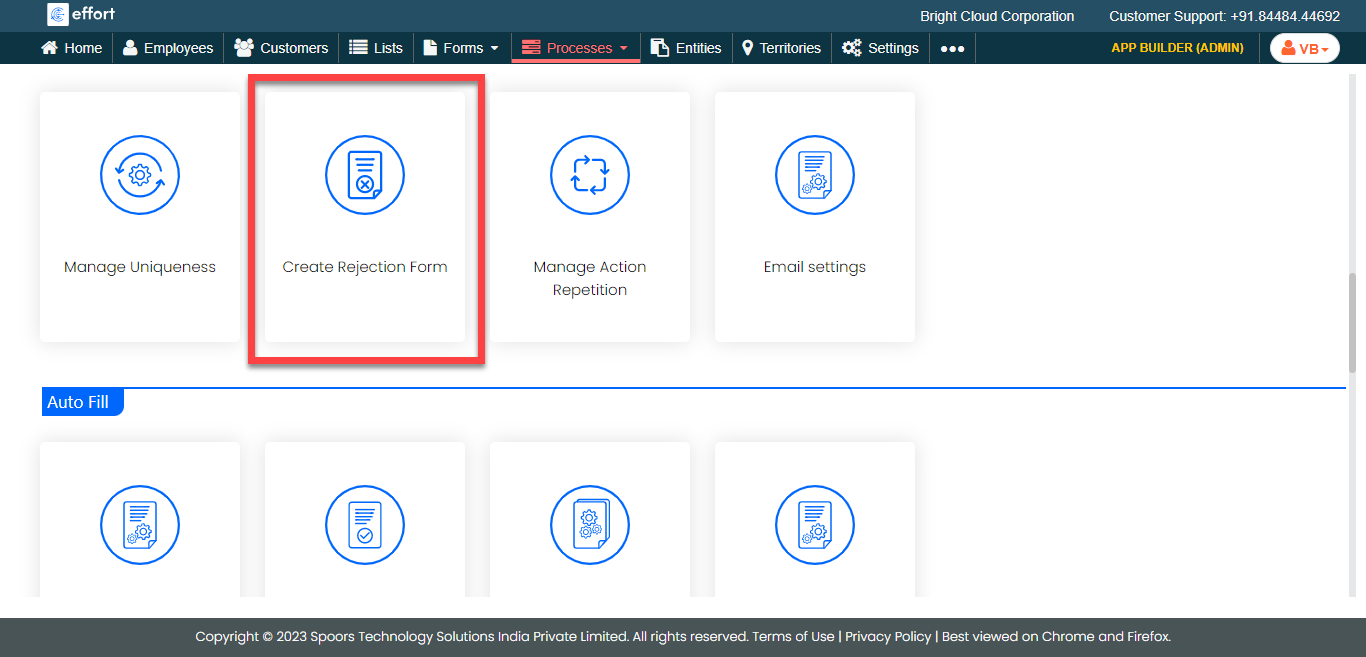
Click the Create Rejection Form card under the
Permissions and Settings section.
-
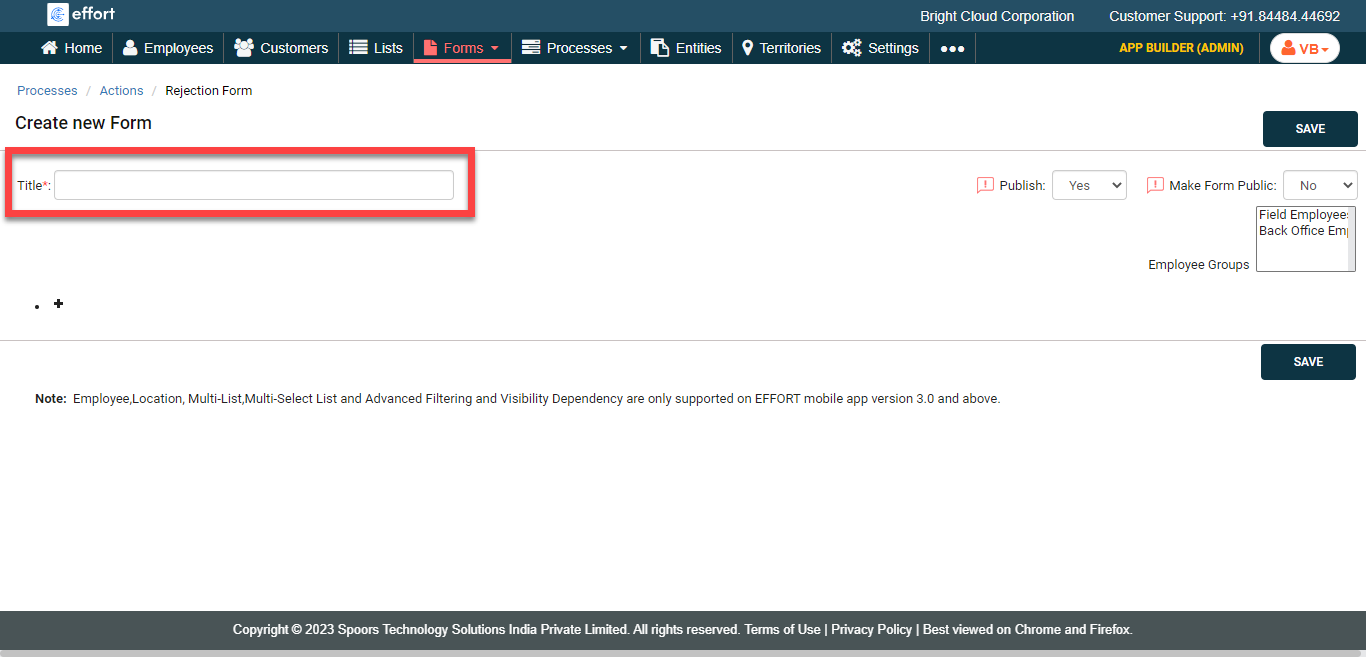
Enter a name for the form in the Title textbox.
-
Click Add Fields and supply the desired values
for:
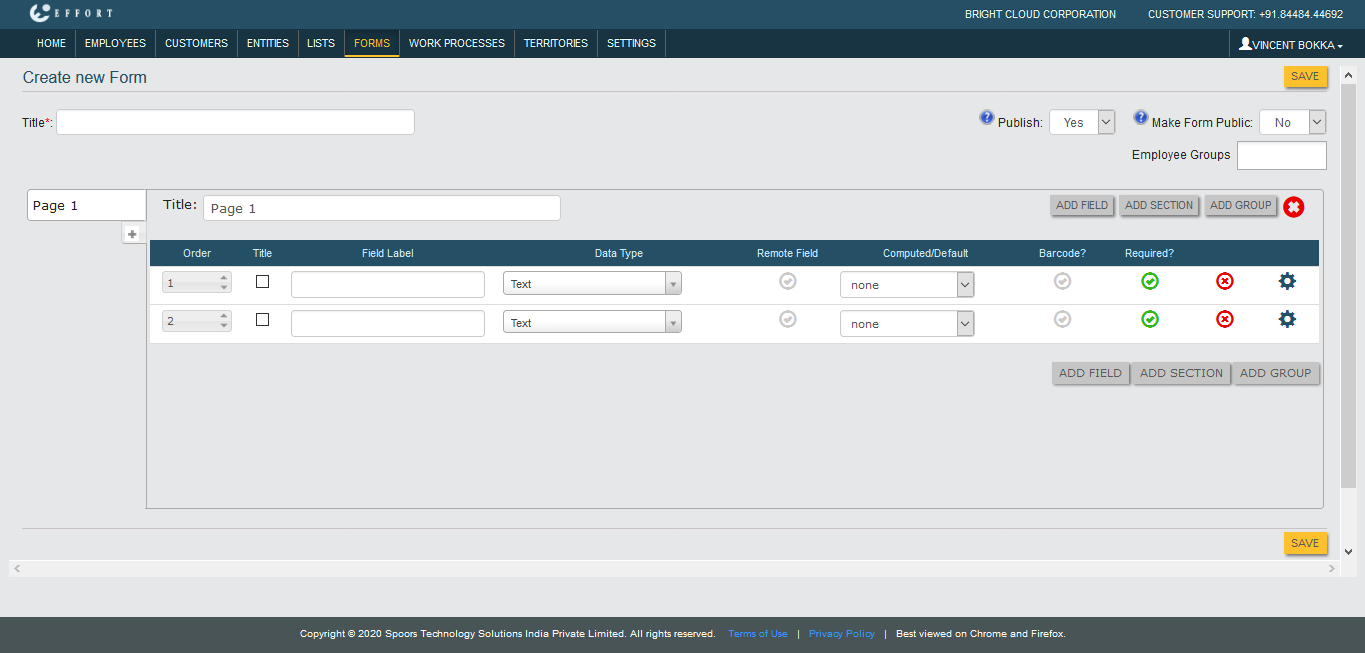
- Field Label
- Data Type
- Remote Field (Yes/No)
- Computed/Default
- Barcode?
- Required?
- Optional: Click Add Section and Add Group to add repeating group of fields as needed.
- Click Save.