

Add Assets to Project
If you want to know the complete Decision Provider configuration, refer to the tutorial Tutorial on Decision Providers.
-
Click Design on the welcome page.

-
Click Project Name which you created.
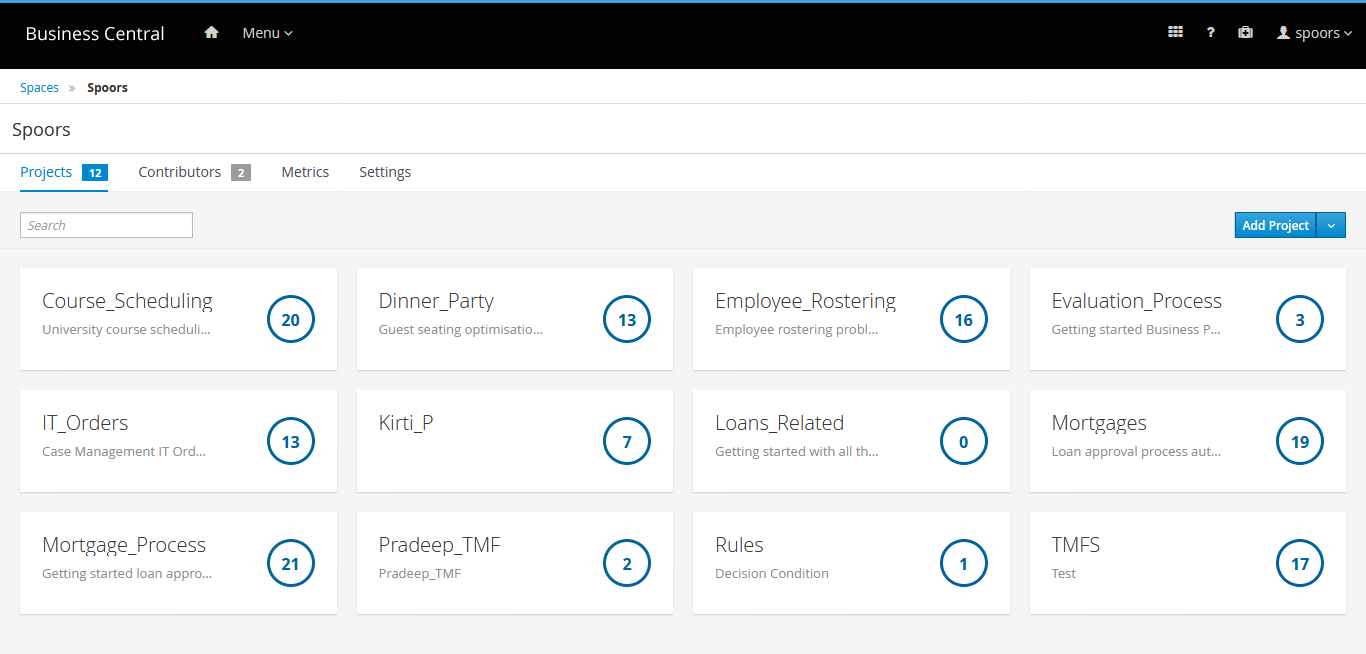
-
Click Add Asset on the project page.
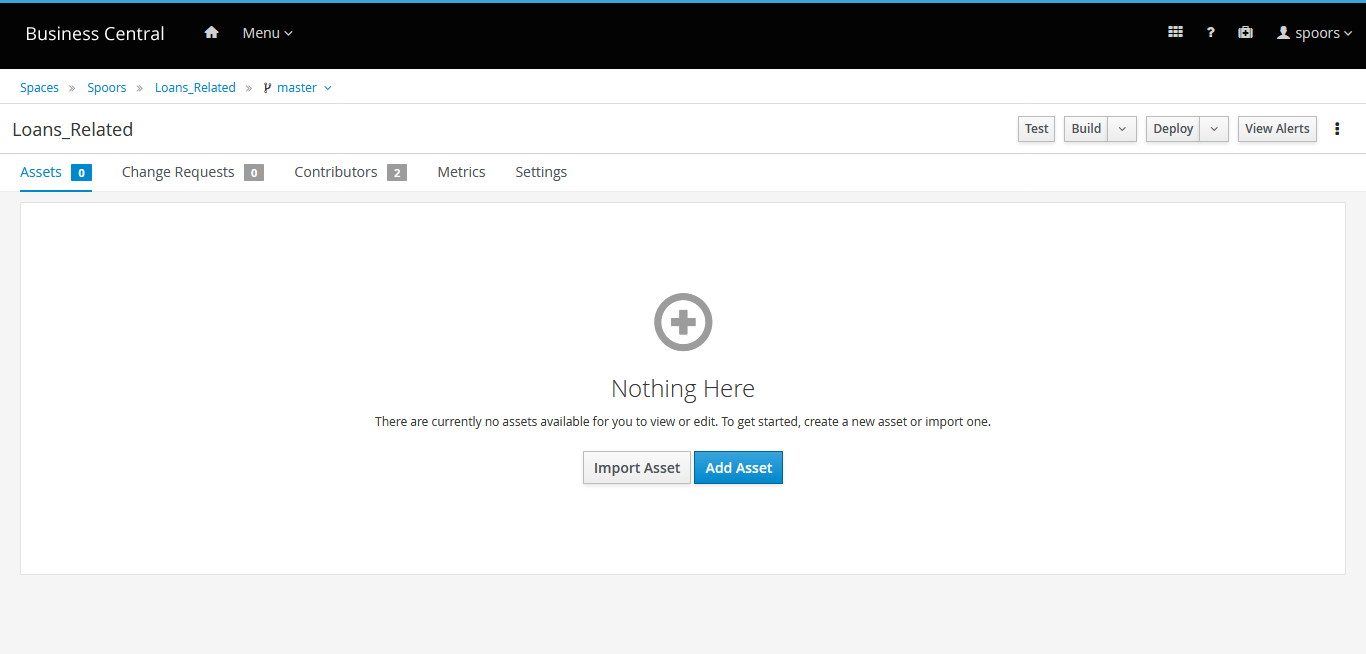
-
Select DMN.
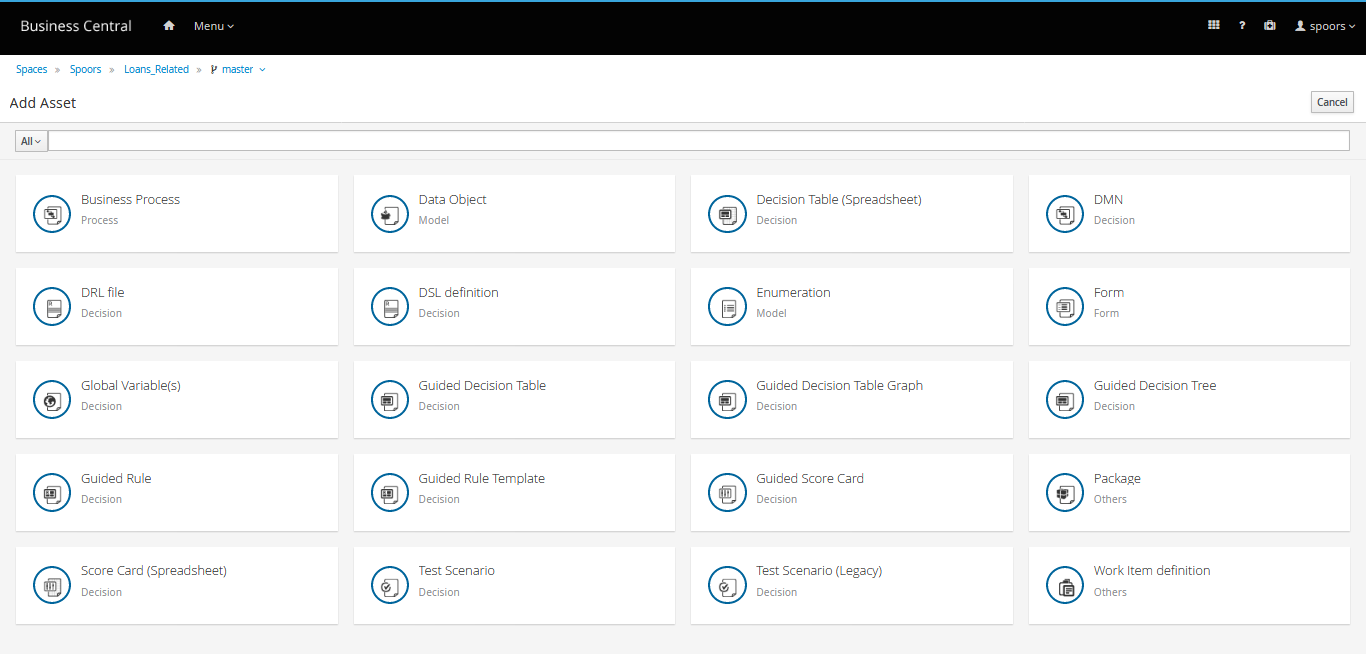
-
Enter a name for the DMN in the Create New DMN pop-up.
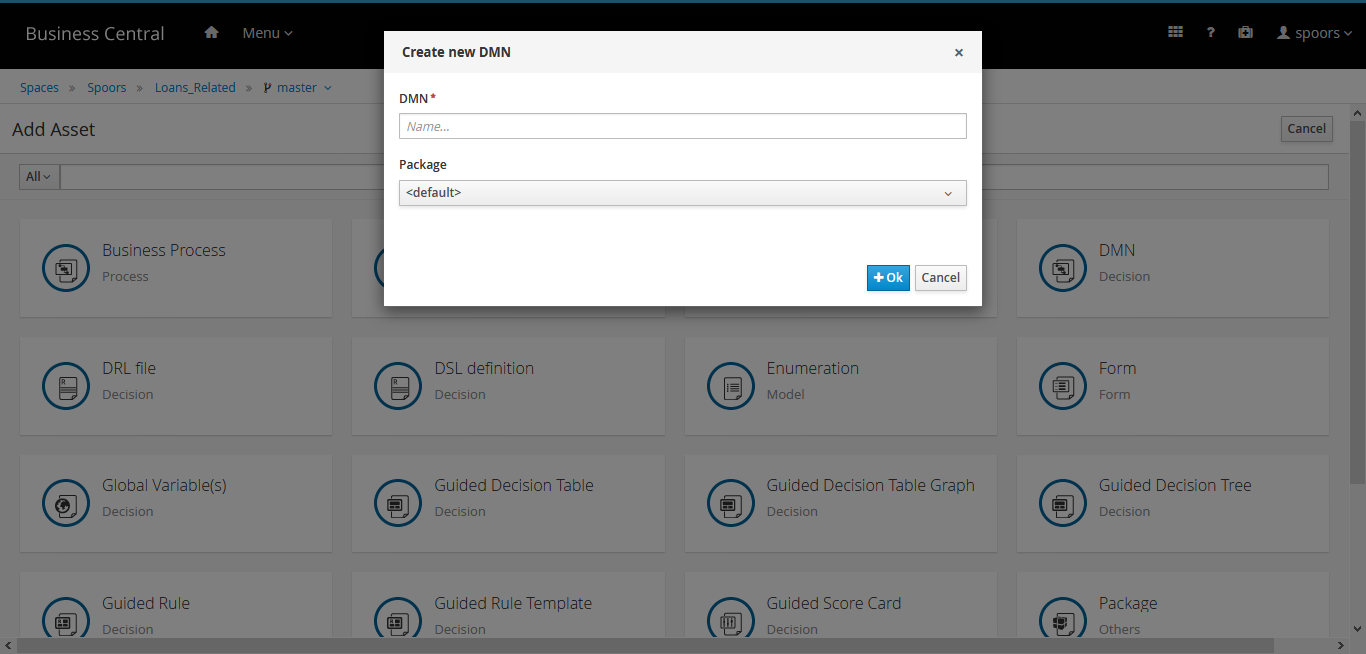
-
Click or drag nodes in the left-hand palette onto the canvas to create a
decision model diagram.
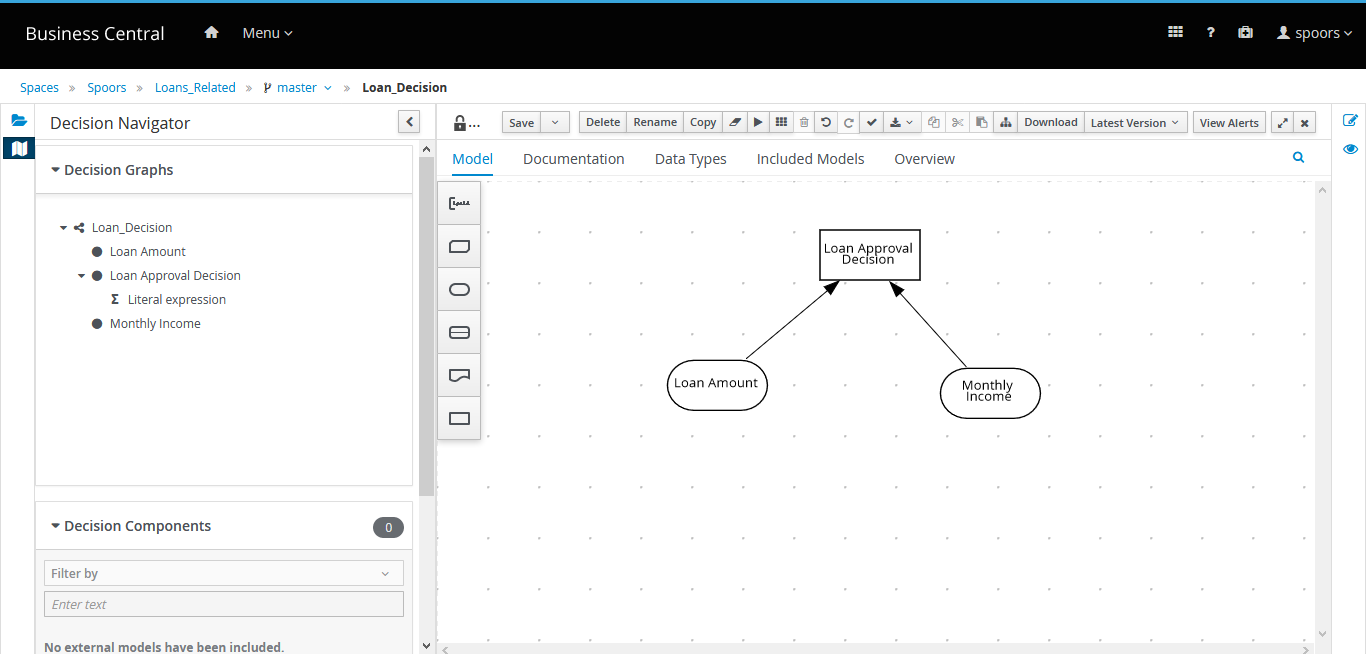
- Click Save.