

Assign Approval Process To A Form Template
Make sure that the approval process is created before you assign an approval flow to a form template. To learn more about creating an approval process flow, refer to Approval Process.
-
Go to .
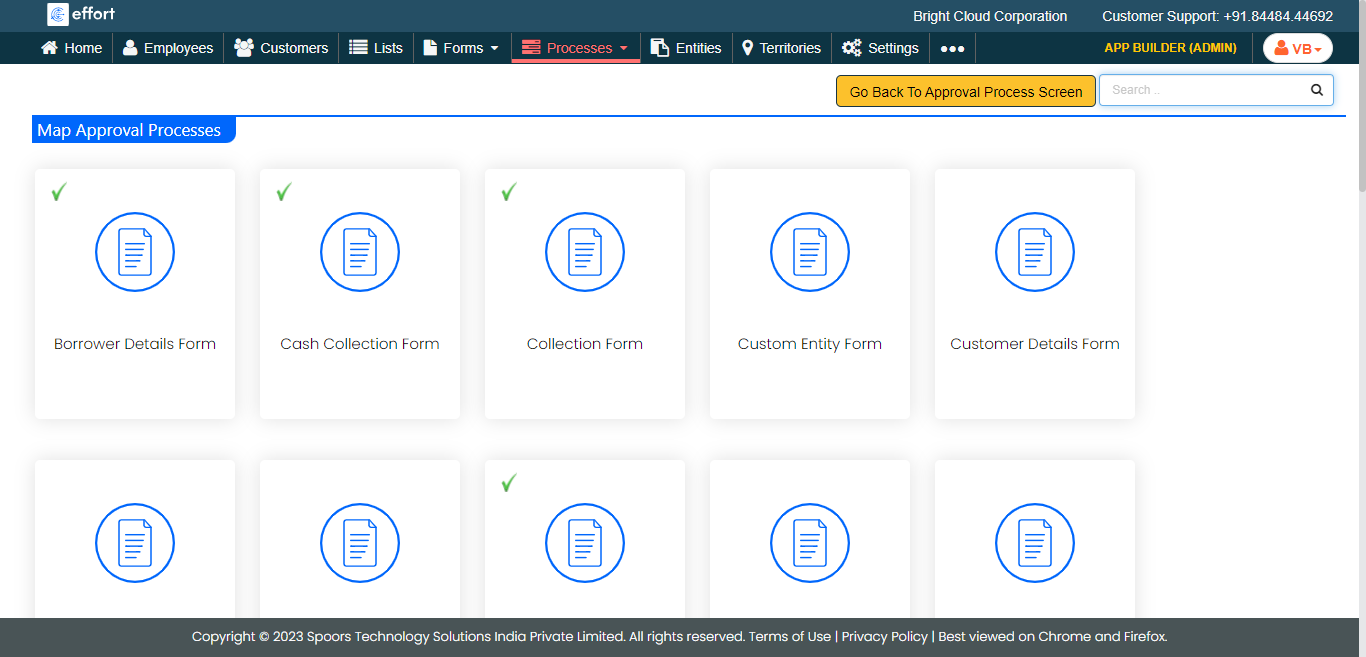
The Map Approval Processes page appears.
-
Click the form card to which you want to assign the approval process.
-
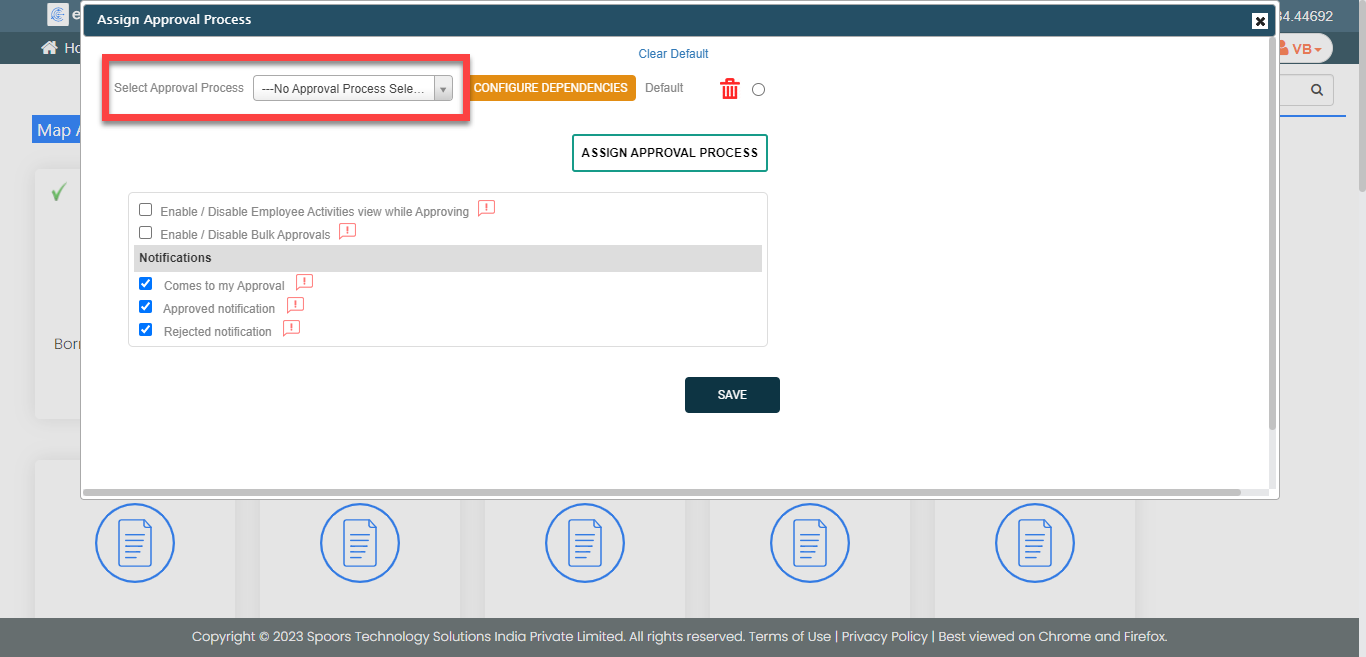
On the Assign Approval Process window, click the
Assign Approval Process button.

-
Select an approval process from the dropdown.
- Optional:
To assign more than one approval process for a form template, click the
Assign Approval Process button again and select an
approval process.

- Click Save.