

Create Roles
To create roles, follow the steps below.
-
Go to .
The Employees page appears.
-
Under the Groups section, click the Manage
Roles card.

The Manage Roles page appears.
-
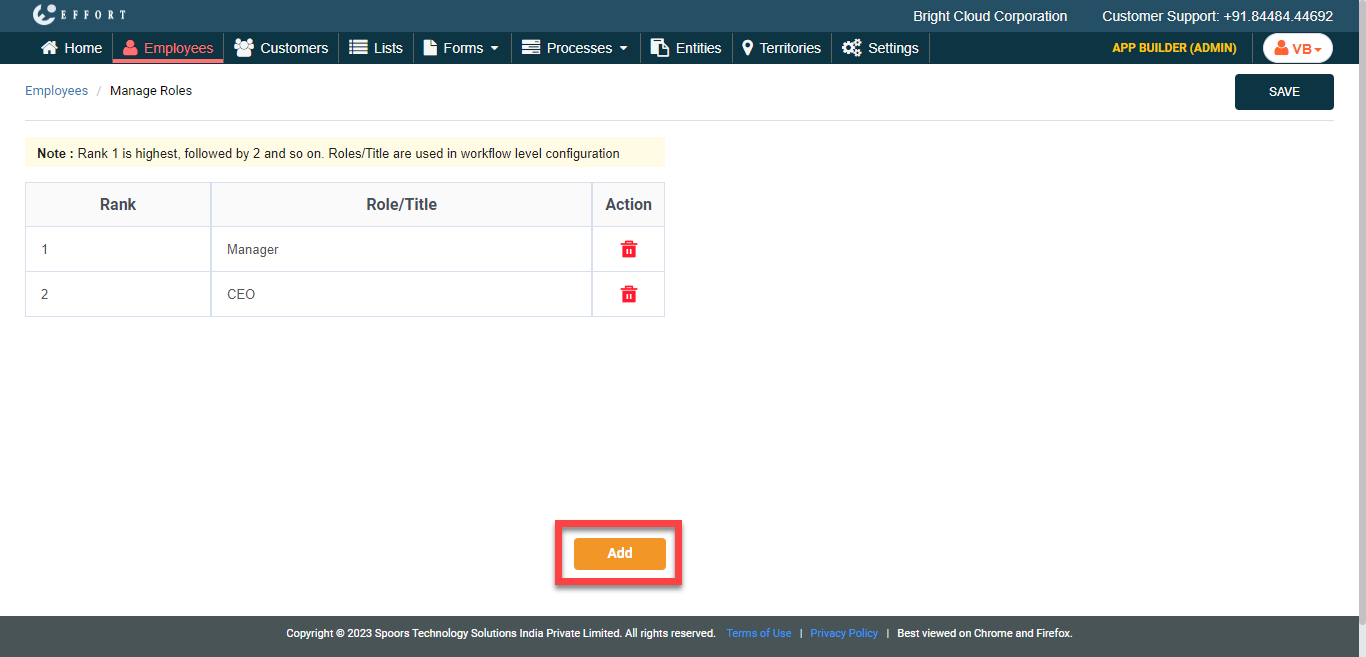
Click the Add button and do the following.
-
Under the Rank column, set the rank of the role
in the organization using arrows.

-
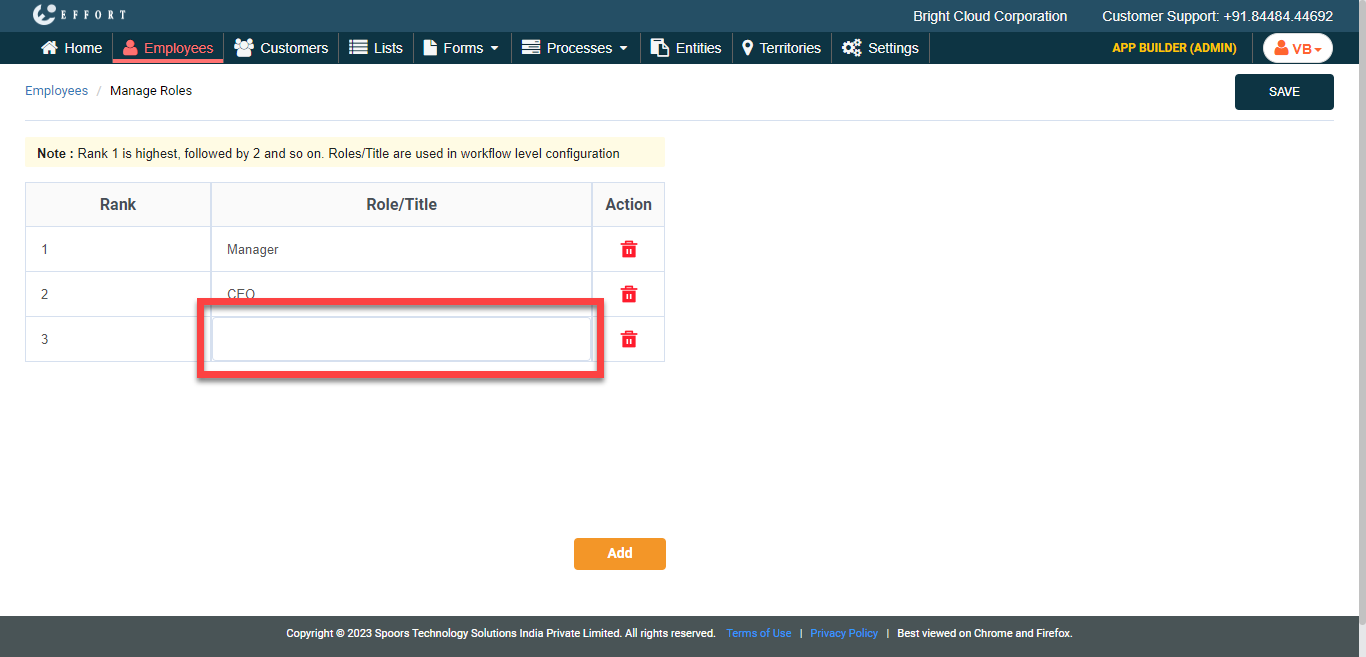
In the Role/Title textbox, enter the
designation.
-
Under the Rank column, set the rank of the role
in the organization using arrows.
- Optional:
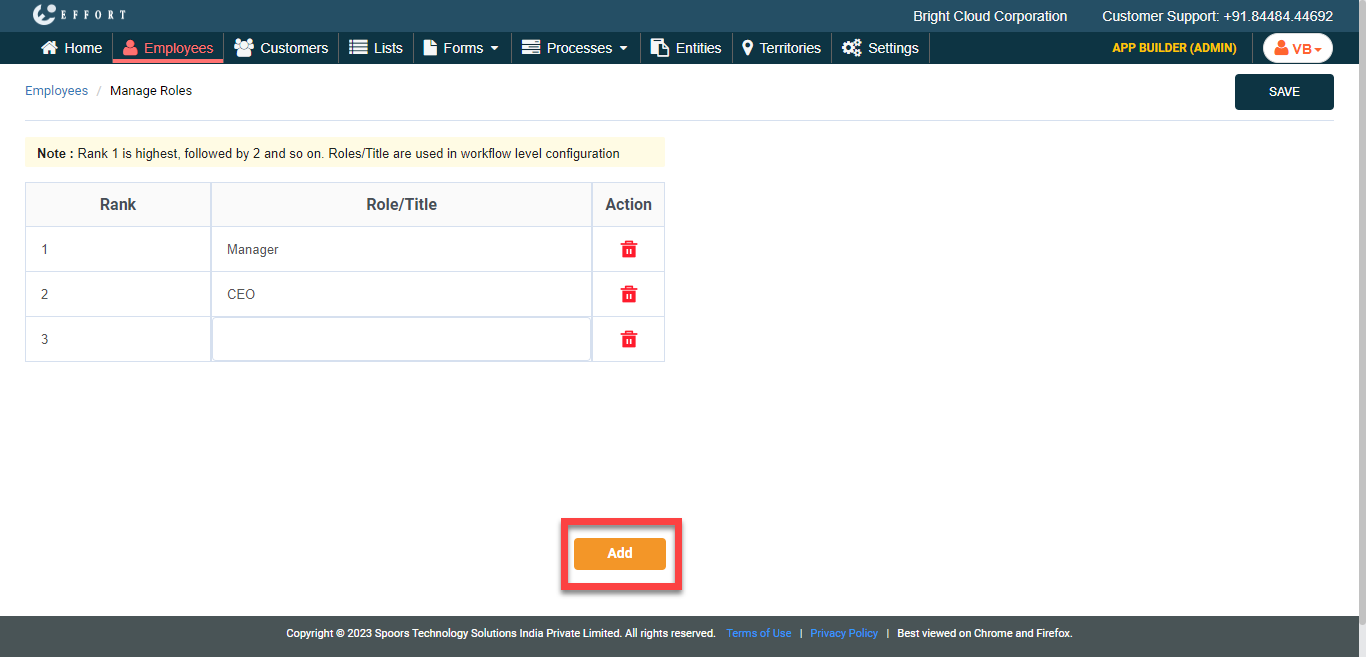
If you want to add more roles, click the Add Role button
and repeat step 3.
- Click Save.