

Clone a Marketplace Form Template
To clone a marketplace form template, follow the steps below.
-
Go to .
The Forms page appears.
-
Click the Create Form button.
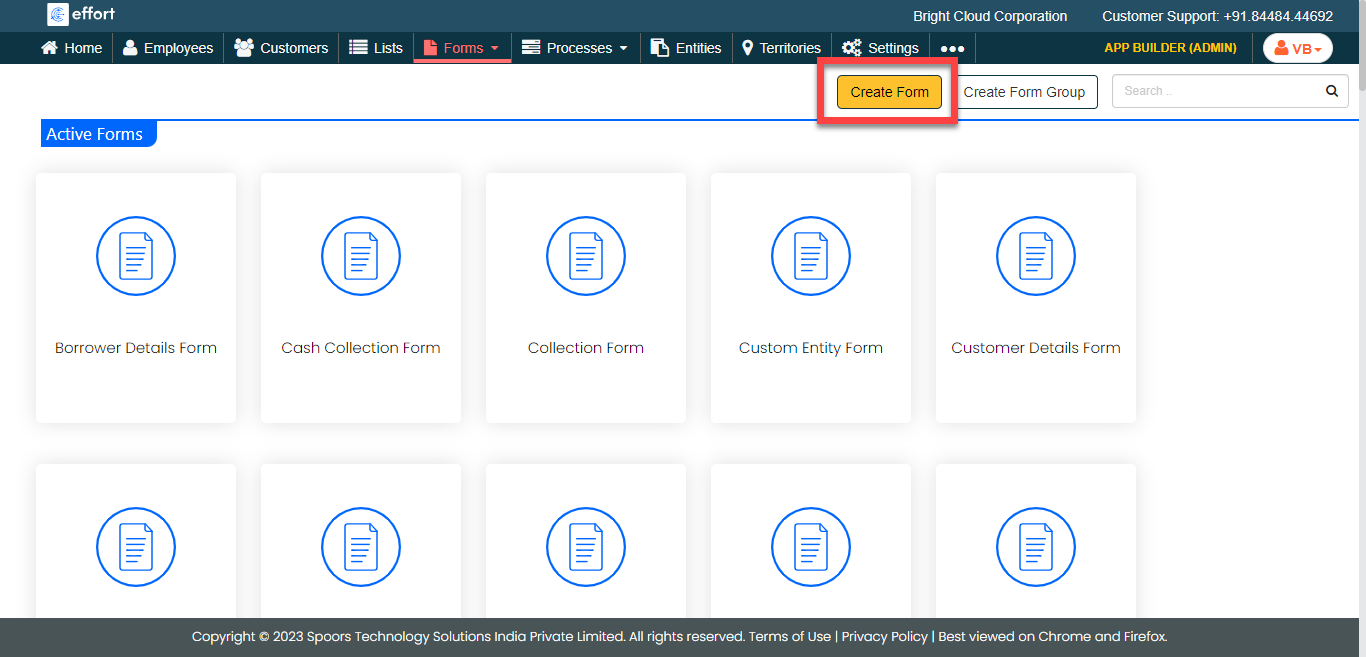
The Add a New Form Template pop-up appears.
-
Click Create From Marketplace link.
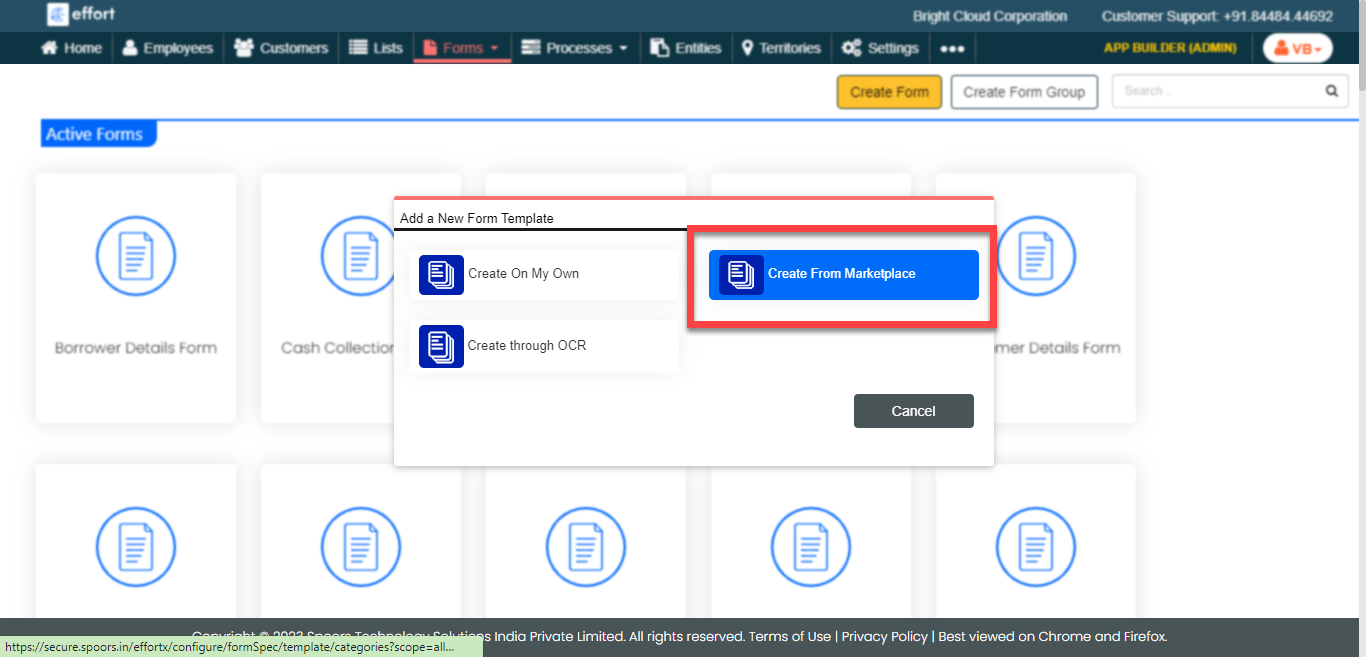
The Forms Marketplace page appears with the Functions and Industries buttons on the left.
-
Click either Functions or
Industry as per your business needs.
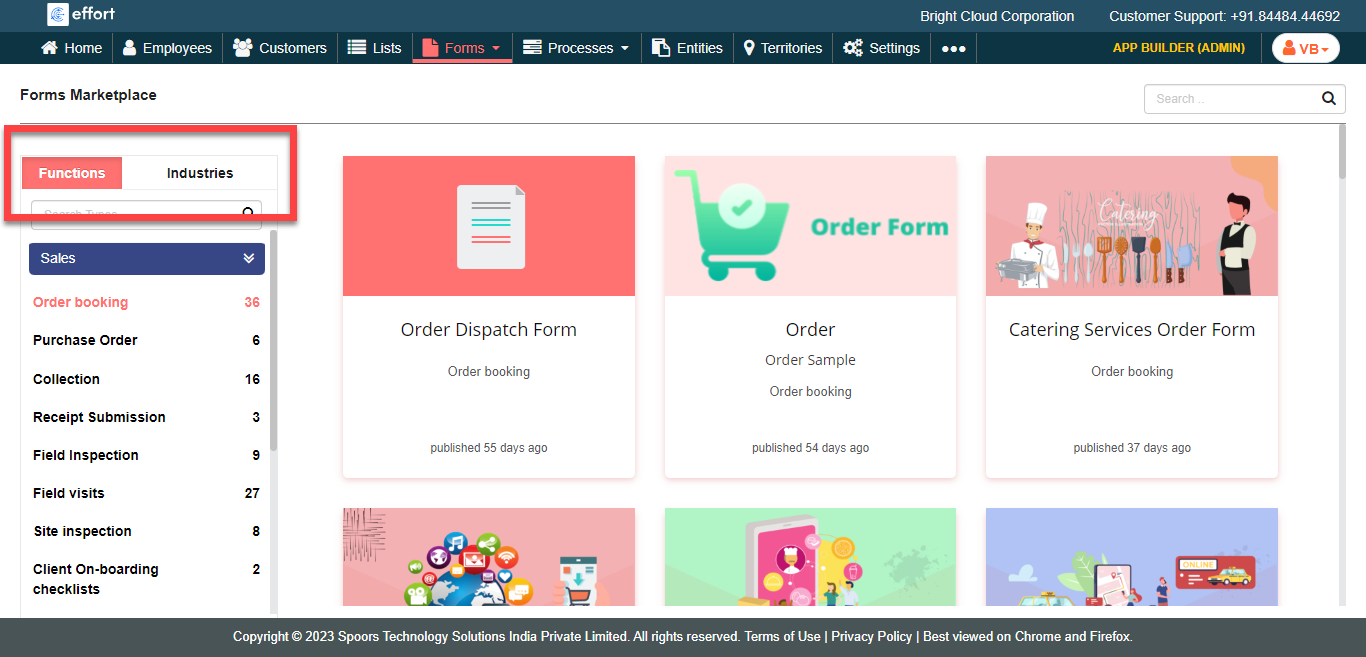
The predefined templates in the particular type or industry appear on the right side.
-
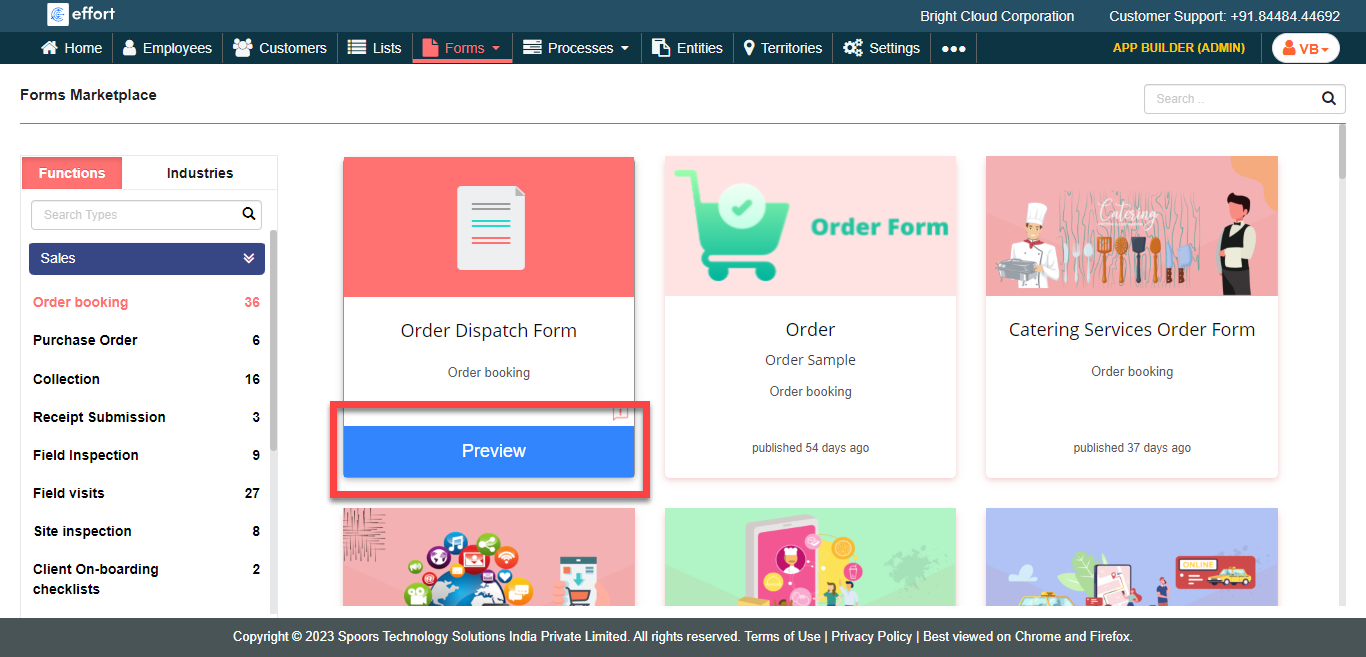
Hover the cursor towards the required form template and click the
Preview button.
-
Click the Clone This Template button.

-
Change Title if you want.
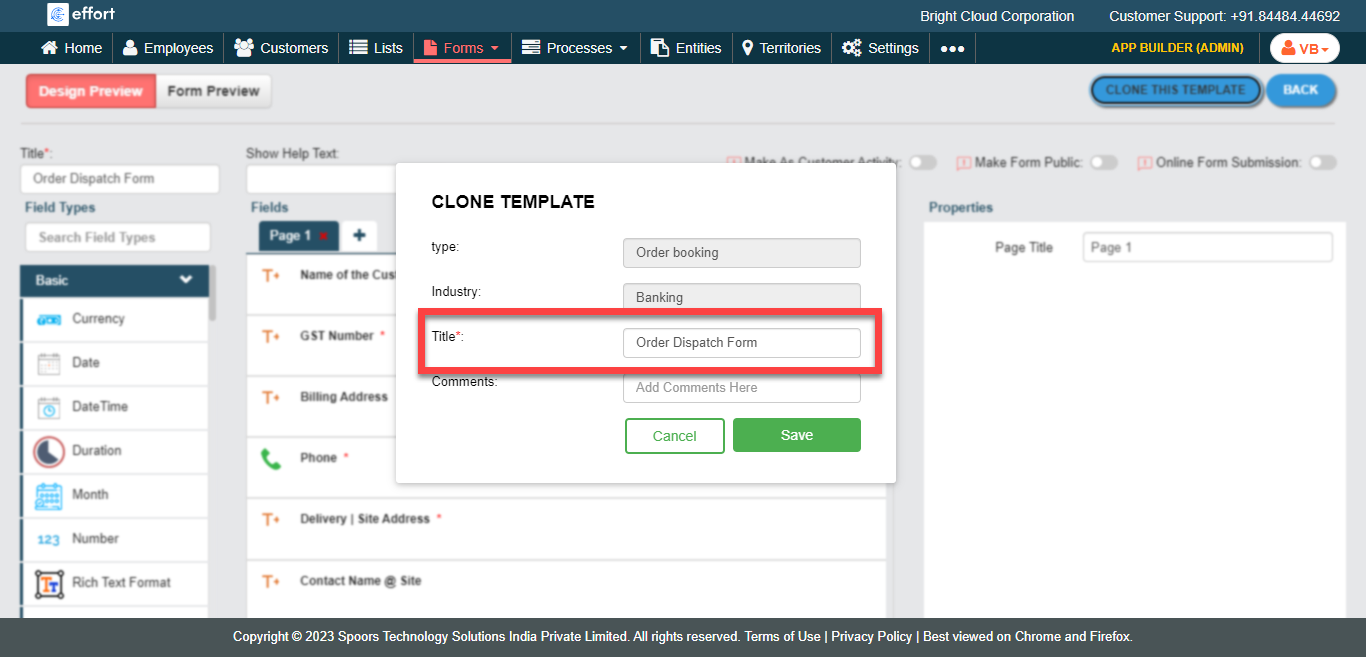
- Click Save.