

Setup Payment Option
To setup payment option, follow the steps below.
-
Go to .
The Forms page appears.
-
Select the Form to view the <Form Name> Actions
page.

- Scroll down to the Settings And Permissions section.
-
Click the Setup Payment Option card.
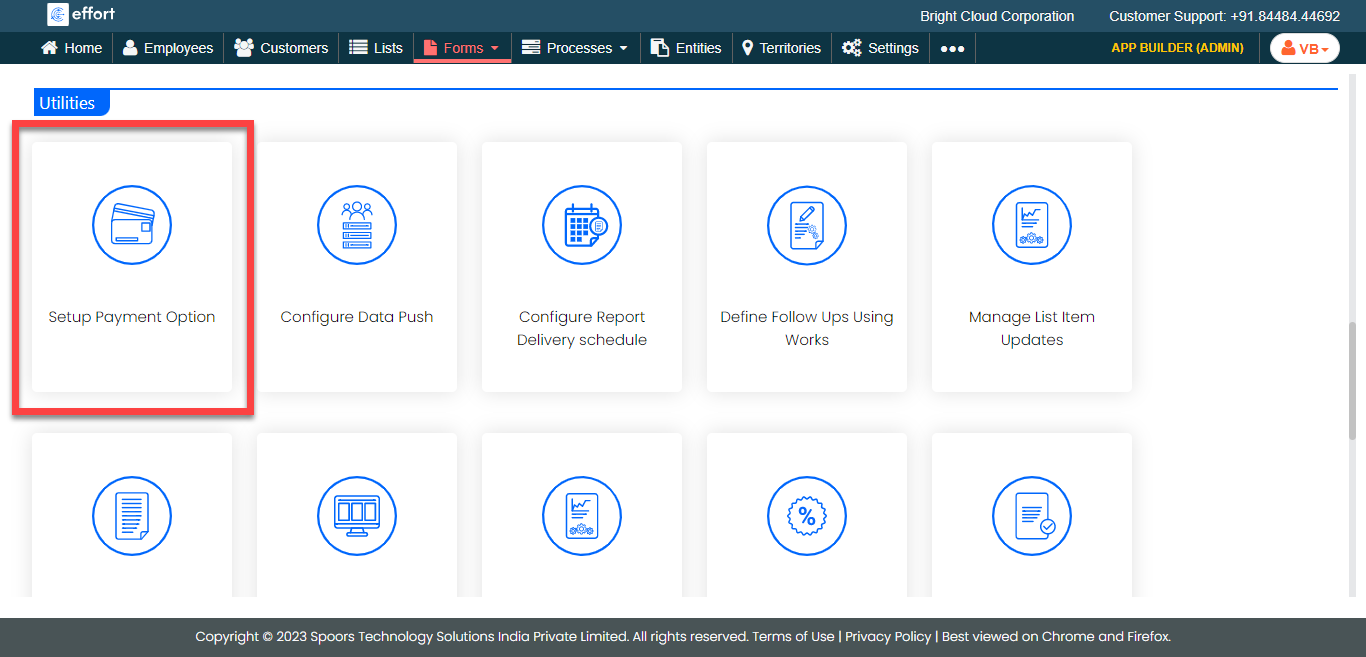
The Setup Payment Option page appears.
-
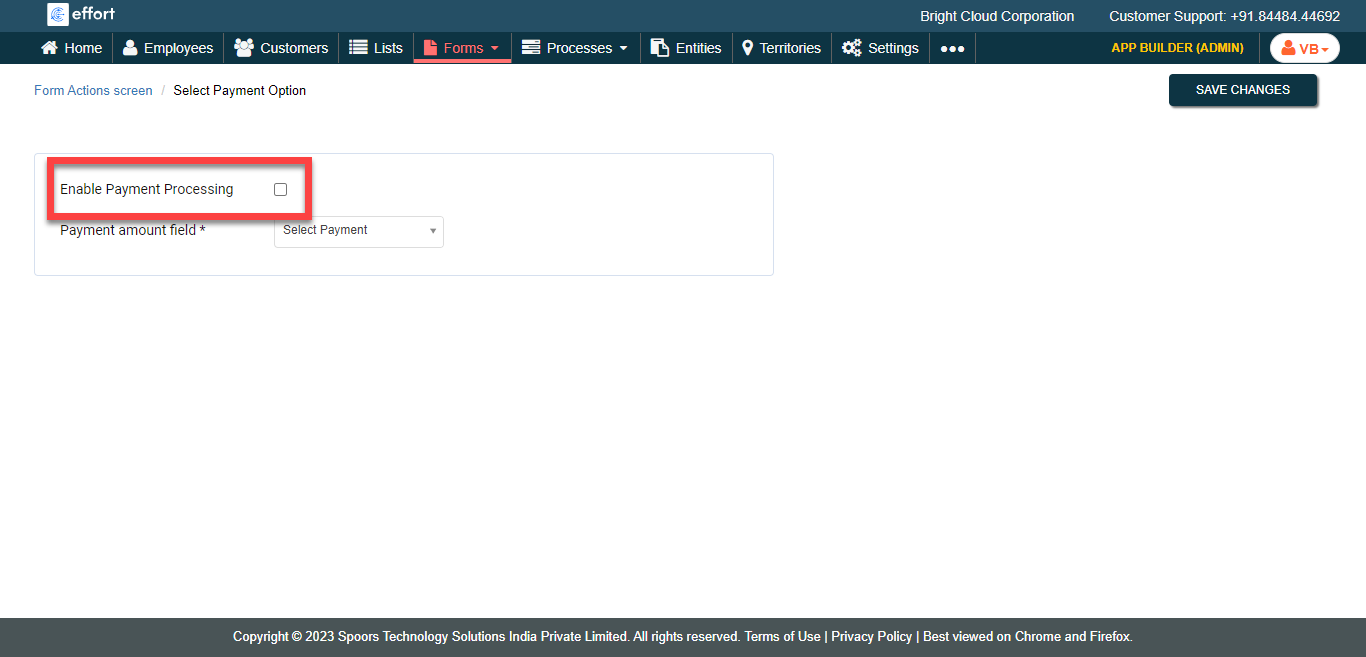
Enable the Enable Payment Processing checkbox.
-
Select the payment field from the Payment Amount Field
dropdown.
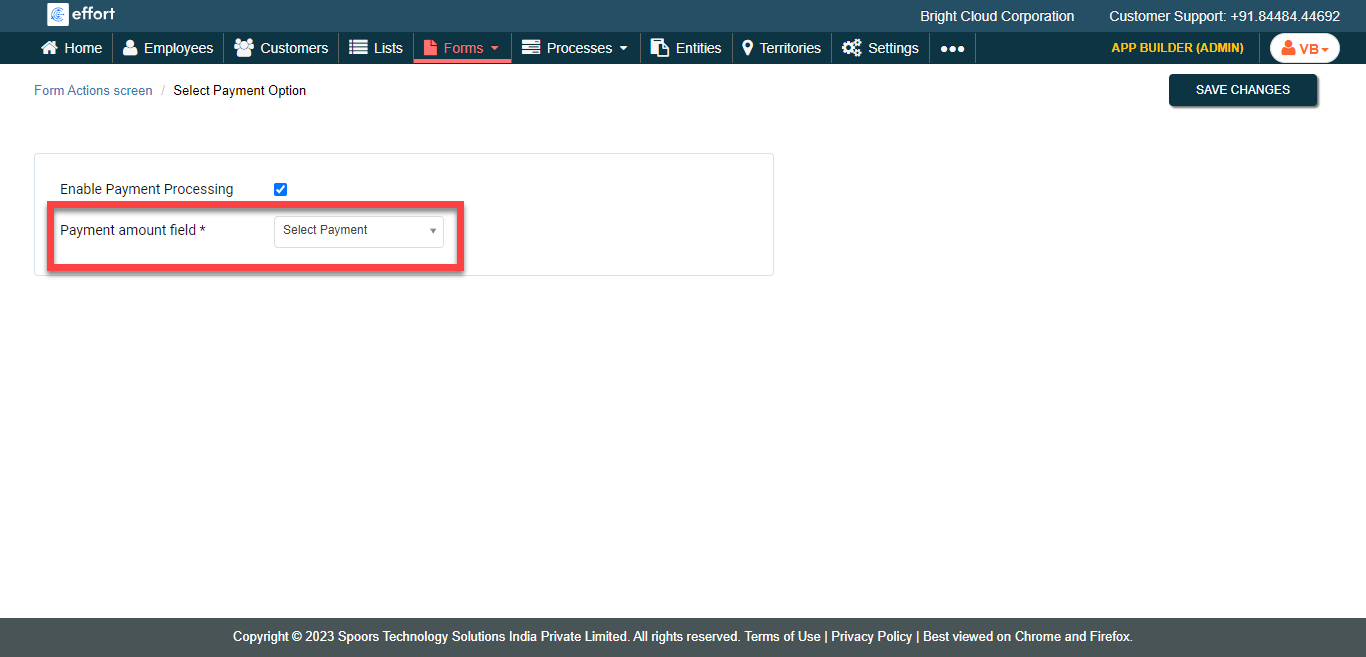
- Click Save Changes.