Enable/Disable Approval Process
To enable/disable approval process, follow the steps below.
-
Go to
The Forms page appears.
- Scroll down to the Settings section.
-
Click Manage Approval Processes card.

The Approval Process page appears.
-
Click the Enable/Disable Approval Processes card.

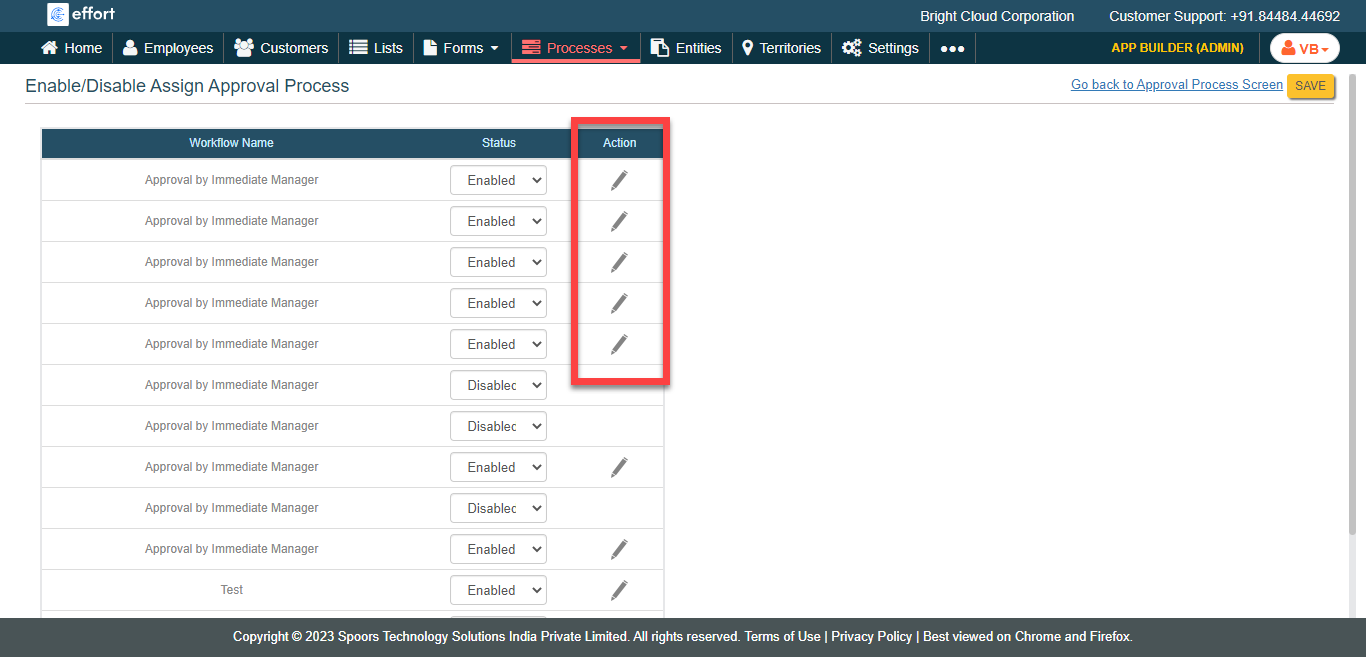
The Enable/Disable Assign Approval Process page appears.
-
Select an appropriate option in the Status column.
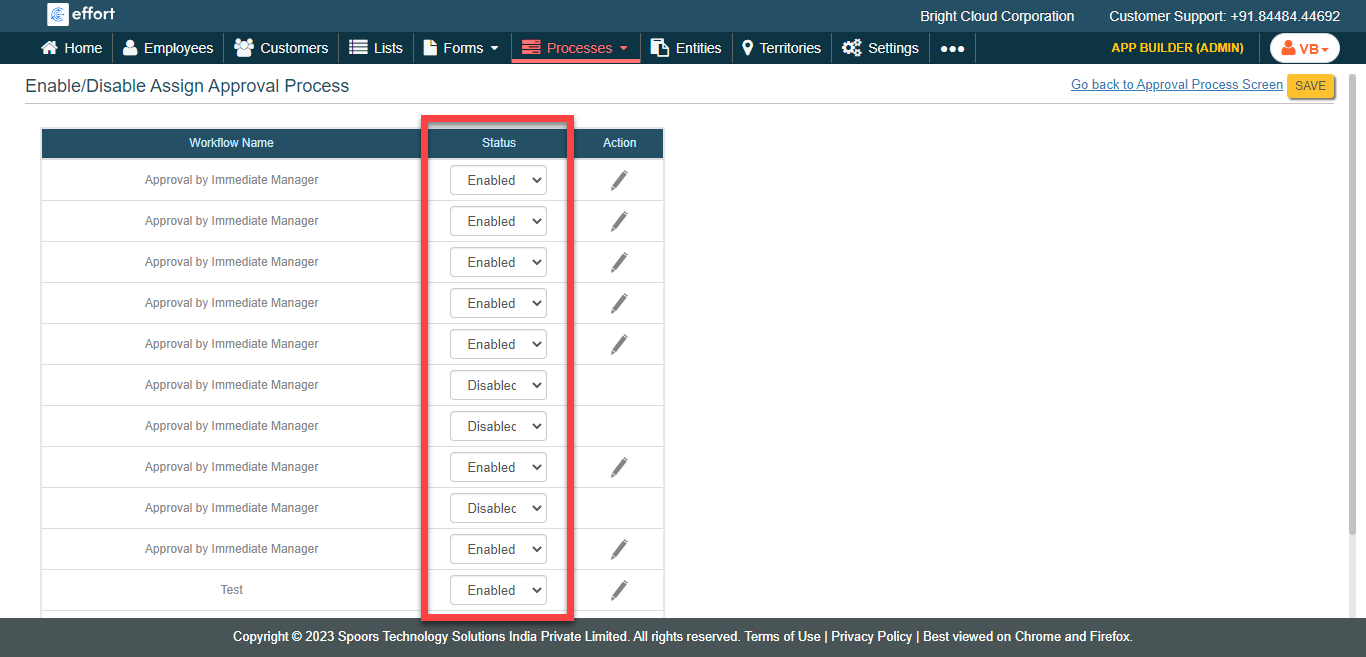
- Click Save.
- Optional:
Click the pencil icon to modify approval process. Follow
the steps listed in Configure Approval
Level.