

Send Form Submission Details To An External Email
To send form submission details to an external email, follow the steps below.
-
Go to .
The Forms page appears.
-
Click on the required form.

The Form Actions page appears.
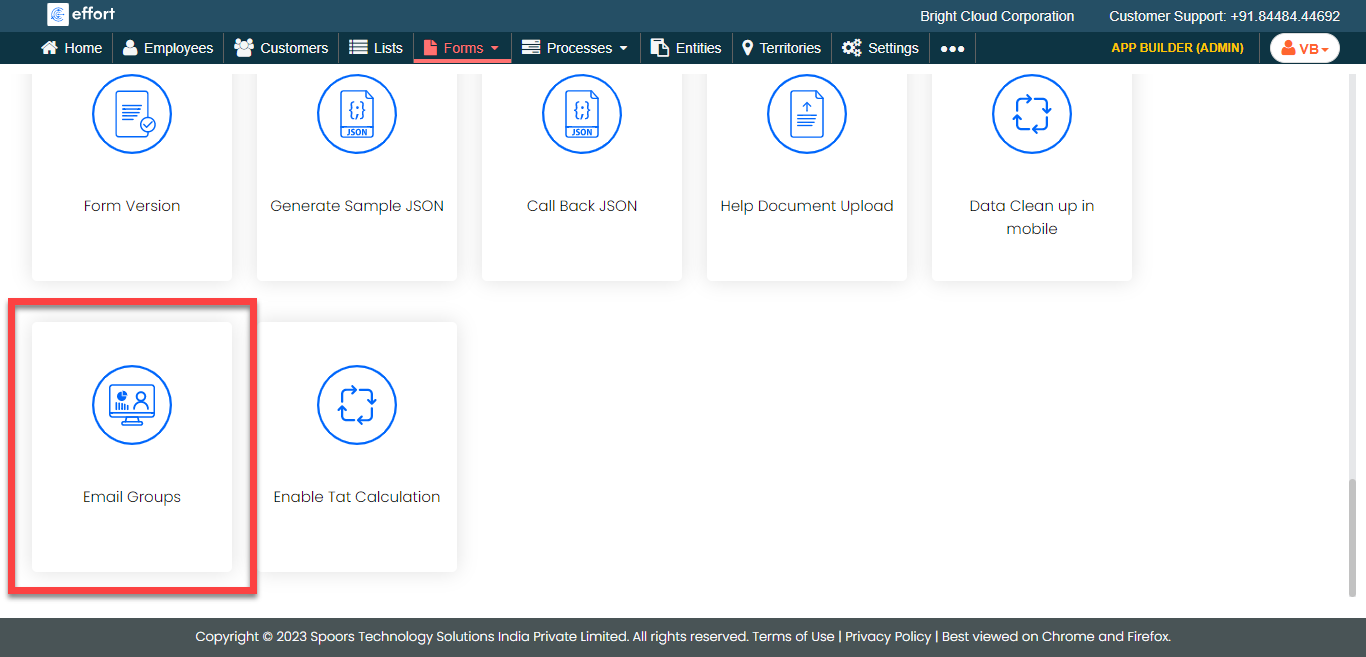
- Scoll down to the Utilities section.
-
Click the Email Groups card.
-
Enter email addresses to which you want to send form submission details.

- Click Save.