Delete a Published Marketplace Form Template
To delete a published marketplace form template, follow the steps below.
-
Go to .
The Forms page appears.
-
Scroll down to the Settings section.
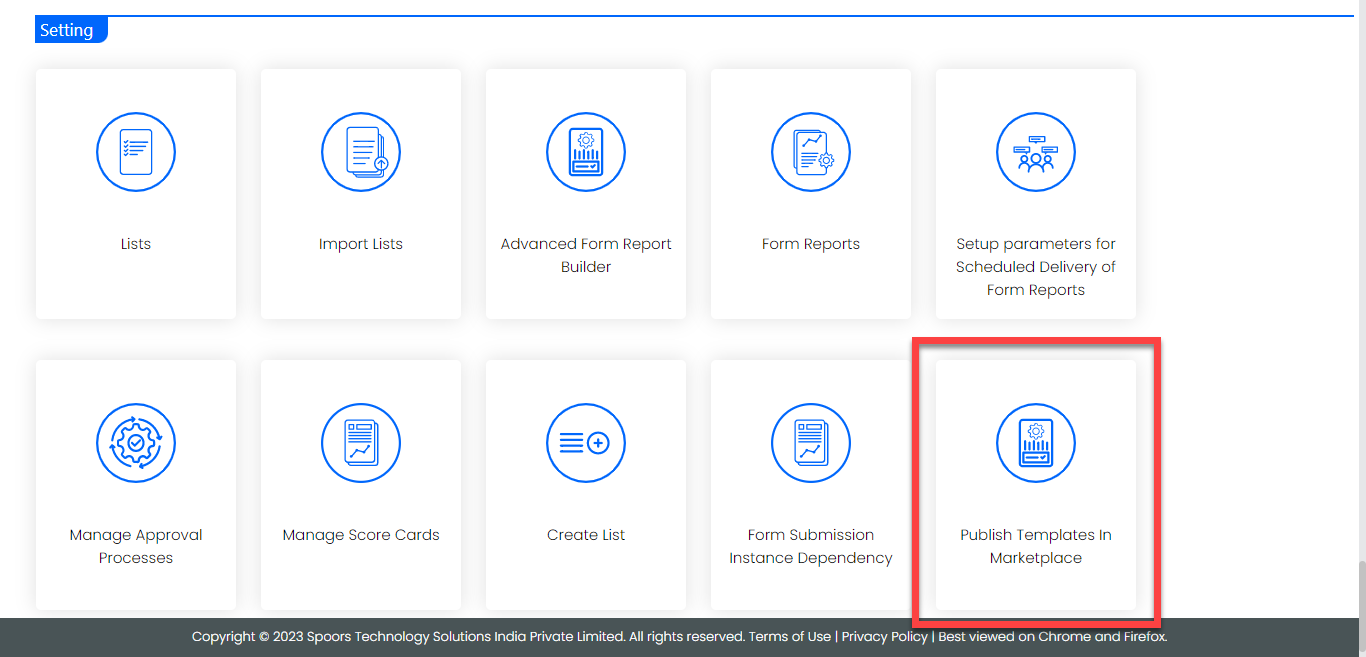
-
Click anywhere on the screen.
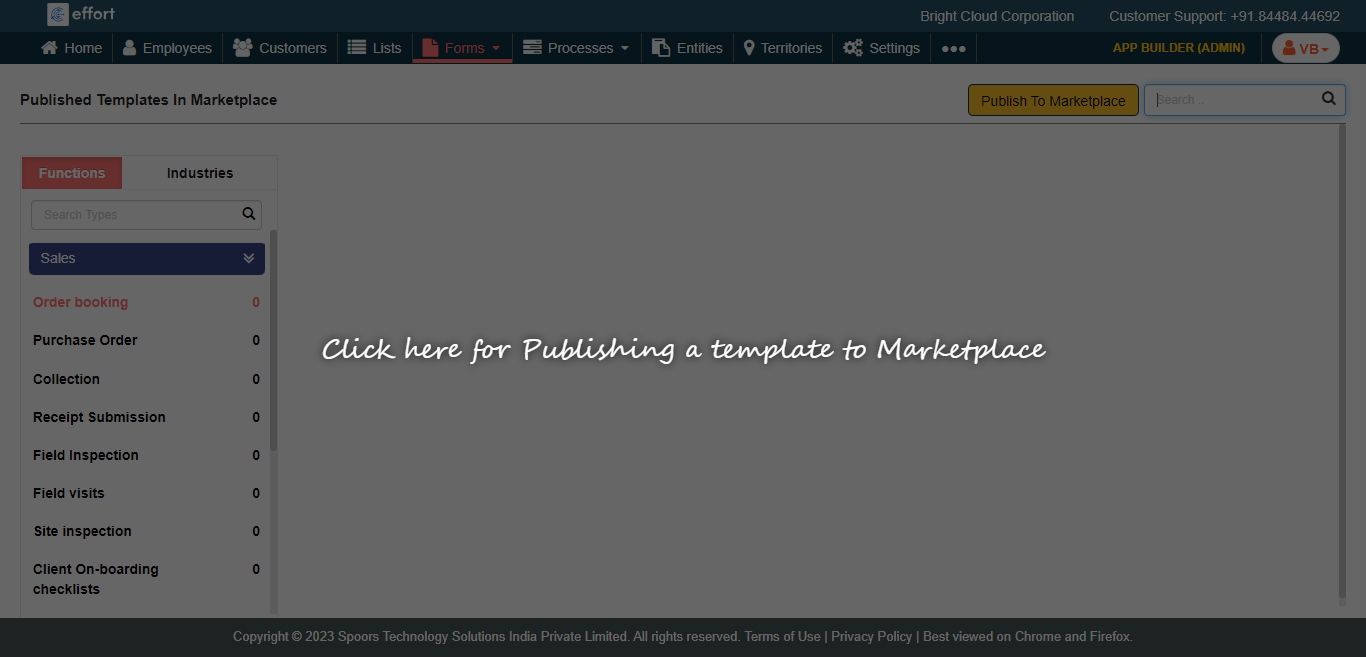
-
Click on a type where you published the form template.

-
Hover the cursor towards a form template card that you want to delete and click
on the three dots icon.
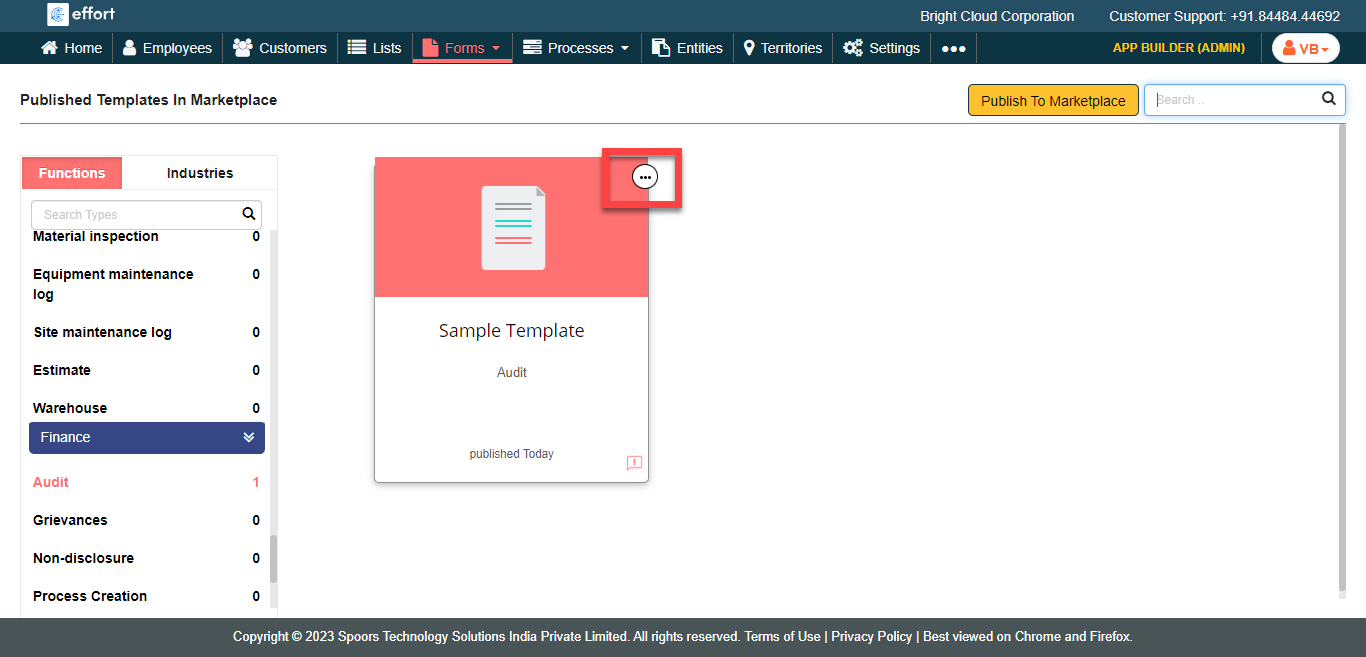
-
Click the Delete Template option.

-
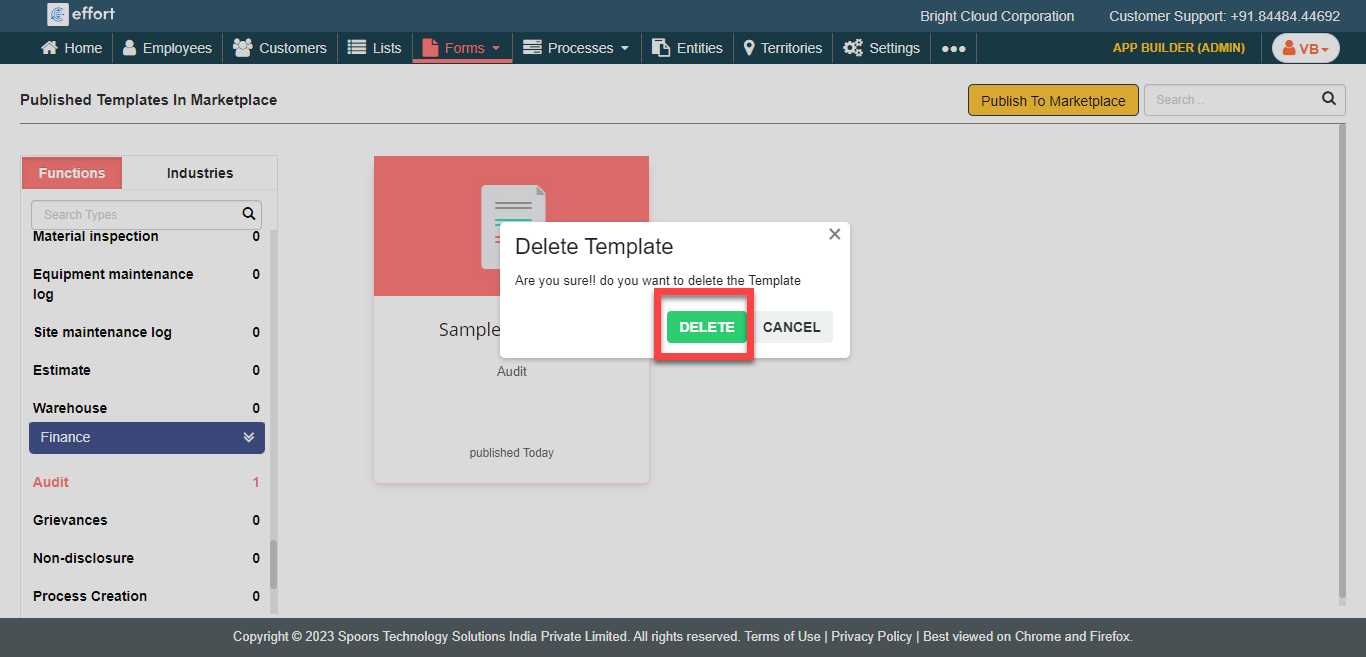
Click Delete on the confirmation pop-up.