Enable/Disable TAT Calculation
To enable/disable TAT calculation, follow the steps below:
-
Go to .
The Forms page appears.
-
Select the form for which you want to enable or disable TAT Calculation.

- Scroll down to the Utilities section.
-
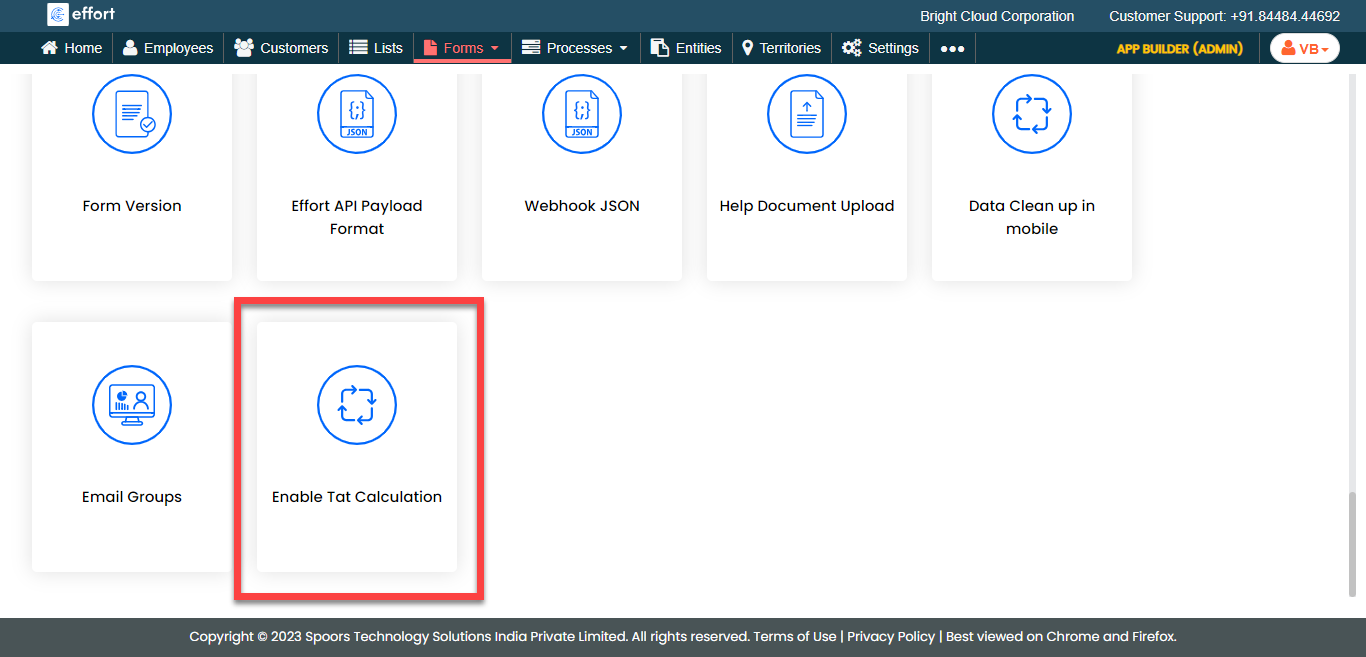
To enable TAT calculation, click the Enable TAT
Calculation card.
-
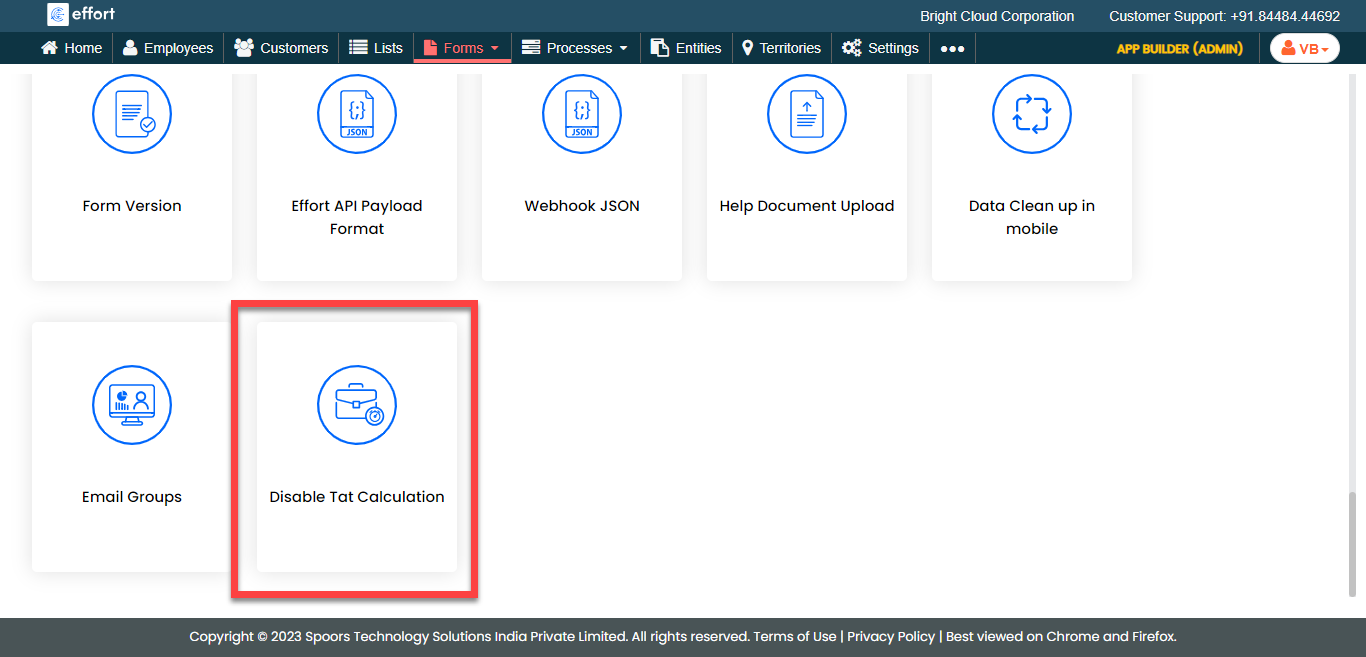
To disable TAT calculation, click the Disable TAT
Calculation card.