

Assign Approval Flow
Make sure that the approval process is already created before you assign an approval flow to a form template. To learn more about creating an approval process flow, refer to the Approval Process.
-
Go to .
The Forms page appears.
-
Select the form to view the <Form Name> Actions page.

-
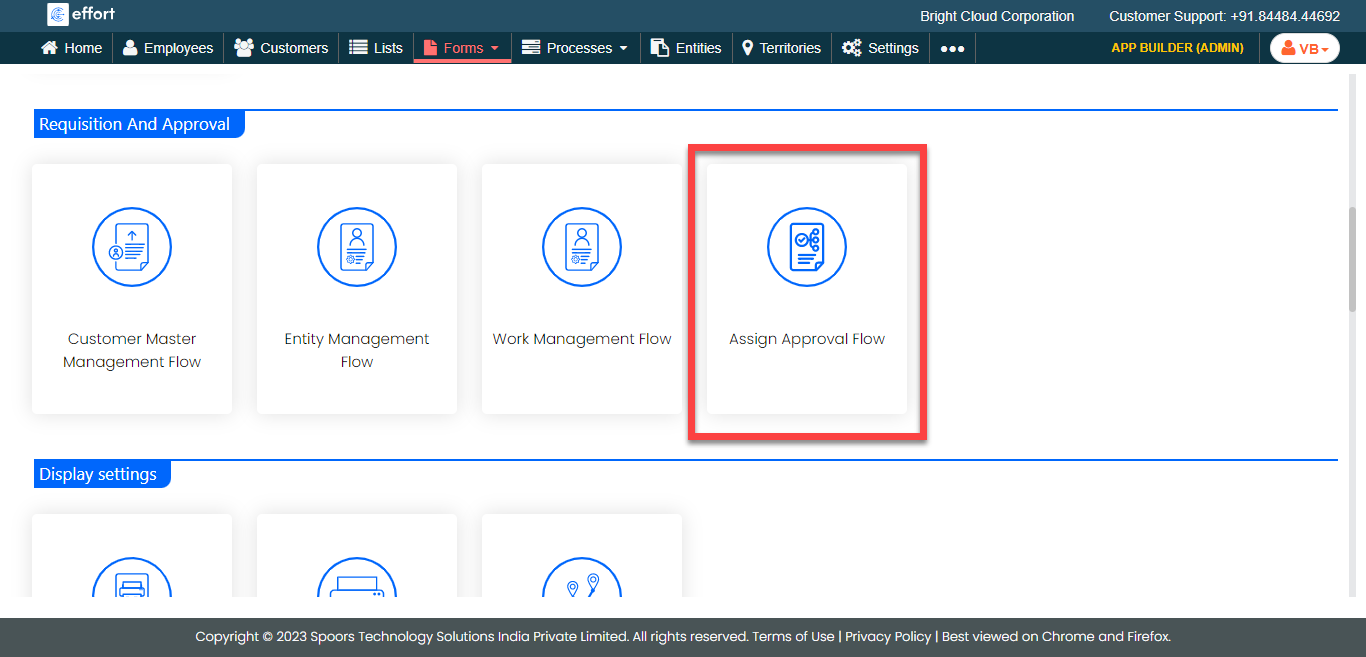
Under the Requisition And Approval section, click the
Assign Approval Flow card.
The Assign Approval Process pop-up window appears.
-
Click the Add Approval Process button.

-
Select the required approval process.

-
Enable or disable the options as per your requirement.

- Click Save.