

Design Print Template for Mobile App
To design a print template for mobile app, follow the steps below.
-
Go to .
The Forms page appears.
-
Select the form to view the <Form Name> Actions page.

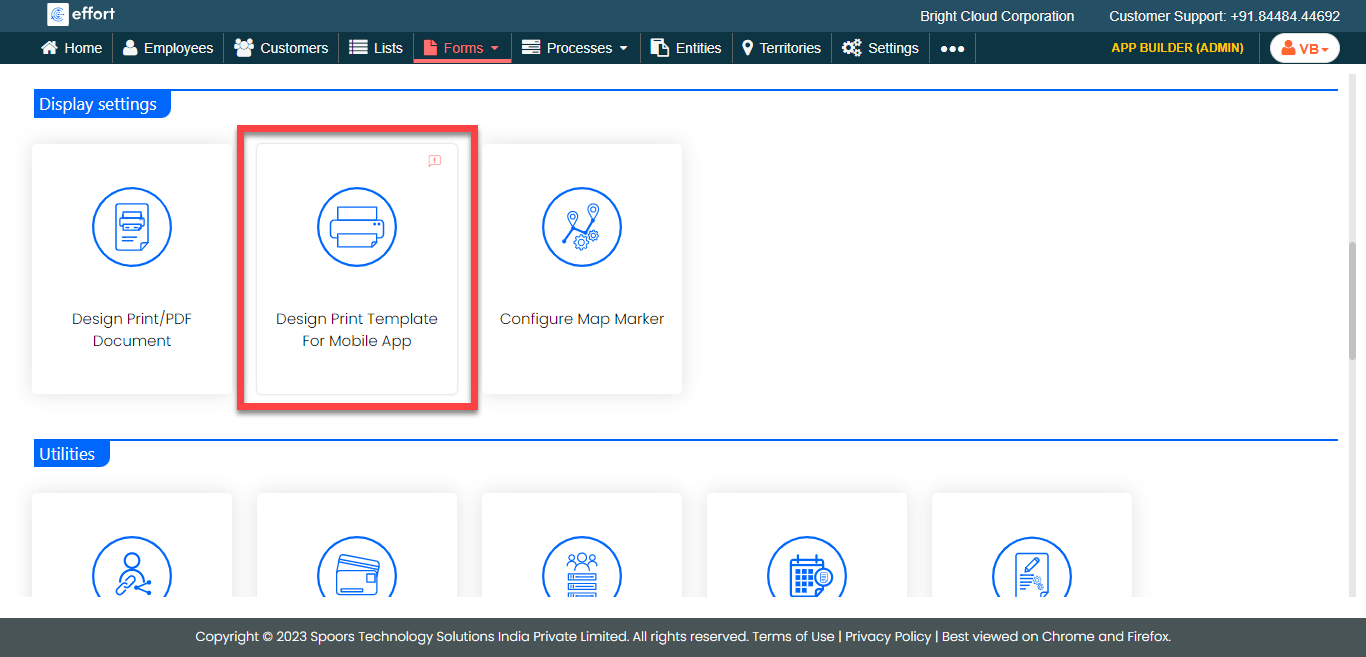
- Scroll down to the Display Settings section.
-
Click Design Print Template For Mobile App card.
-
Click the
 icon in the
left panel to populate it in the right panel.
icon in the
left panel to populate it in the right panel.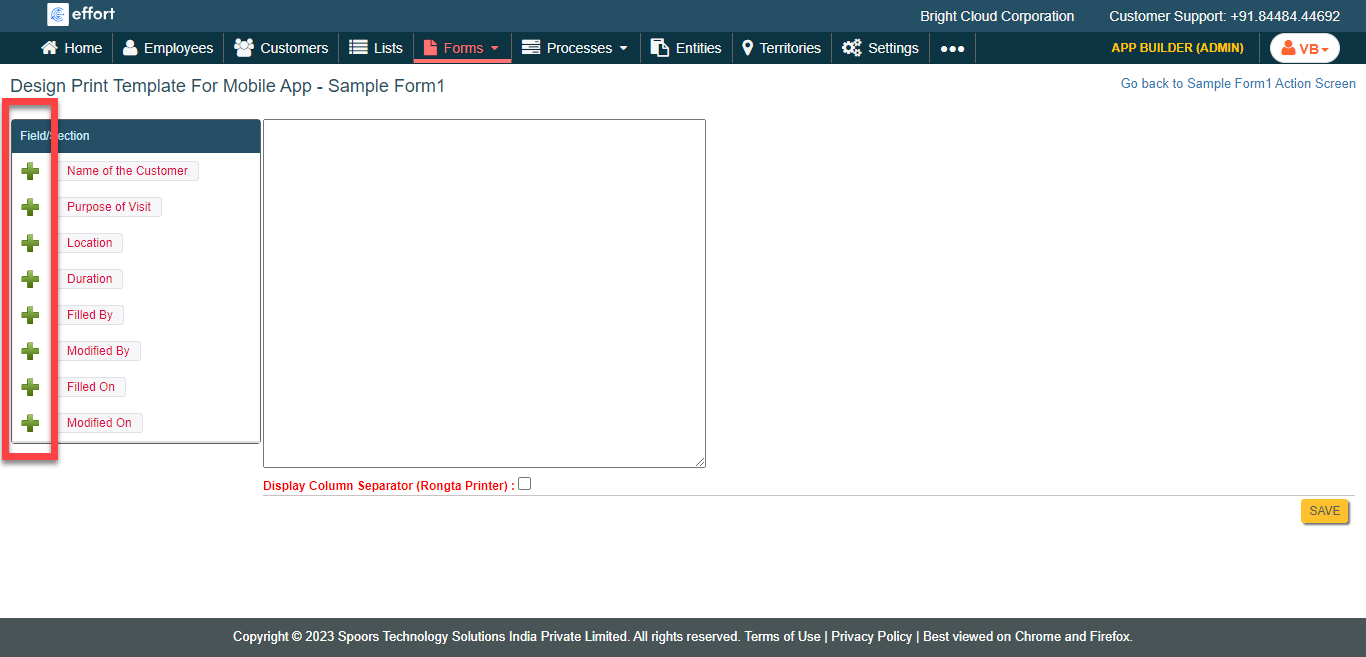
-
Apply the needed formatting.
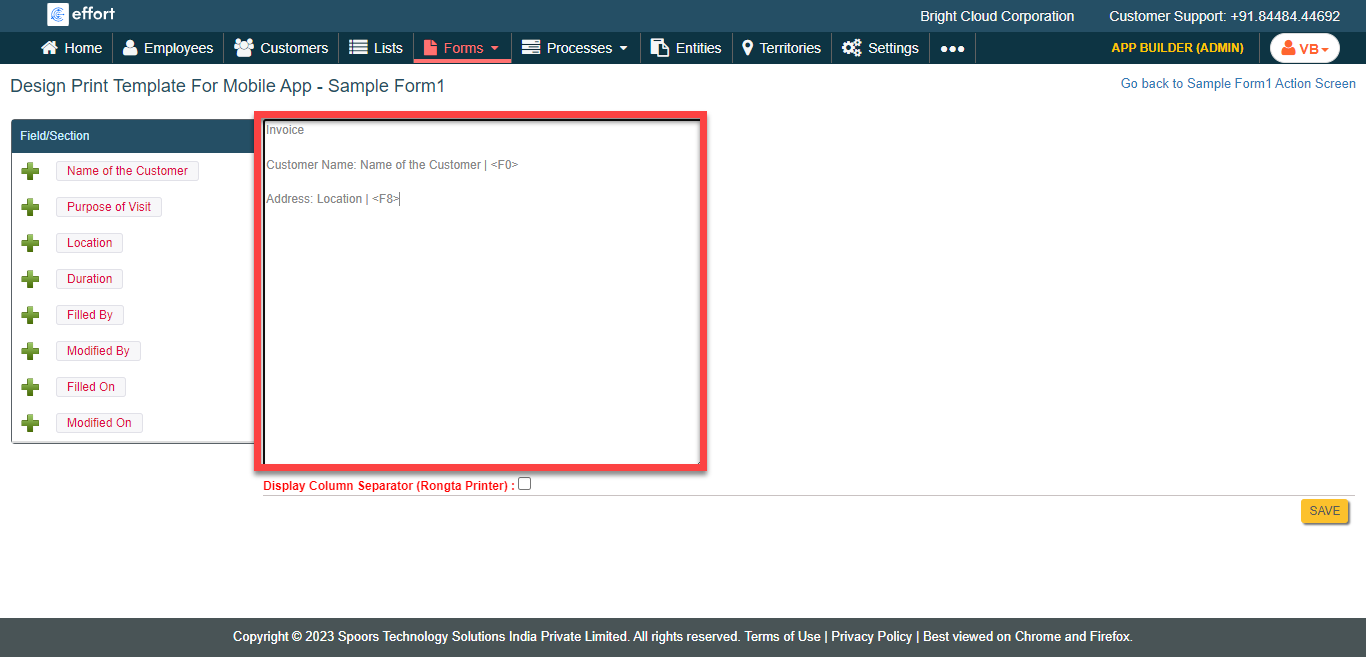
- Click Save.