

Create a Form using OCR
To create a form using OCR, follow the steps below:
-
Go to .
The Forms page appears.
-
Click the Create Form button.
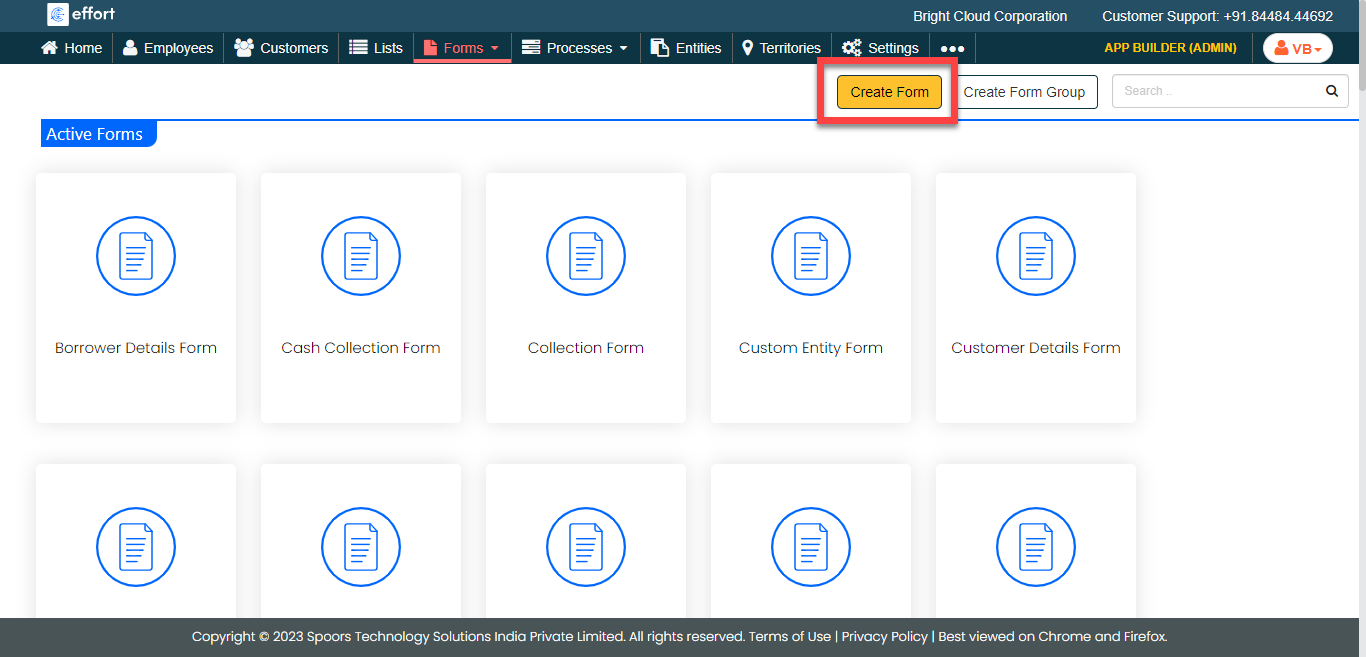
The Add a New Form Template pop-up appears.
-
Click Create through OCR.

-
Select the image of the form that you want to create using OCR.

- Optional:
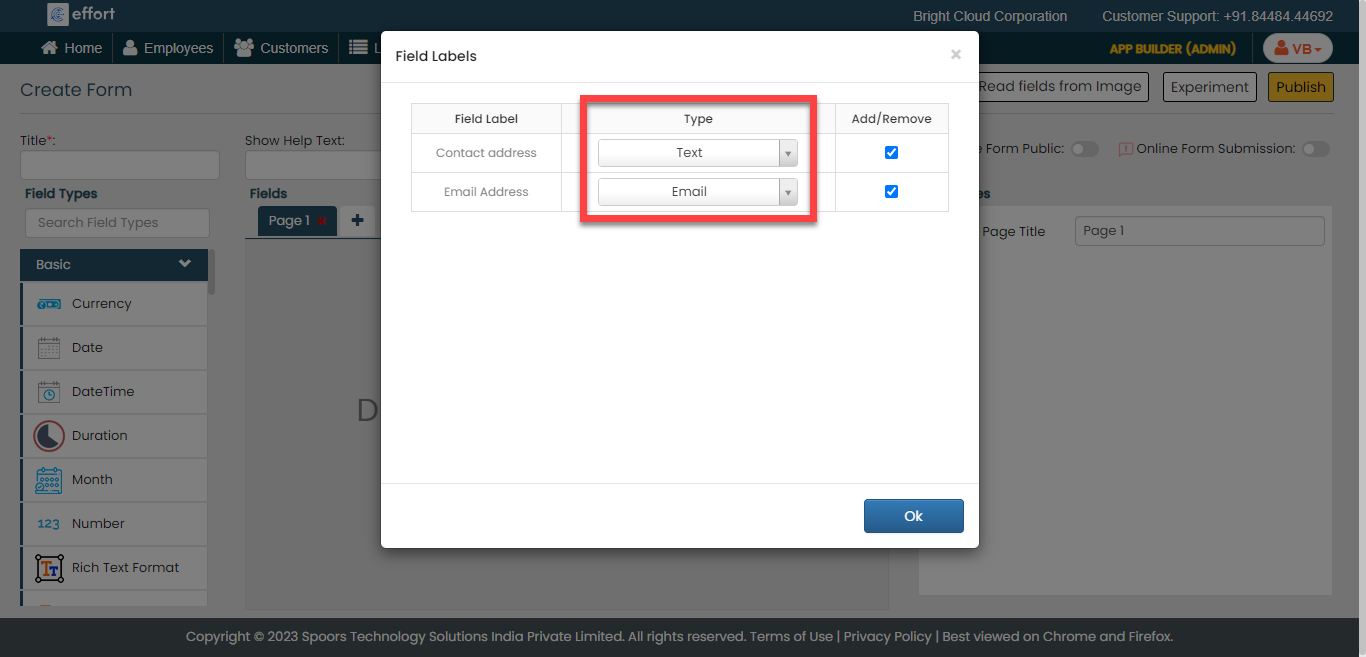
Under the Type column, change the data type.
- Optional:
Under the Add/Remove column, uncheck the fields to
remove from the form.

- Click OK.
-
Enter the name and customize the form as per your requirement.
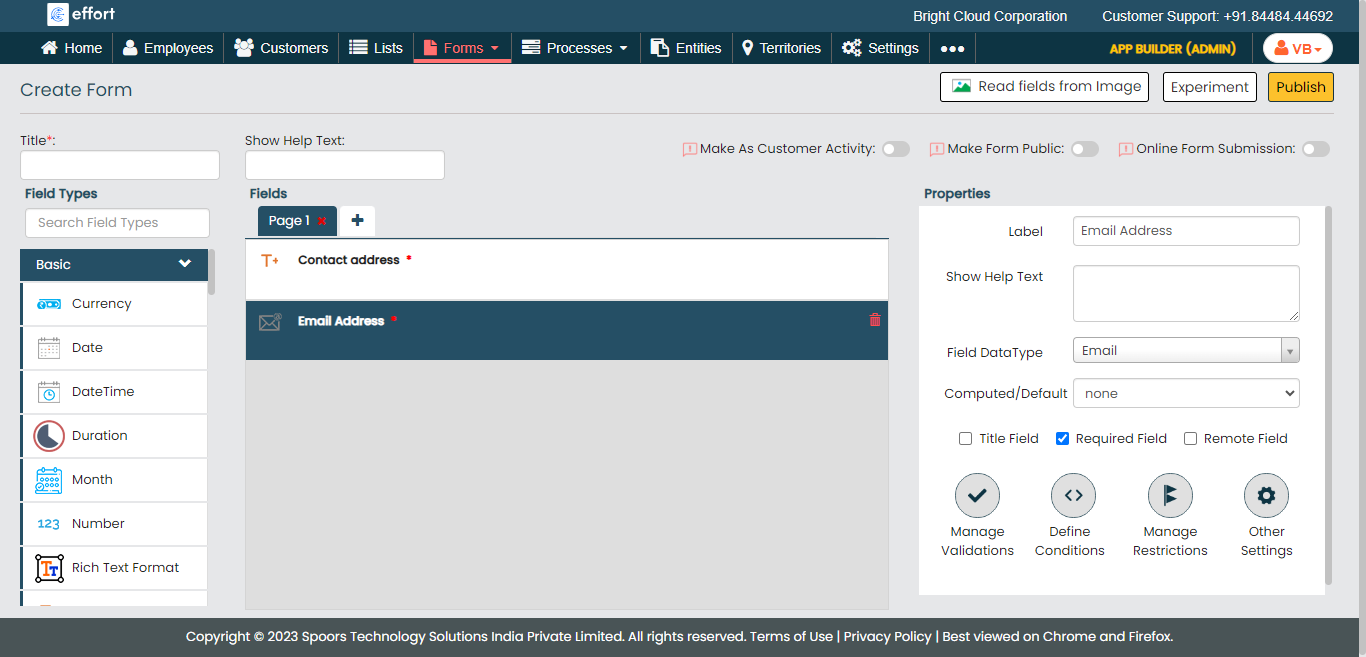
- Click Publish.