

Configure Remote Fields
To configure remote fields, follow the steps below.
-
Go to .
The Forms page appears.
-
Select the form to view the <Form Name> Actions page.

-
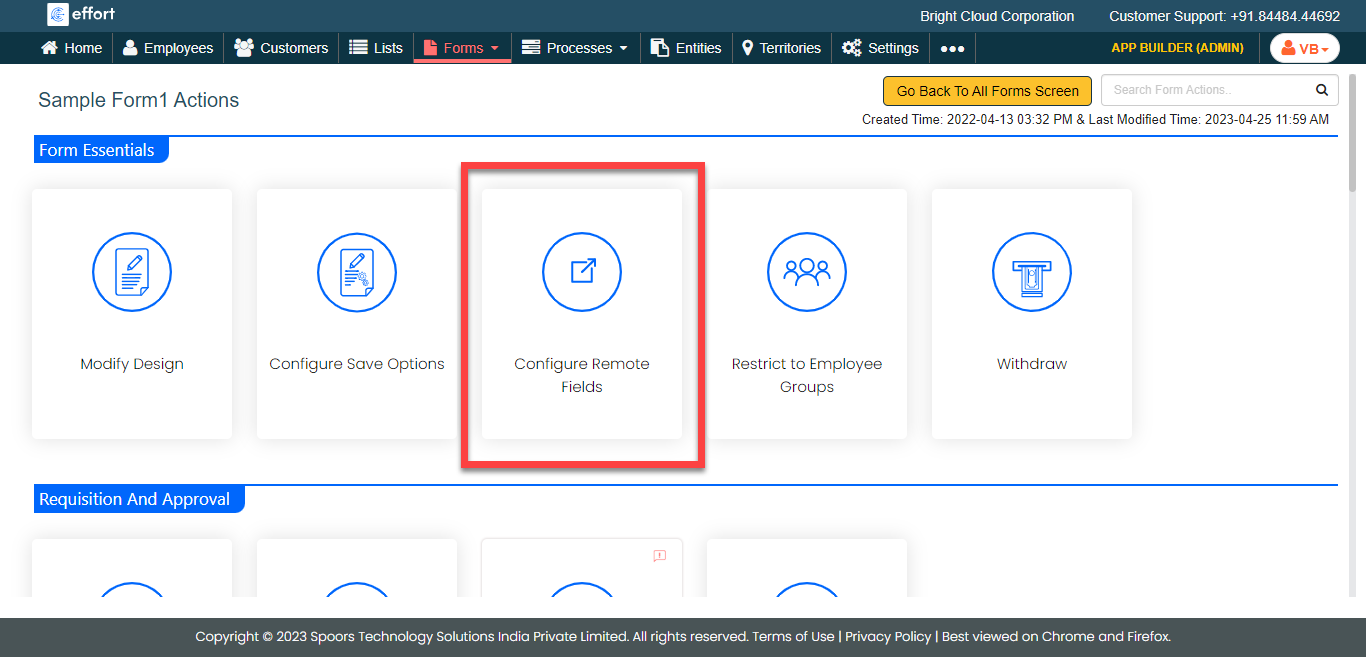
Under the Form Essentials section, click the
Configure Remote Fields card.
-
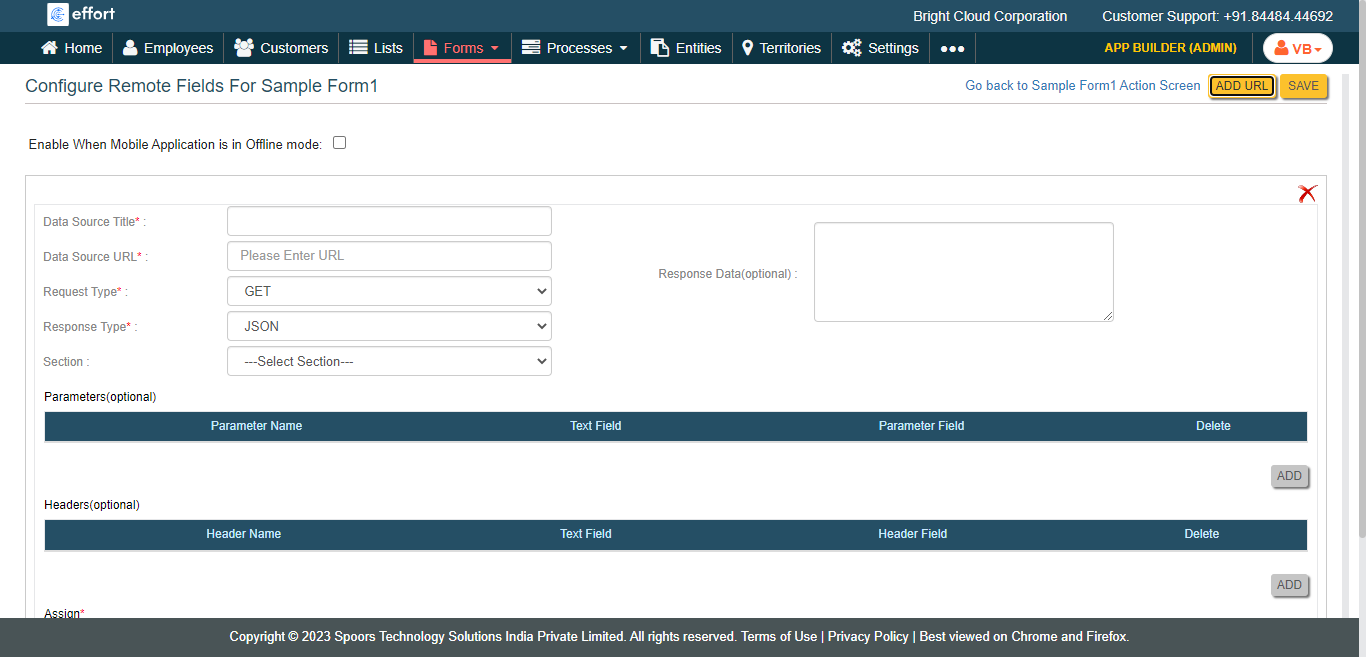
Click the Add URL button.

-
Configure all the mandatory fields.
- Click Save.