

Configure Sign-In or Sign-Out Webhook
To configure sign-in or sign-out webhook, follow the steps below:
-
Go to .
The Employees page appears.
- Scroll down to the Utilities section.
-
Click the Manage Sign-In or Sign-Out Webhook card.

-
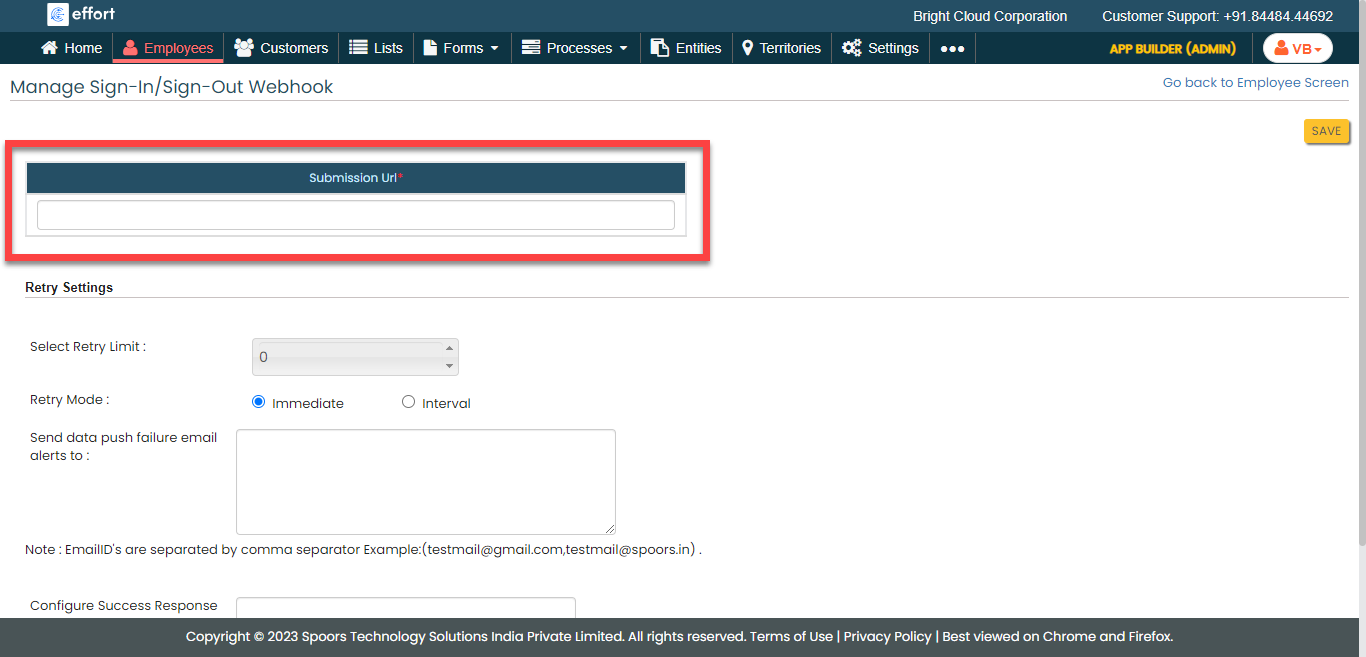
In the Submission URL field, provide the URL to which
you want to send the data.
-
Configure the Retry Settings as per your
requirement.

- Click Save.