

Generate a Mobile Device Event Logs Report
To generate employees last known locations report, follow the steps below.
- Go to .
-
Click Tools and Audit in the user menu located on the
top right corner under the employee name.

The Tools and Audit page appears.
-
Under the Tools and Audit section, click the
Mobile Device Event Logs link or icon.
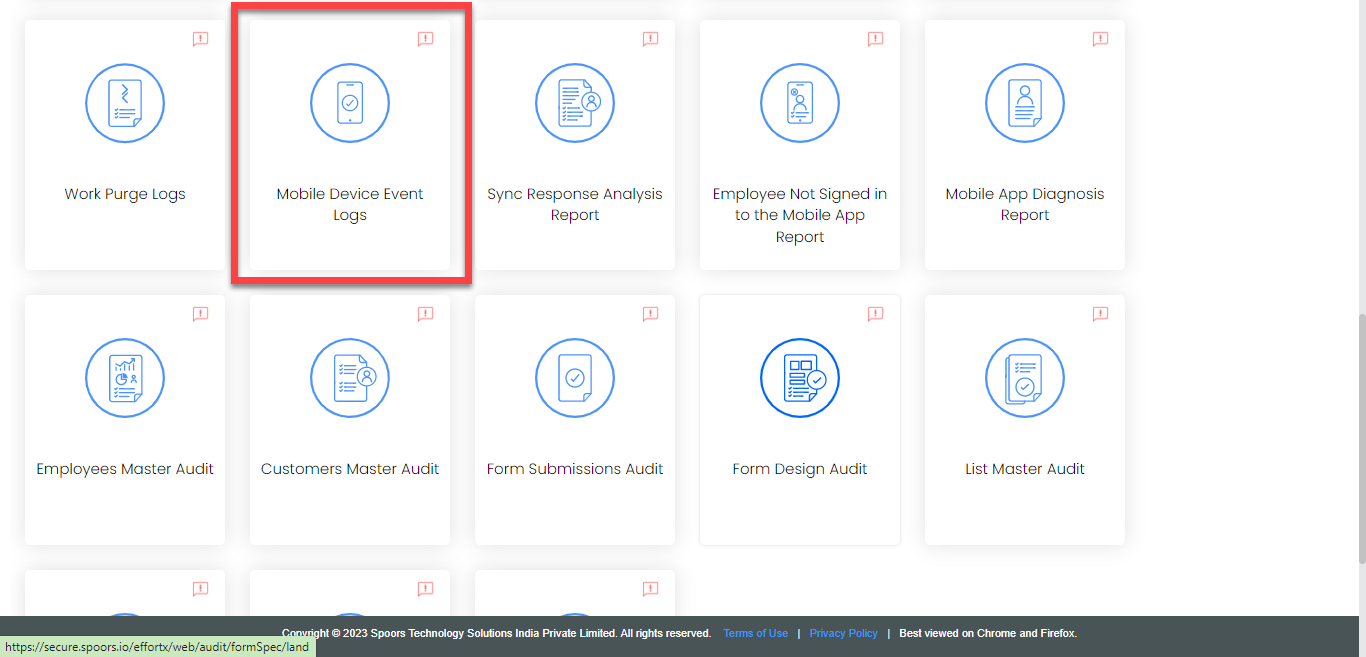
The Mobile Device Event Logs page appears.
-
In the Event Filters section, select the filetr options
as per your requirement and click Apply.

The relevant data is displayed in the workspace.
-
Click Export to Excel.
An excel sheet is downloaded with the filtered records.
