

Disable Employee
To disable an employee, follow the steps below.
-
Go to .
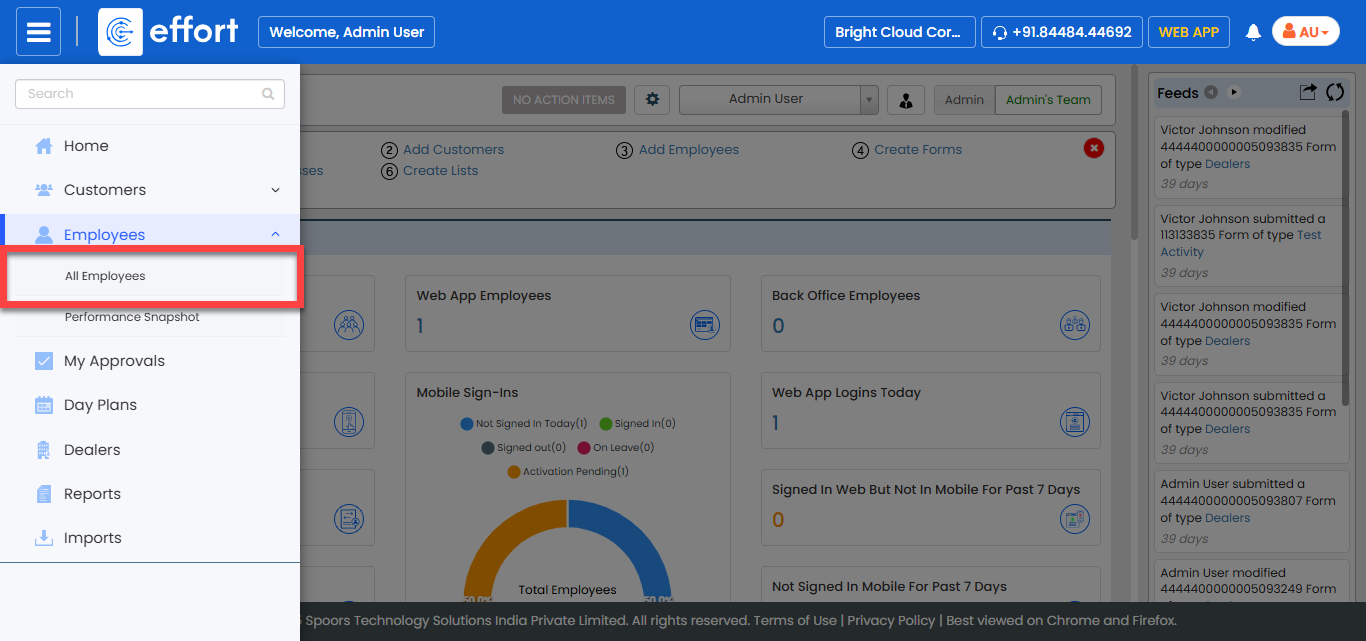
The All Employee page appears.
-
Click the Hide Metrics button to view all the
employees.

-
Click the Filters button and apply the filter options to
find the employee you want to disable.

-
Under the Employee Name column, click the employee
name.

-
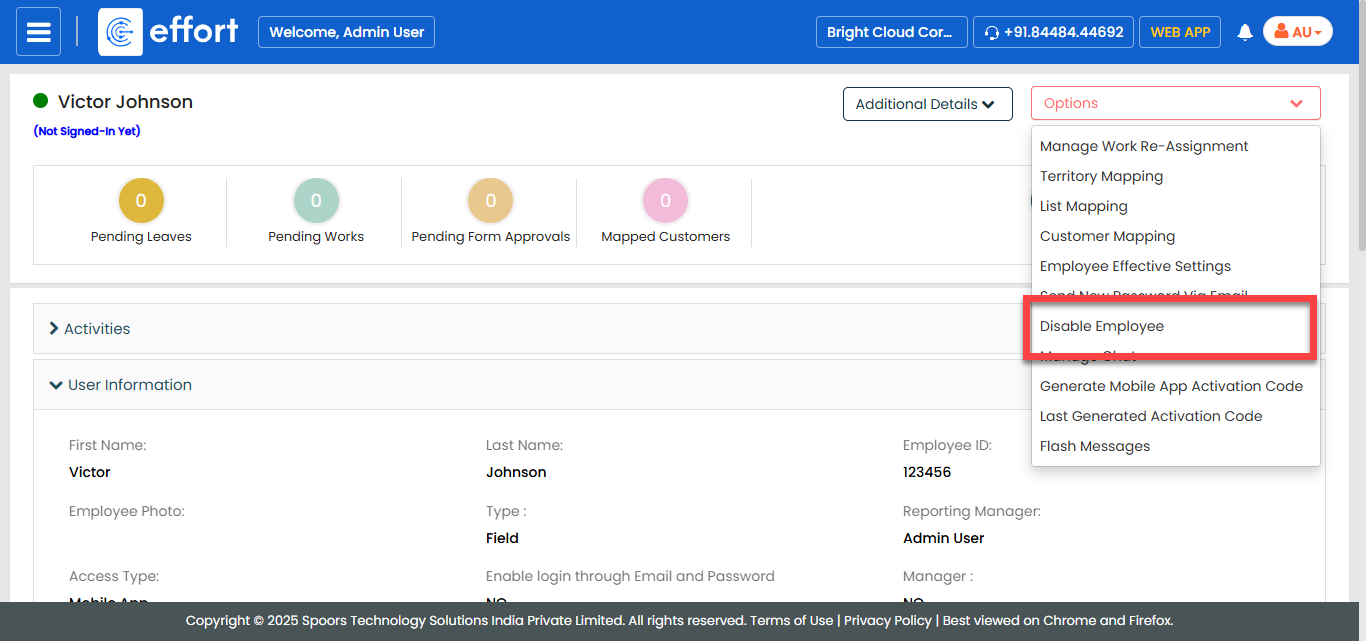
Click the Options dropdown.

-
Click the Disable Employee option.
-
In the disable pop-up, select the required option to assign works to
manager.

- Disable and assign works to manager: Select this option to assign employee works to his reporting manager.
- Disable without assigning works to manager: Select this option to disable the employee without assigning works to his reporting manager.
- Click the Apply button.