

Assign Calendar to Employee
To assign calendar to an employee, follow the steps below.
-
Go to .
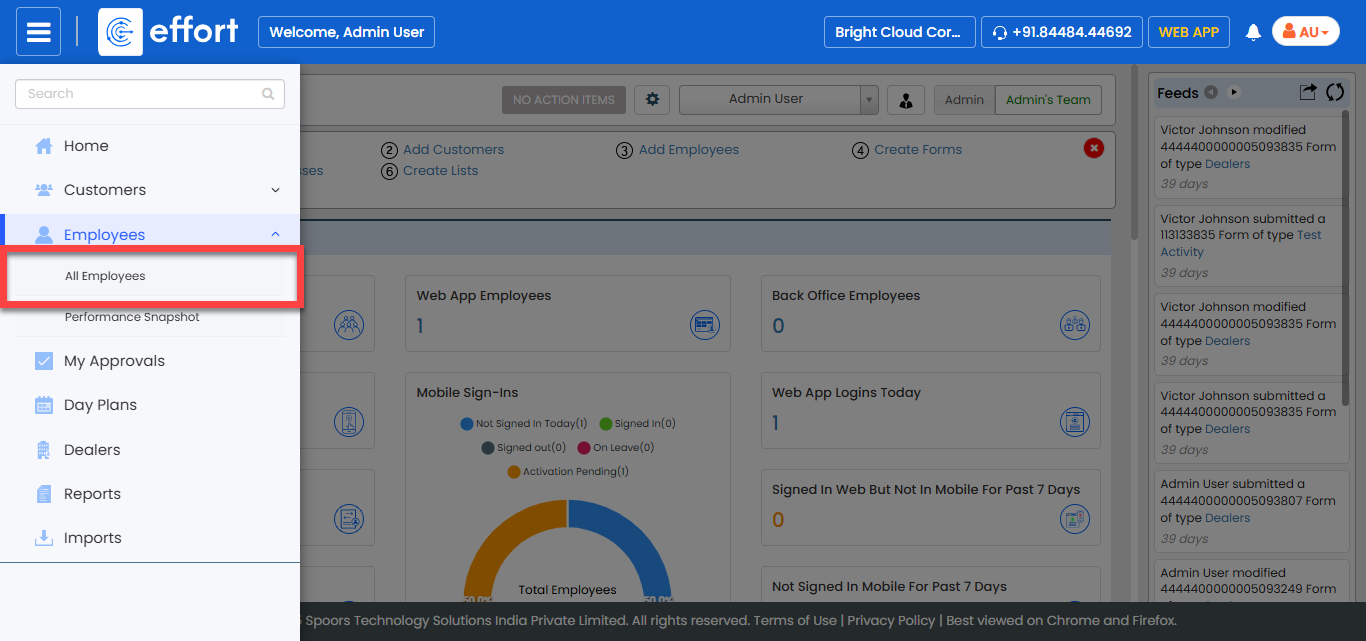
The All Employee page appears.
-
Click the Hide Metrics to view all the employees.

-
Click the Filters button and apply the filter options to
find the employee you want to edit.

-
Under the Actions column, click the edit icon.

-
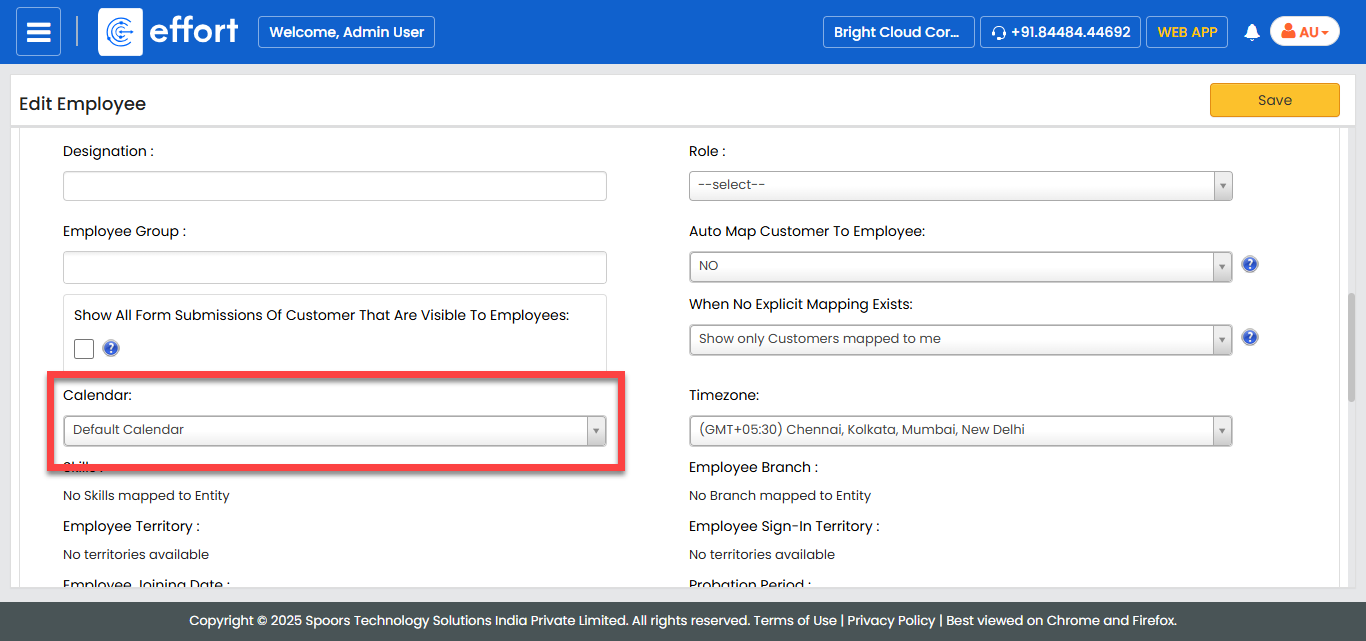
Under the Employee Advanced Details section, select a
calendar from the Calendar field. The default calendar is
Mon- Fri from 9:30 to 7:00.
- Click Save.