

Add Calendar
To create working calenders for the organization, follow the steps below.
-
Go to .
The Employees page appears.
- Scroll down to the Permissions & Settings section.
-
Click the Calendars card.
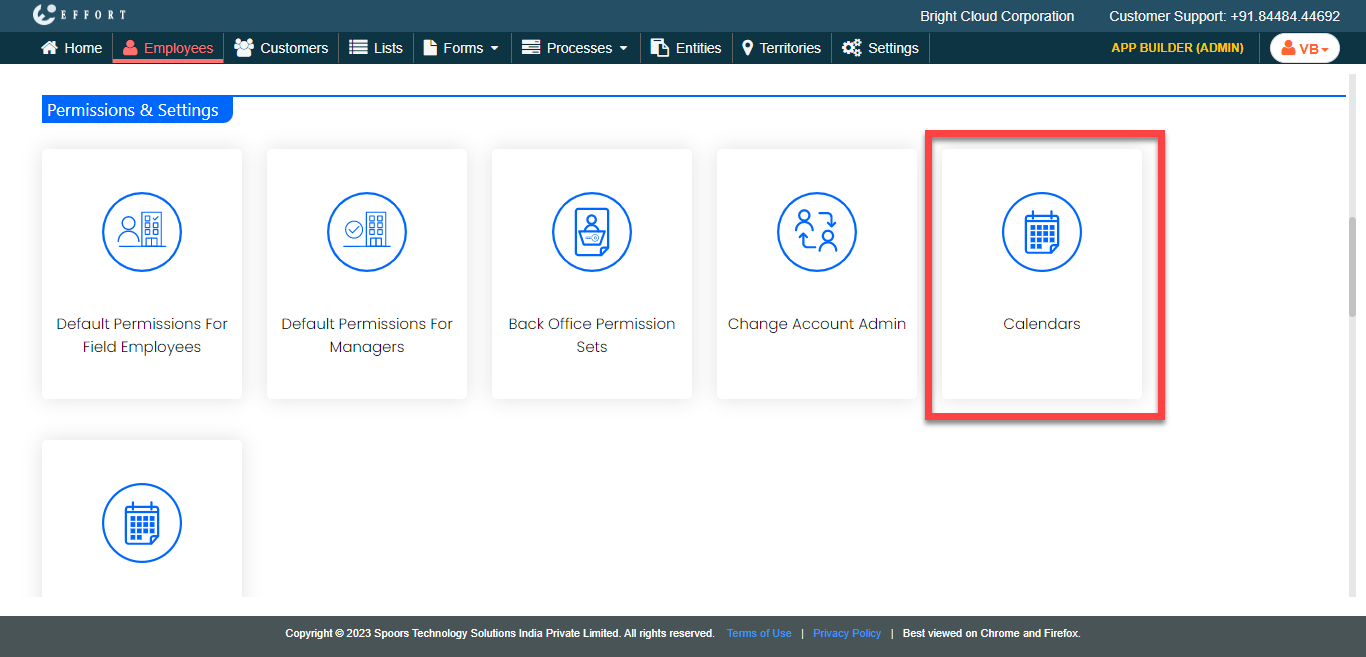
The Calendars page appears.
-
Click the Add New Calendar button.
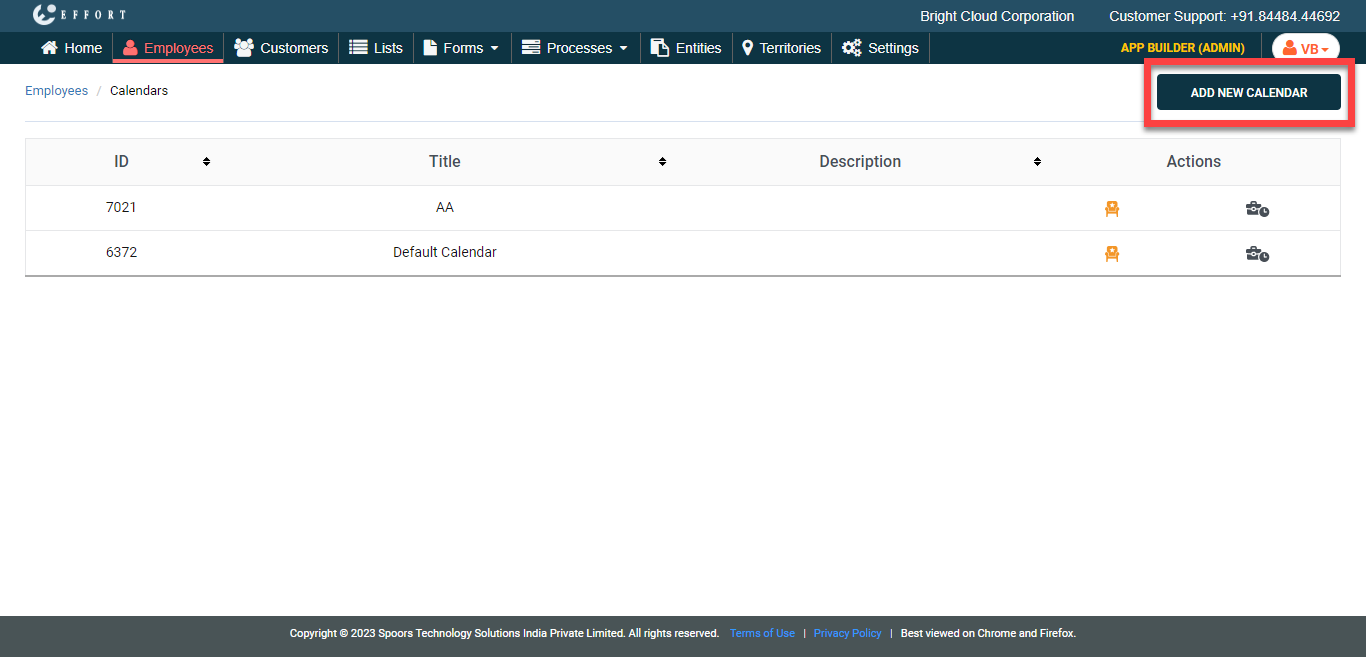
The Create Calendar page appears
-
In the Name field, enter a name for the calendar.

-
In the Working Hours section, click
Add button to set the hours for all seven days in the
week.

-
Provide inputs for the below fields to all the days depending on your
requirement.
- Title
- Start Time
- End Time
- Report Time

- Click Save.