

Edit Calendar
To edit an already created calendar, follow the steps below.
-
Go to .
The Employees page appears.
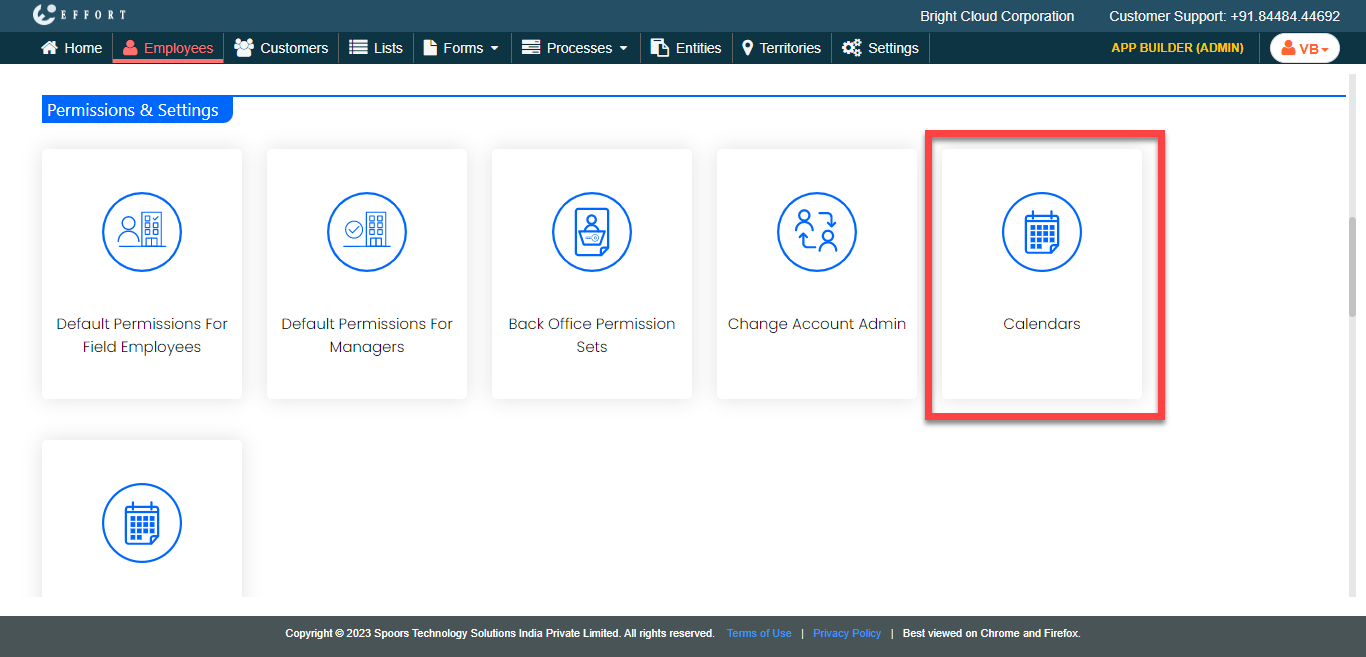
- Scroll down to the Permissions & Settings section.
-
Click the Calendars card.
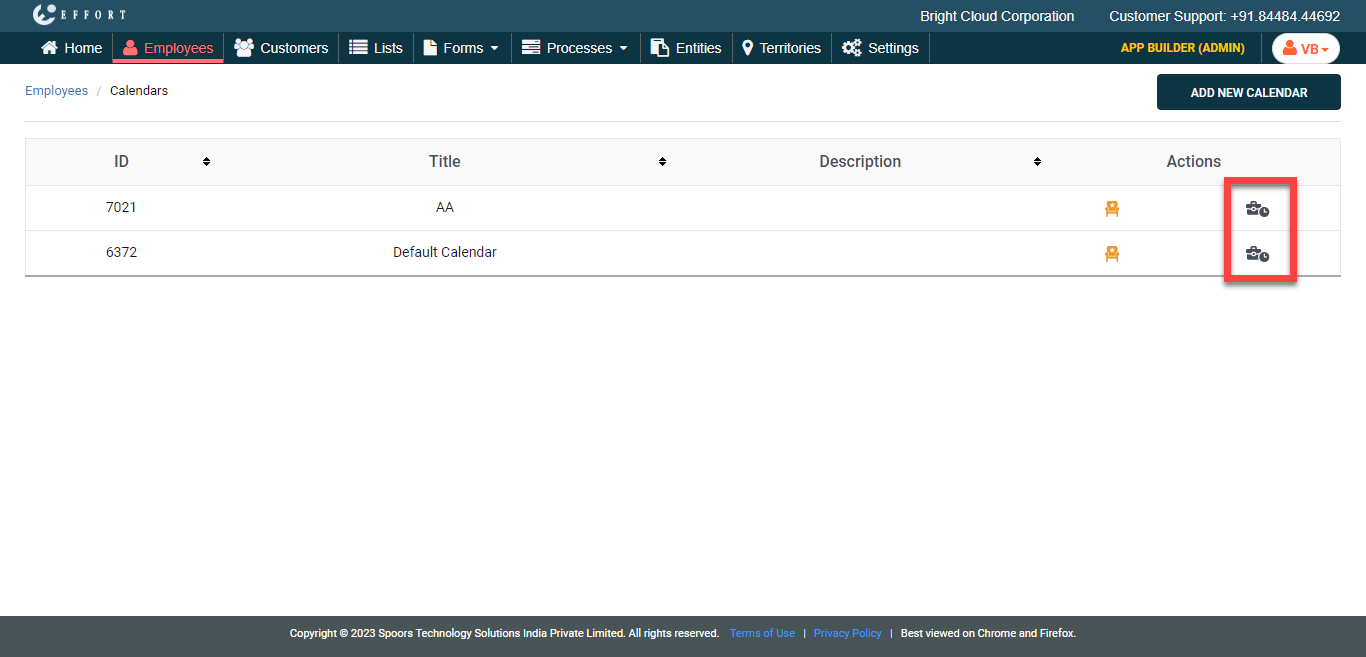
The Calendars page appears with a list of calendars that you have defined.
-
Under the Actions column, select the clock icon to edit
the working hours.
-
In the Edit Calendar page, edit the calendar depending
on your requirement.
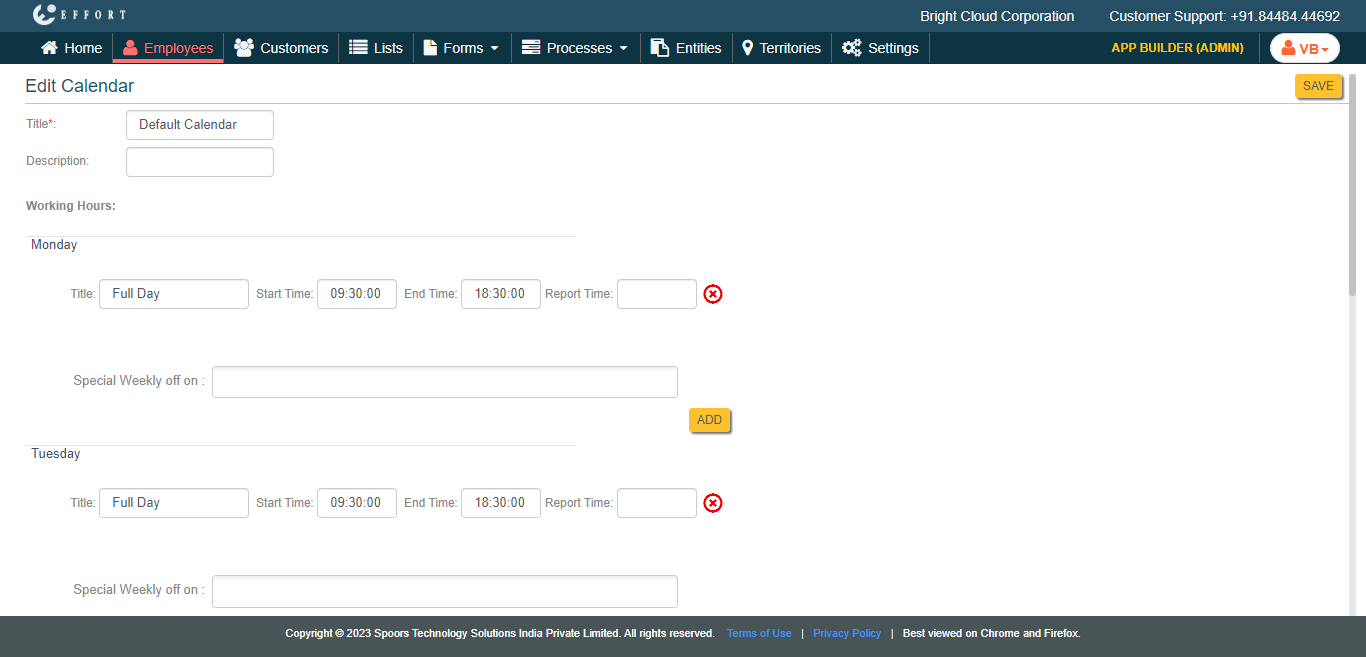
- Click Save