

Locate Employees
Overview
The Locate Employees feature in the EFFORT NXT app allows you to track employees' locations on a map in real time. You can view their last recorded location, get driving directions, and access additional details.
Steps to Locate Employees
To access the Locate Employees screen, tap Locate Employees on the home
screen. This will open a map displaying the locations of all employees.

How It Works
-
Sync for Latest Updates
-
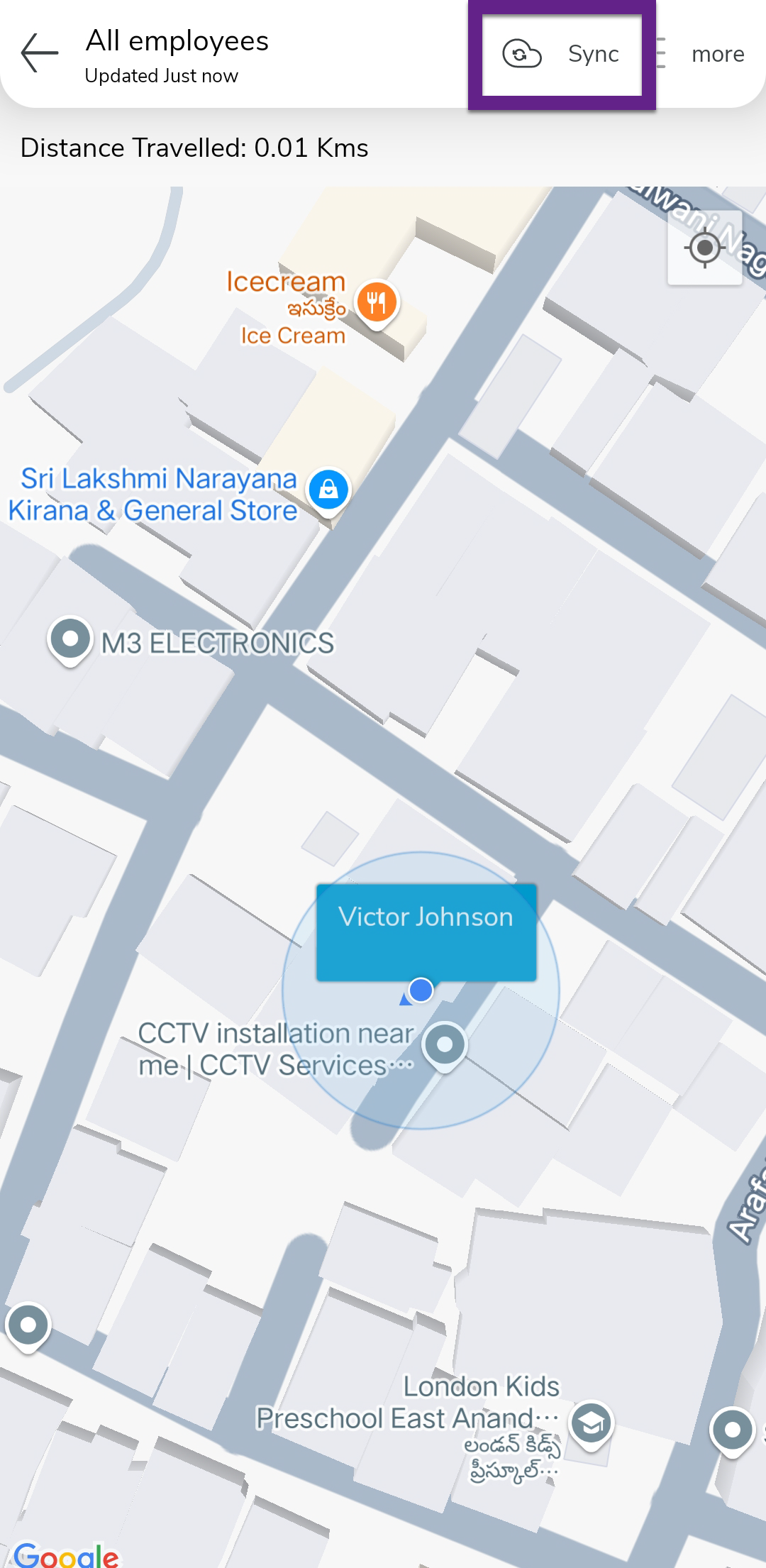
Tap the Sync option to refresh the map with the most recent location data.
-
-
Customizable Map View
-
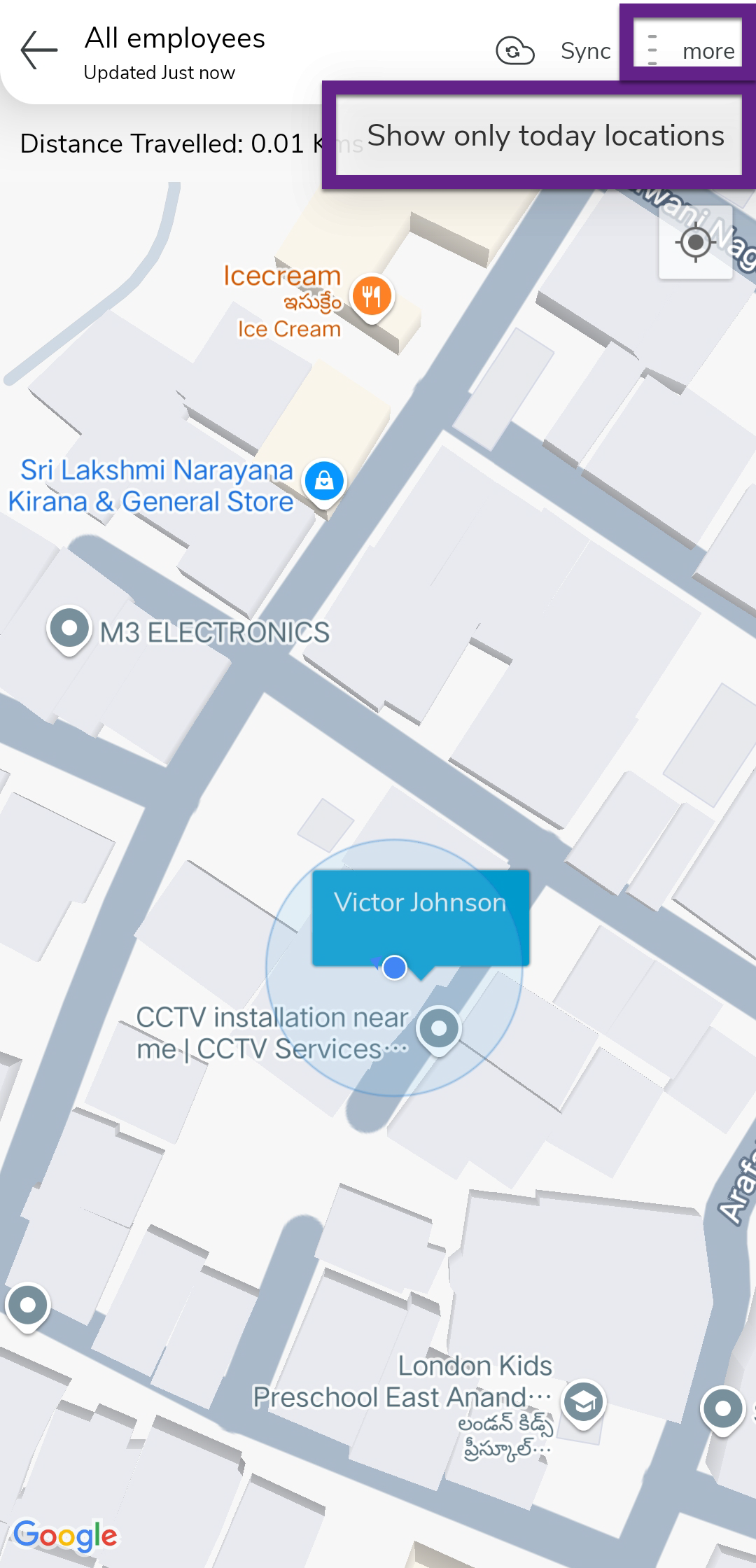
Tap the Actions icon to enable or disable the Show Only Today’s Locations option.
-
-
Find Your Location
-
Tap My Location to center the map on your current location.

-
A blue dot indicates your position on the map.
-
-
View Employee Details
-
Tap an employee’s name to view their Name, Time, Address, and Battery Percentage from their last recorded location.

-
-
Navigation and Maps Integration
-
Tap Driving Directions to get step-by-step directions to the employee’s location.

-
Tap the Google Maps icon in the bottom right corner to open the employee’s location in Google Maps.
-