

Apply for a Leave
The Apply for Leave feature in the EFFORT NXT app allows you to submit leave requests easily by selecting the leave type, duration, and reason.
-
Tap Leaves on the home screen.

-
Tap the Apply for Leave icon.

-
Select a leave type from the Leave type dropdown.

-
Tap the calendar below the From option to select the
leave start date.

-
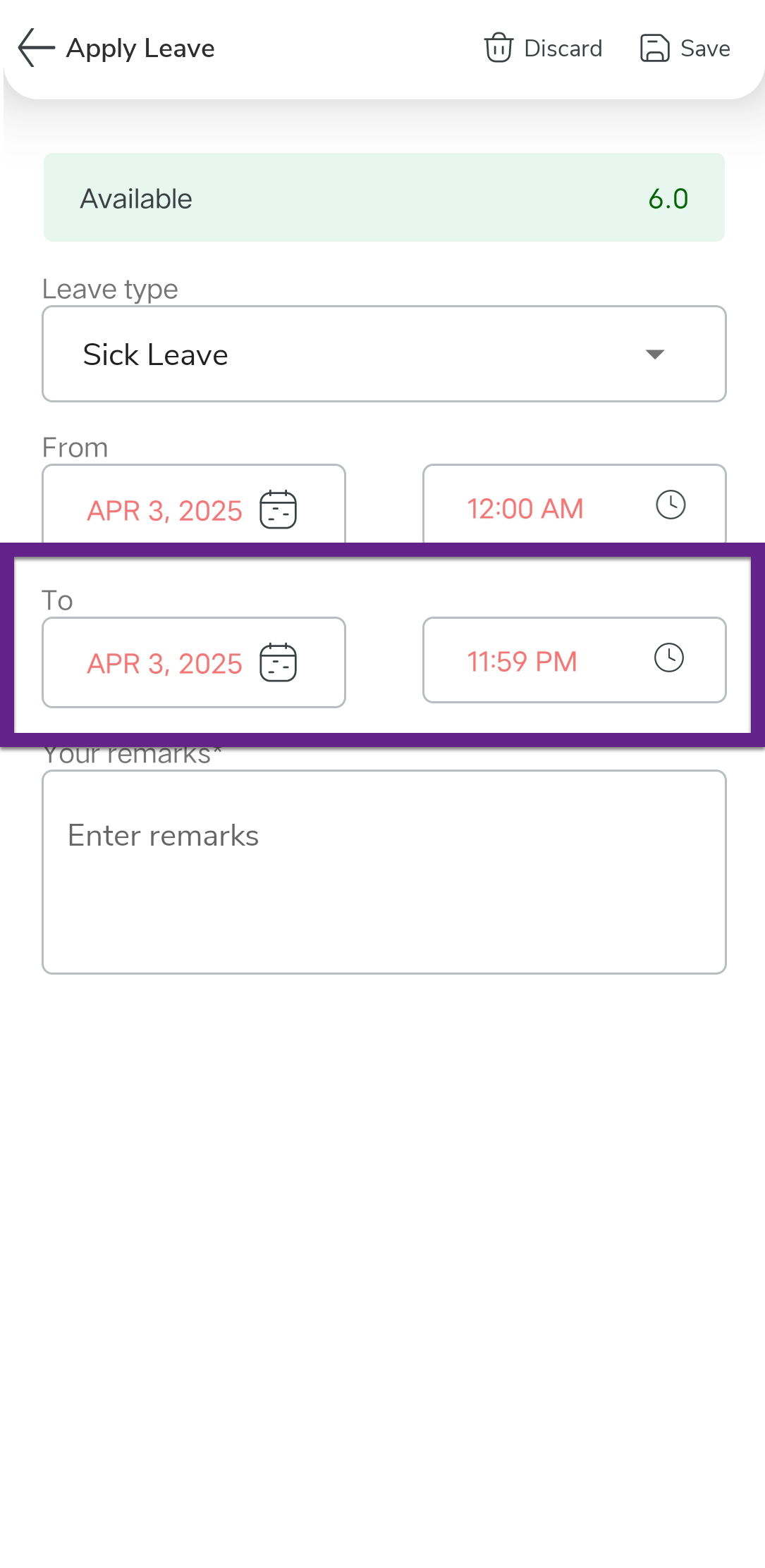
Tap the calendar under the To option to select the leave
end date.
-
Enter the reason for leave in the Your Remarks text
box.

- Tap the Save icon to submit your leave request.