

Add Employee Group
To create an employee group, follow the steps below.
-
Go to .
The Employees page appears.
-
Under the Groups section, click the Employees
Groups card.

The Employee Groups page appears.
-
Click the Add Employee Group button.

The Create Employee Group page appears.
-
In the Group Name textbox, enter a name for the
group.

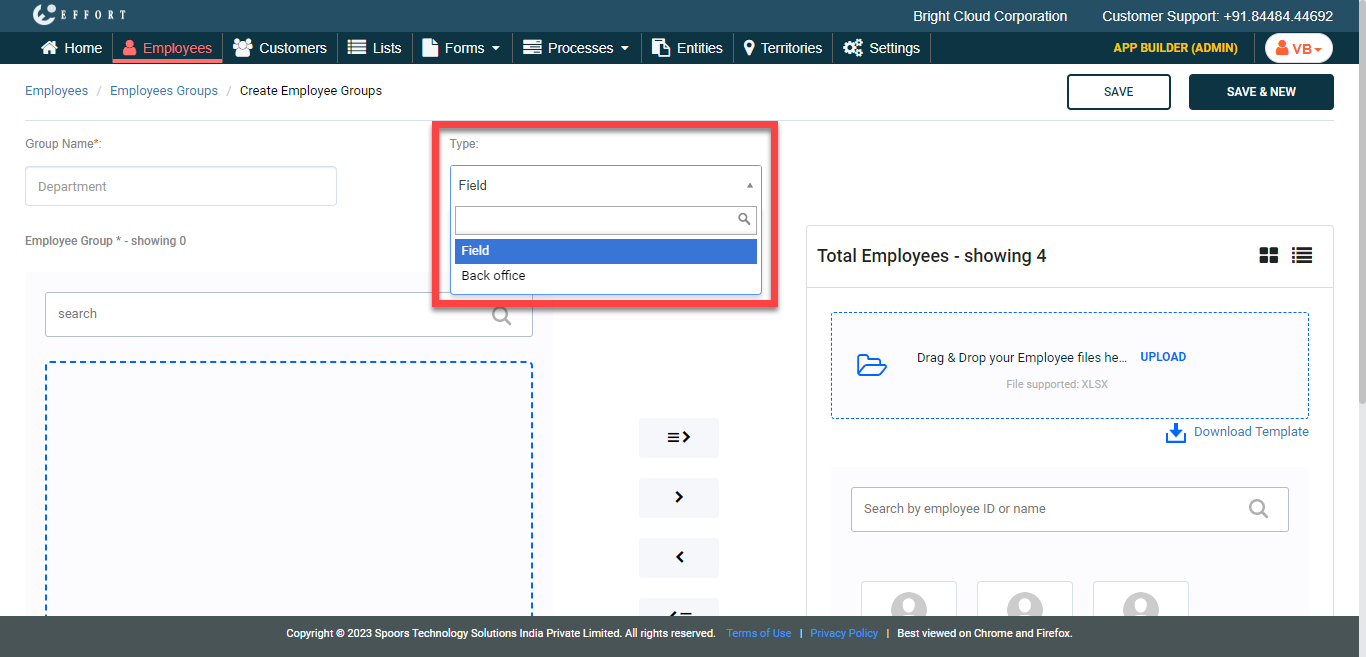
- Optional:
If you are creating this group for back office employees, change
Type to Back office.
-
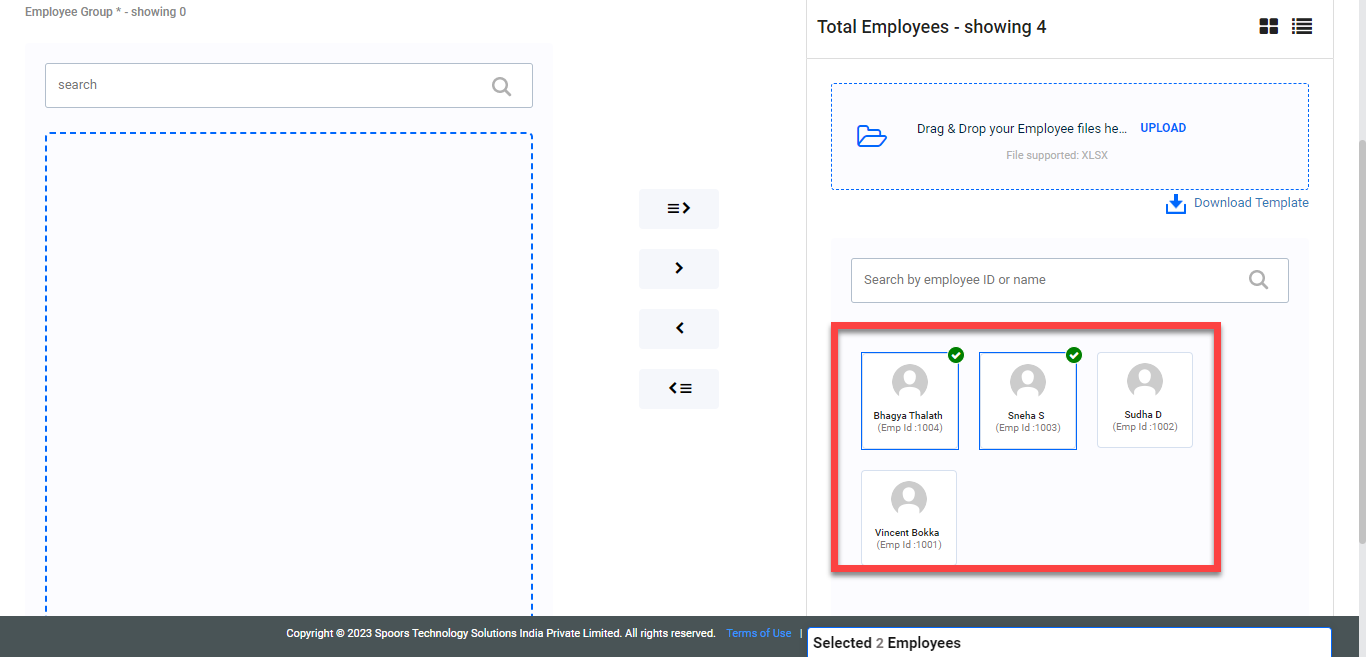
Under the Total Employees section, select the employees
you want to add to the chat group.
-
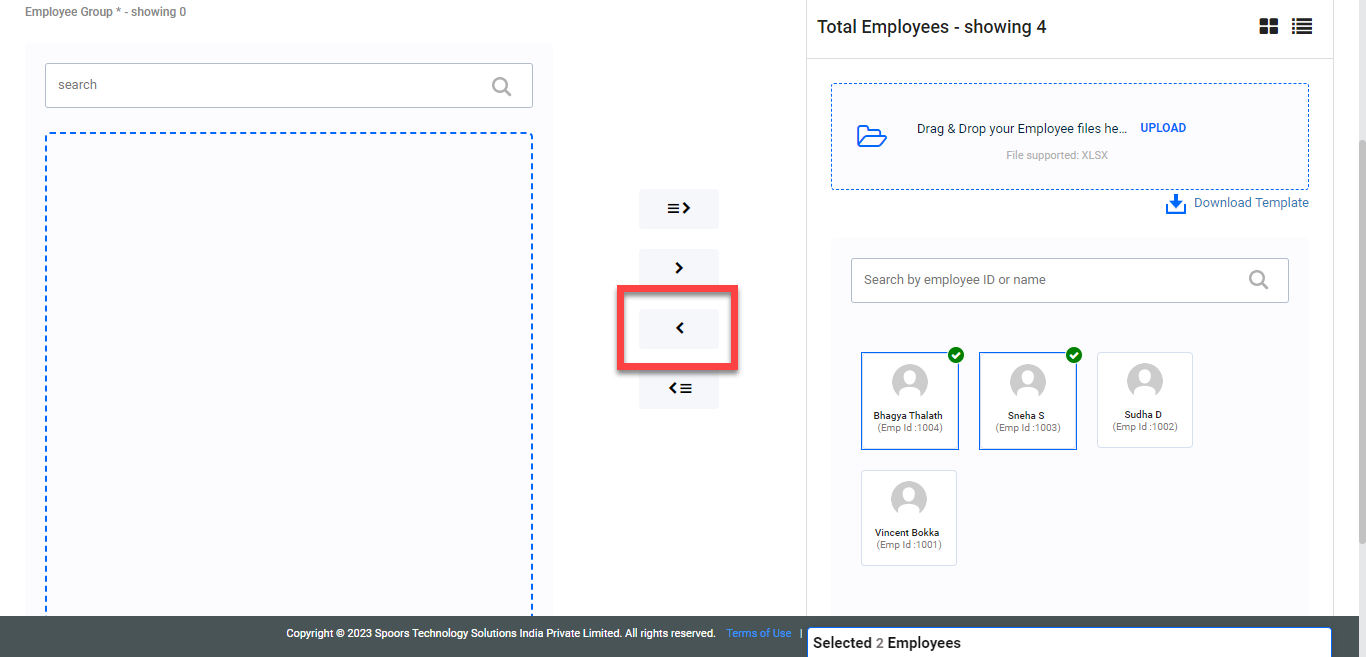
Click the arrow icon to move the selected employees.
- Click Save.