

Send Push Notifications
-
Go to .
Click the
 icon
to view the Notifications module.
icon
to view the Notifications module. -
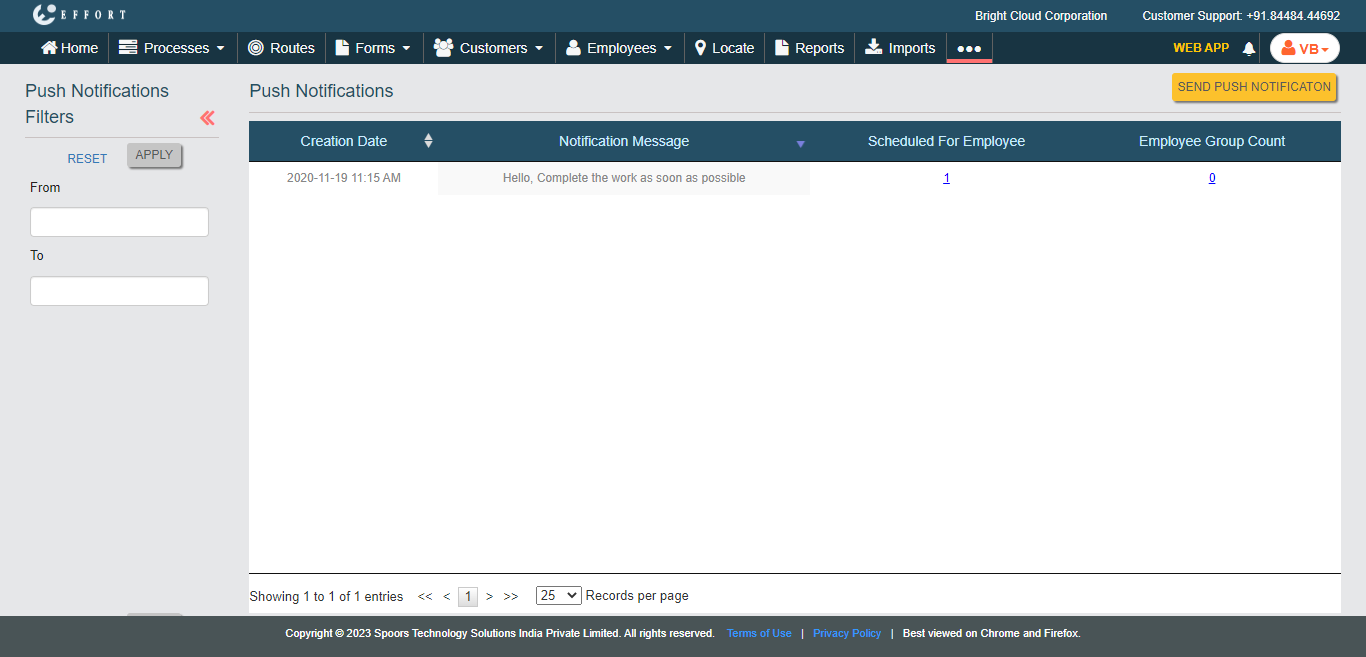
Click the Send Push Notification button located on the
top right corner.
-
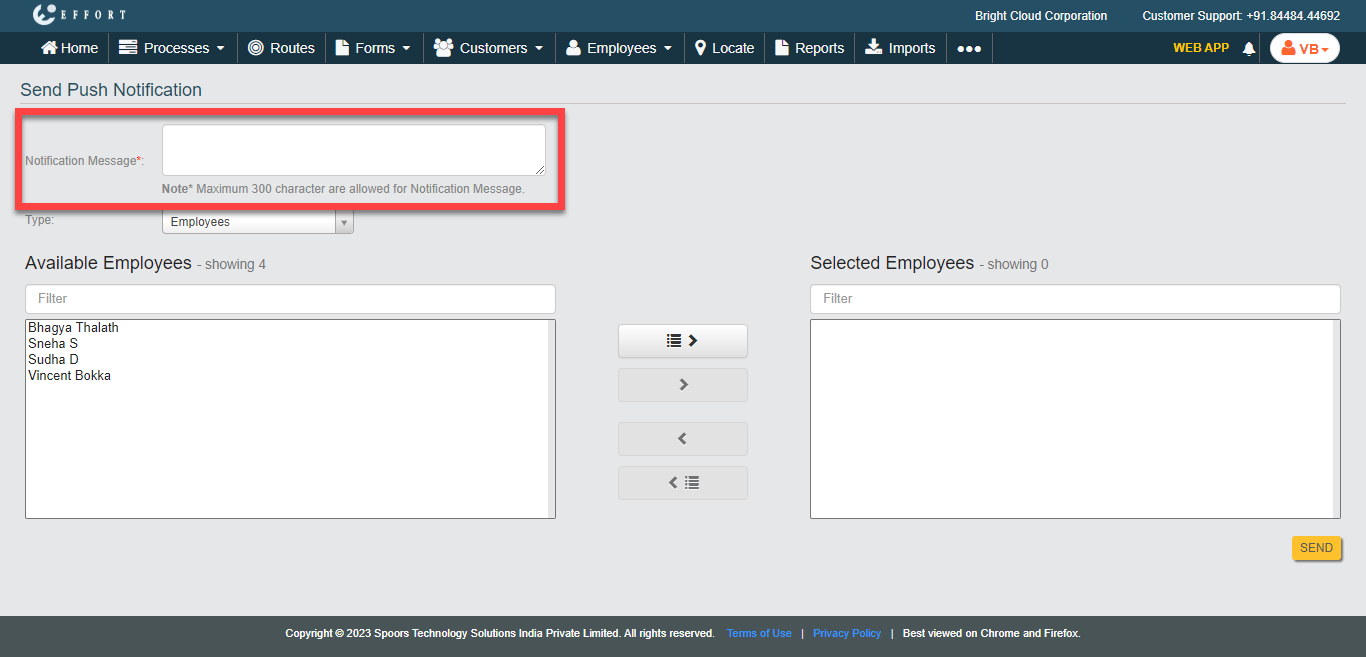
Enter notification content in the Notification Message
text box.
-
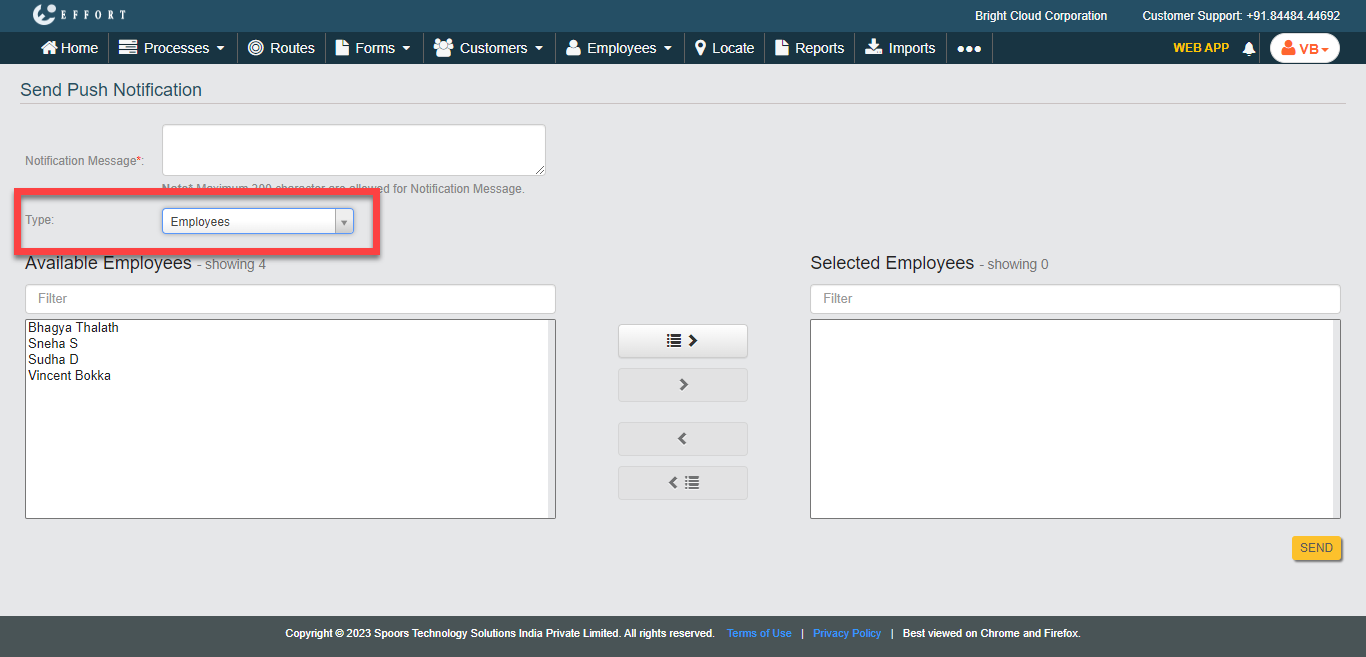
Select anyone from the below options for the Type
dropdown.
- Employees: Allows you to send push notifications to the selected employees.
- Employee Groups: Allows you to send push notifications to the selected employee groups.
-
Select employees or employee groups on the Available
section and click the Move icons to move them to the
Selected section.
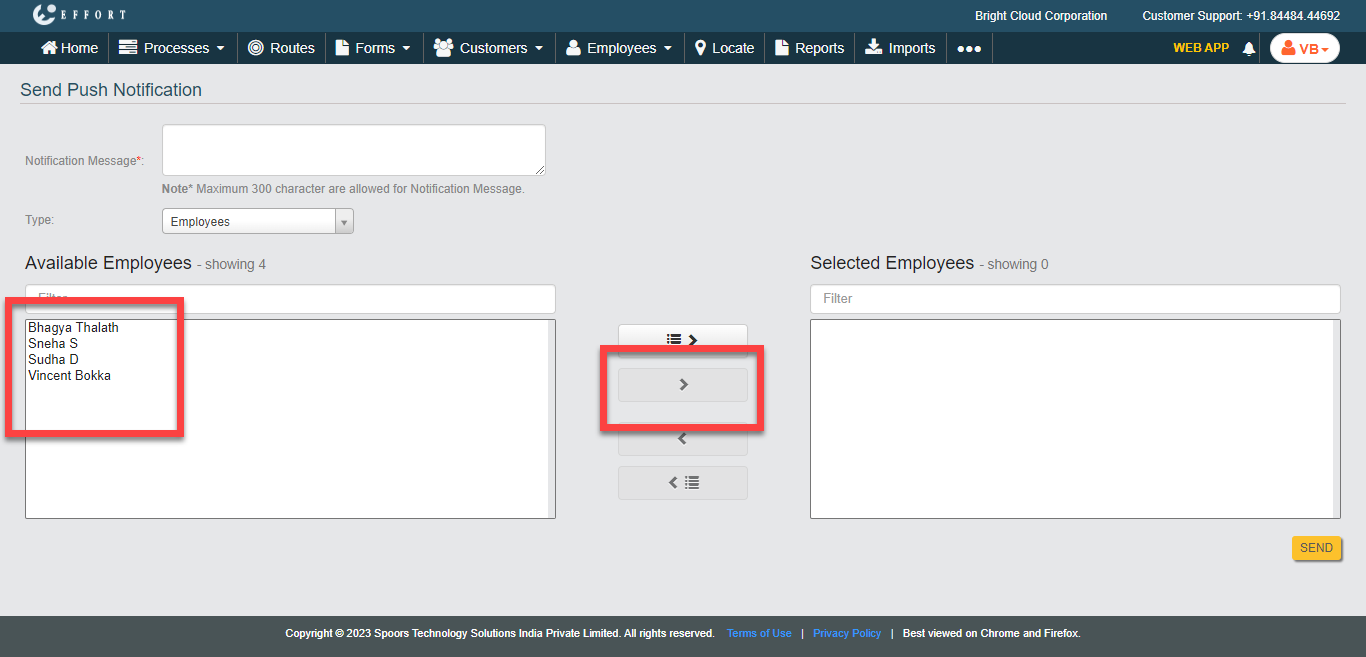
- Click Send.