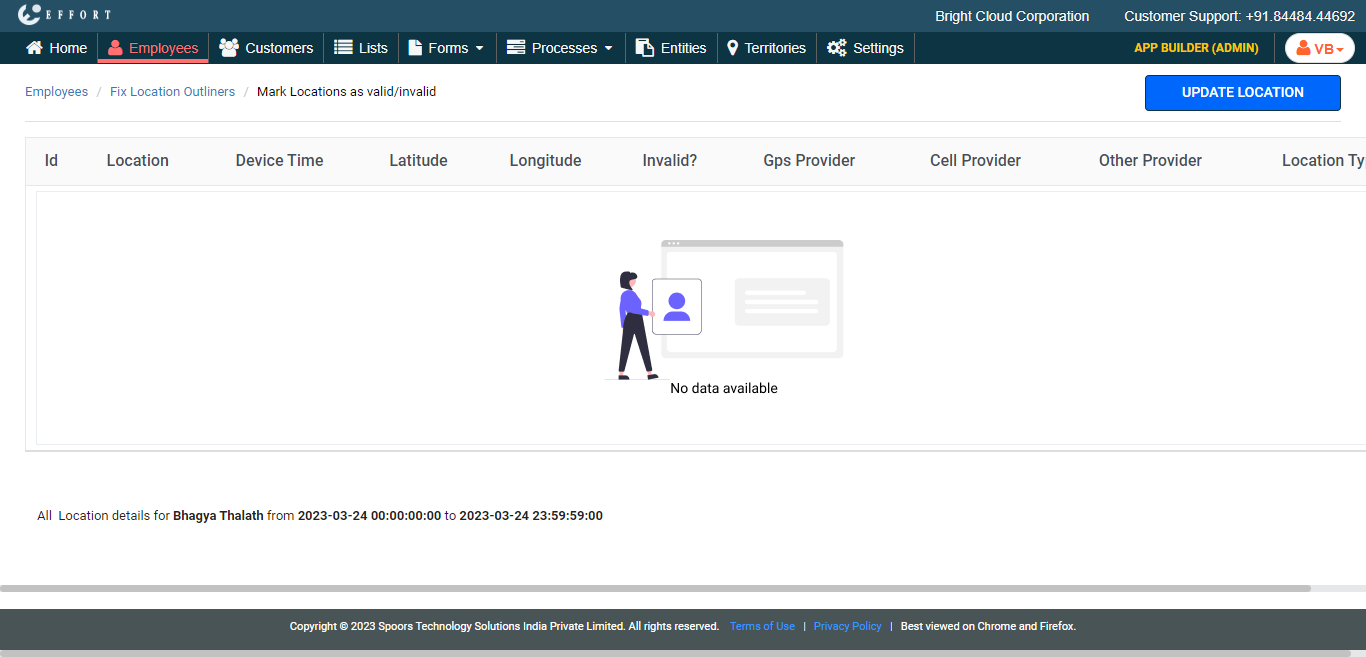
Fix Location Outliers
To fix the location outliers, follow the steps below.
-
Go to .
The Employees page appears.
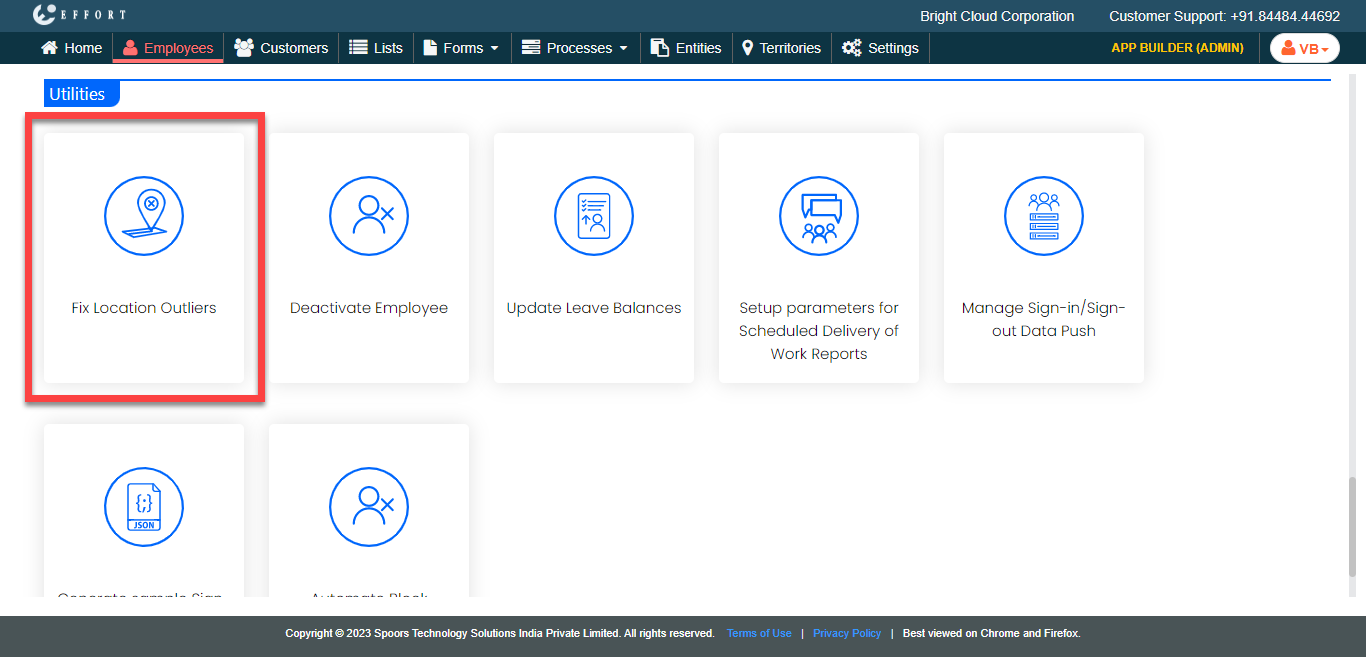
- Scroll down to the Utilities section.
-
Click the Fix Location Outliers card.
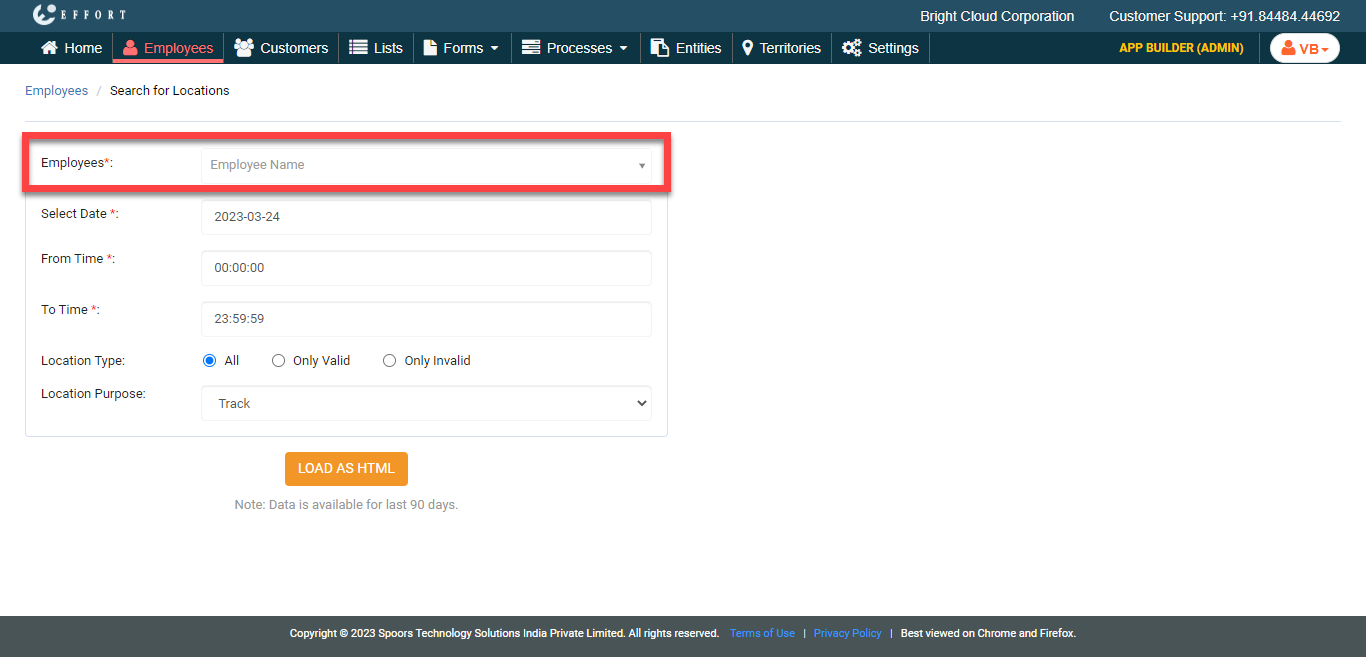
The Search for Locations page appears.
-
Click the Employee Name dropdown, enter the employee
name, and select the employee.
- Optional:
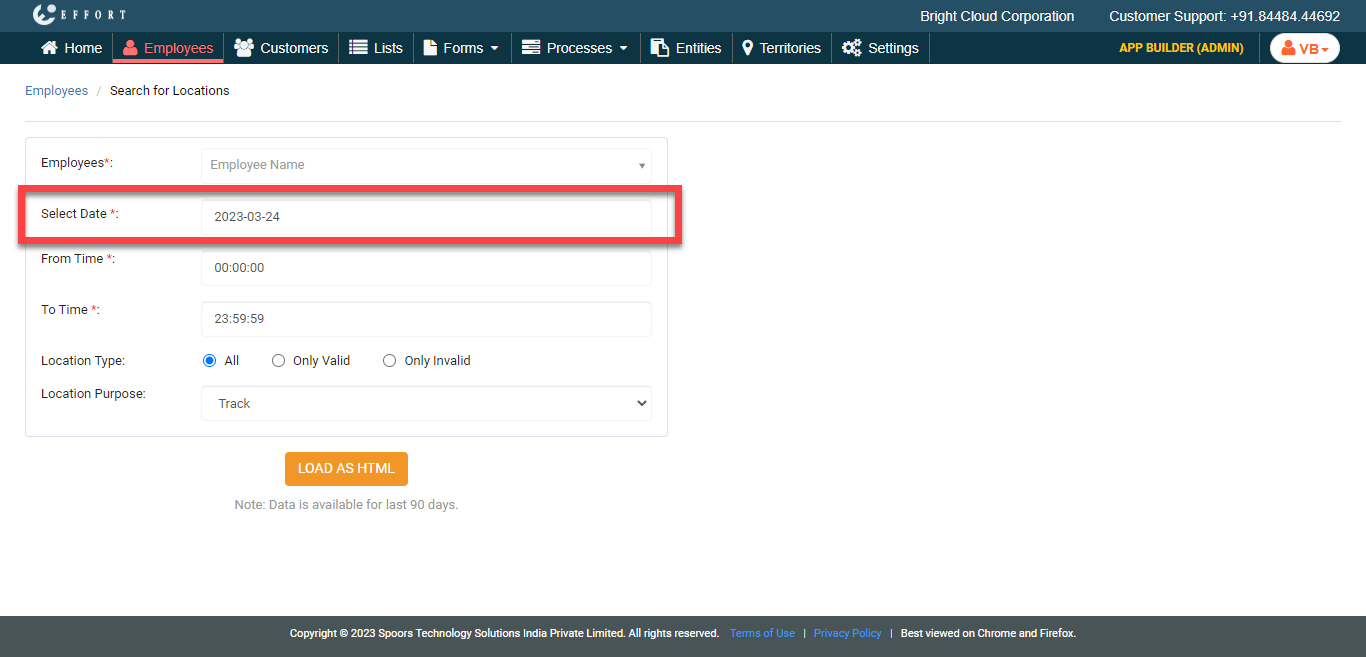
If required, click the Select Date field and change the
date.
-
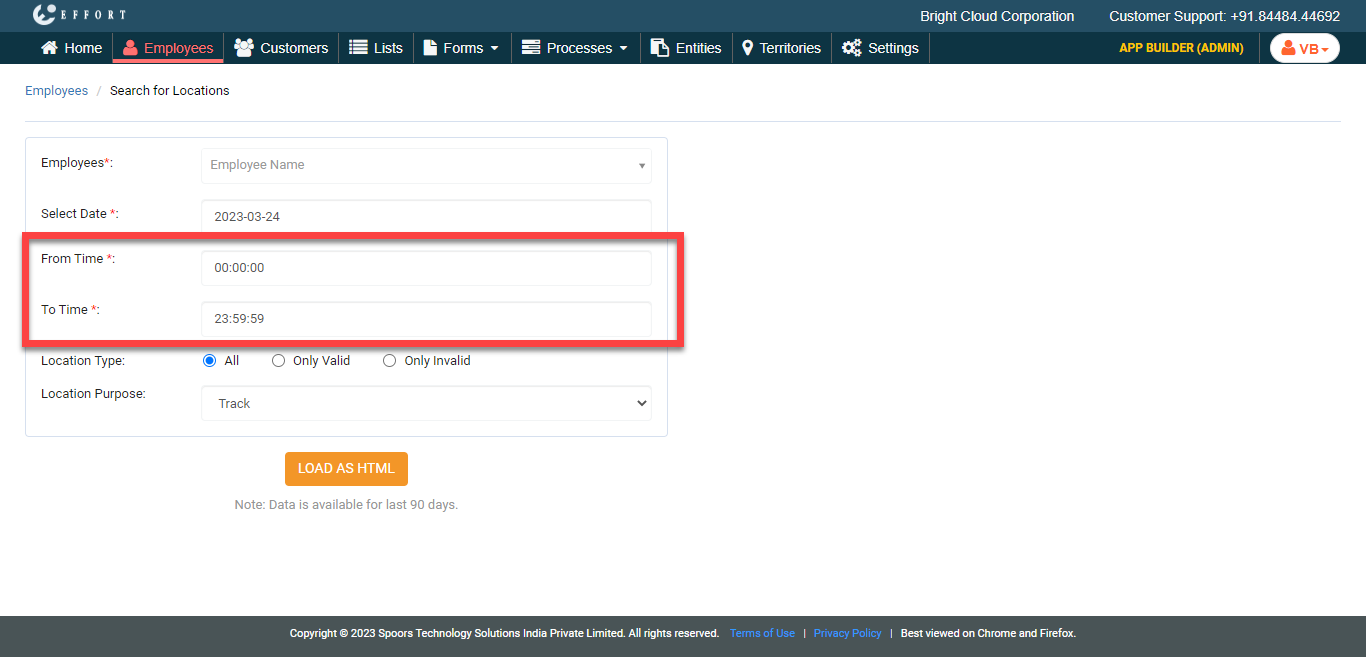
Depending on your requirement, change From Time and
To Time.
-
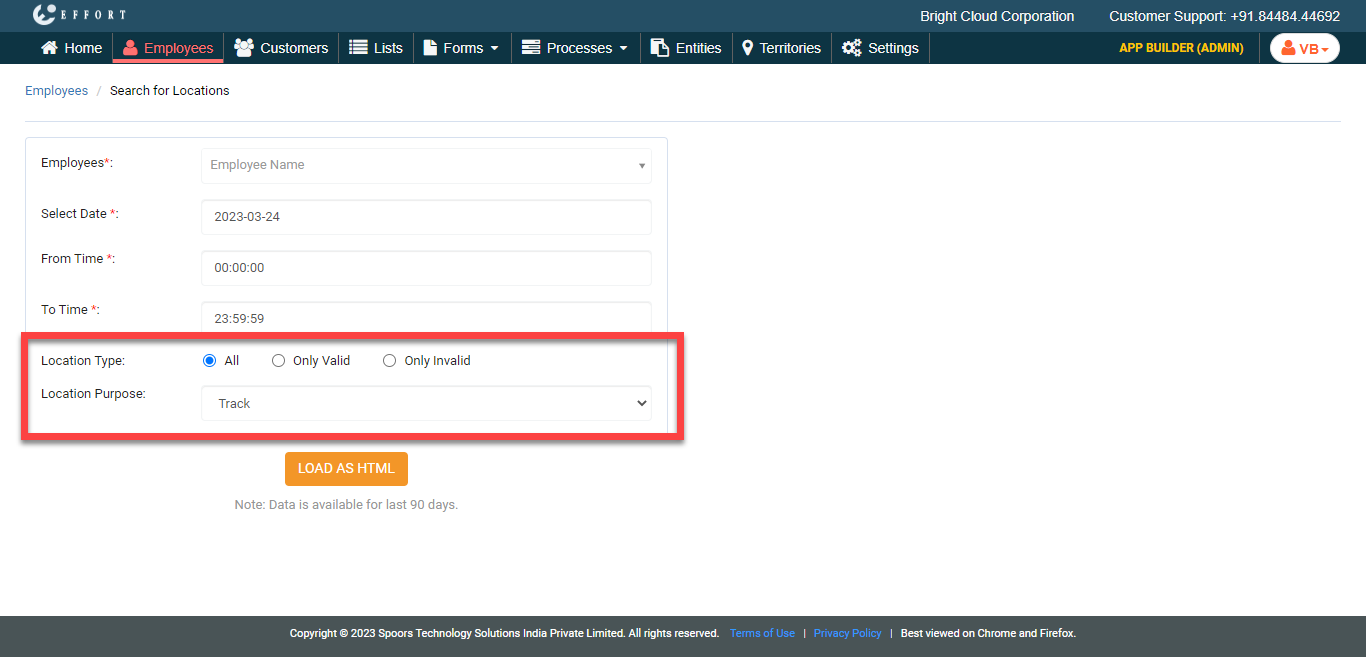
Depending on your requirement, select Location Type and
Location Purpose.
-
Click the Load As HTML button.
The Mark Locations as valid/invalid page appears with the employees tracks displayed in a tabular form.
-
Click the Update Location button to either mark it as
valid or invalid.