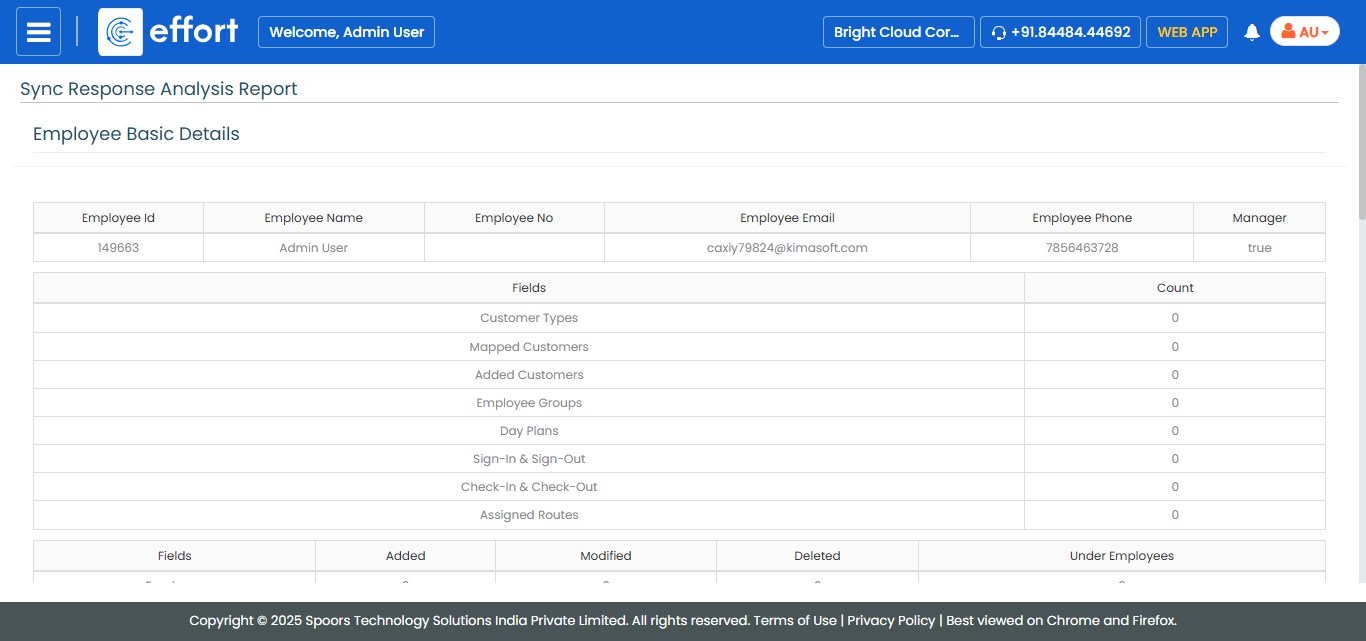
Generate a Sync Response Analysis Report
To generate a sync response analysis report, follow the steps below.
- Go to .
-
Click Tools and Audit in the user menu located on the
top right corner under the employee name.

The Tools and Audit page appears.
-
Click the Sync Response Analysis Report link or icon
under the Tools and Audit section.

The Sync Response Analysis Report page appears.
-
Select an employee from the Employees dropdown.

- Optional:
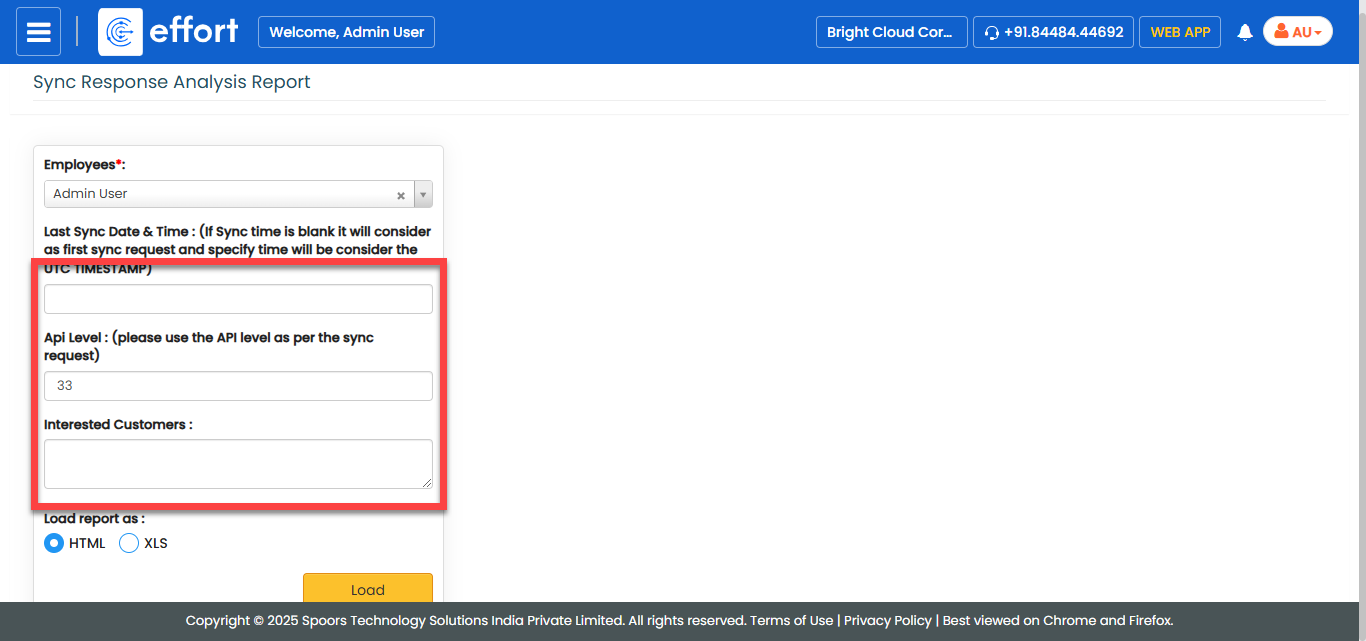
Enter the values in the below fields as per your requirement.
- Last Sync Date & Time
- Api Level
- Interested Customers
- Optional:
In Load report as, select the output report
format.
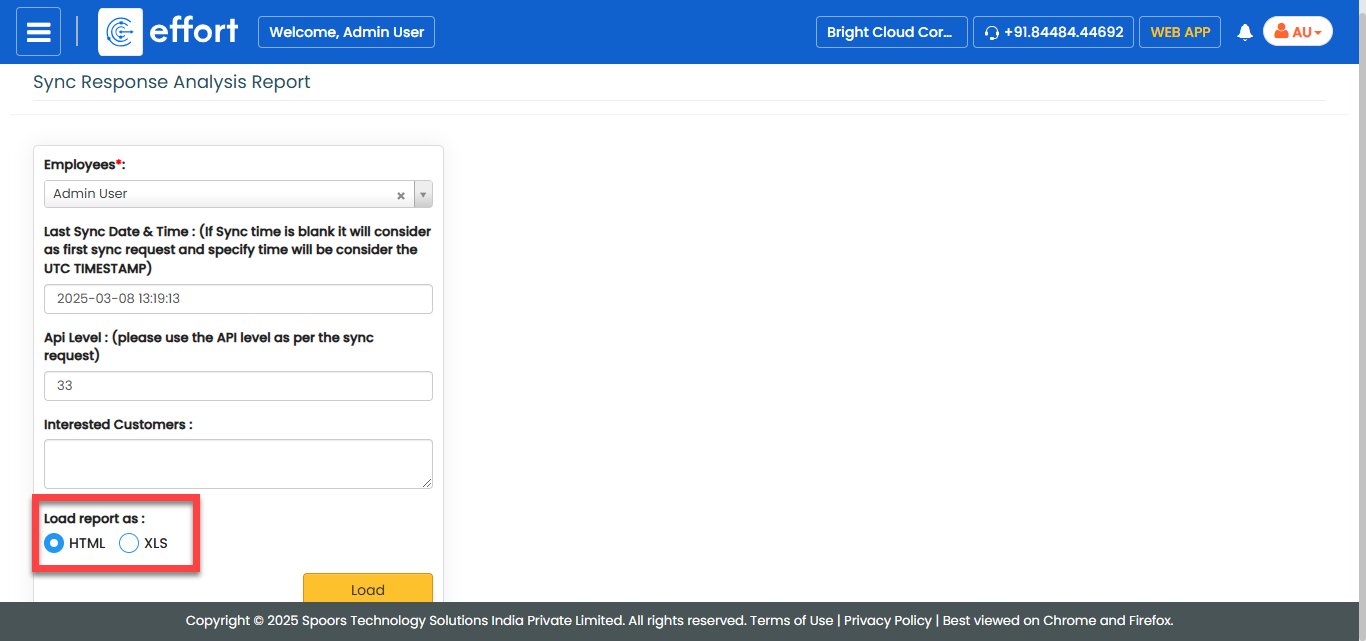
Load report as defaults to HTML. -
Click Load.
The Sync Report is displayed depends on the report format.