

Schedule Notification for Employees Not Syncing
To schedule notification for employees not syncing, follow the steps below:
-
Go to .

Note: If the Notifications module is missing from the navigation menu, it may not be enabled for the web app. Contact your administrator for assistance. -
In the Notifications page, click the Add
Notification button located on the top right corner.

-
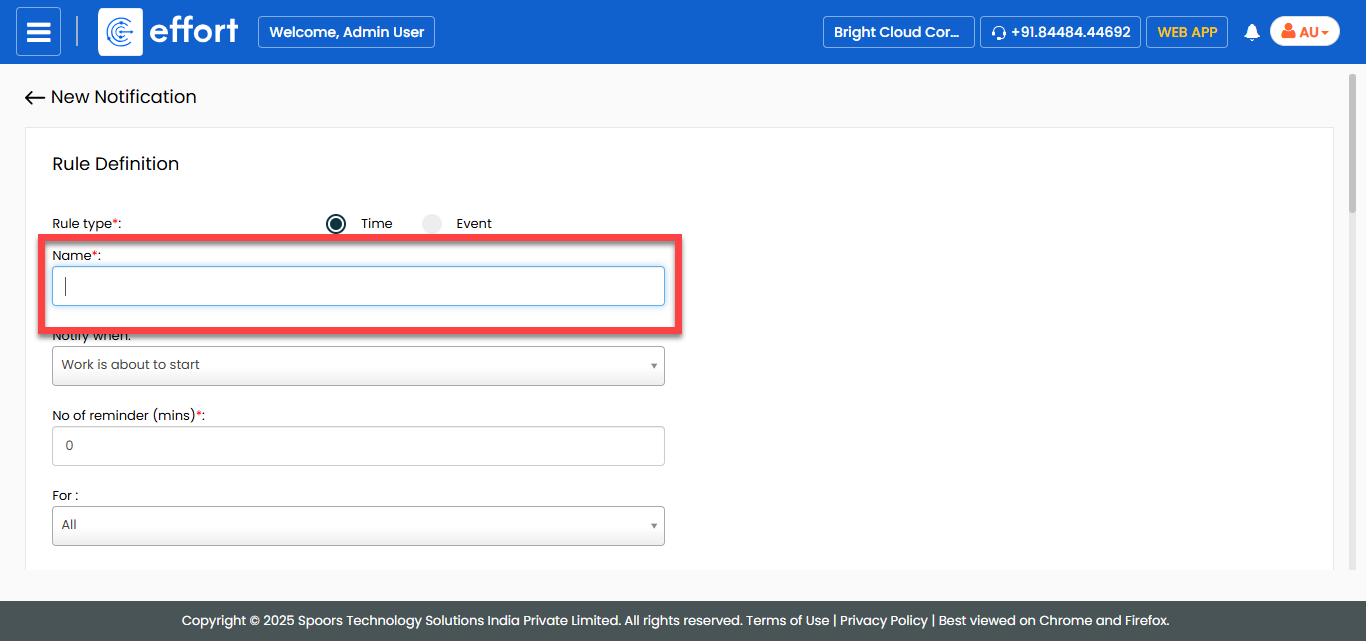
Enter a title for the notification in the Name
textbox.
-
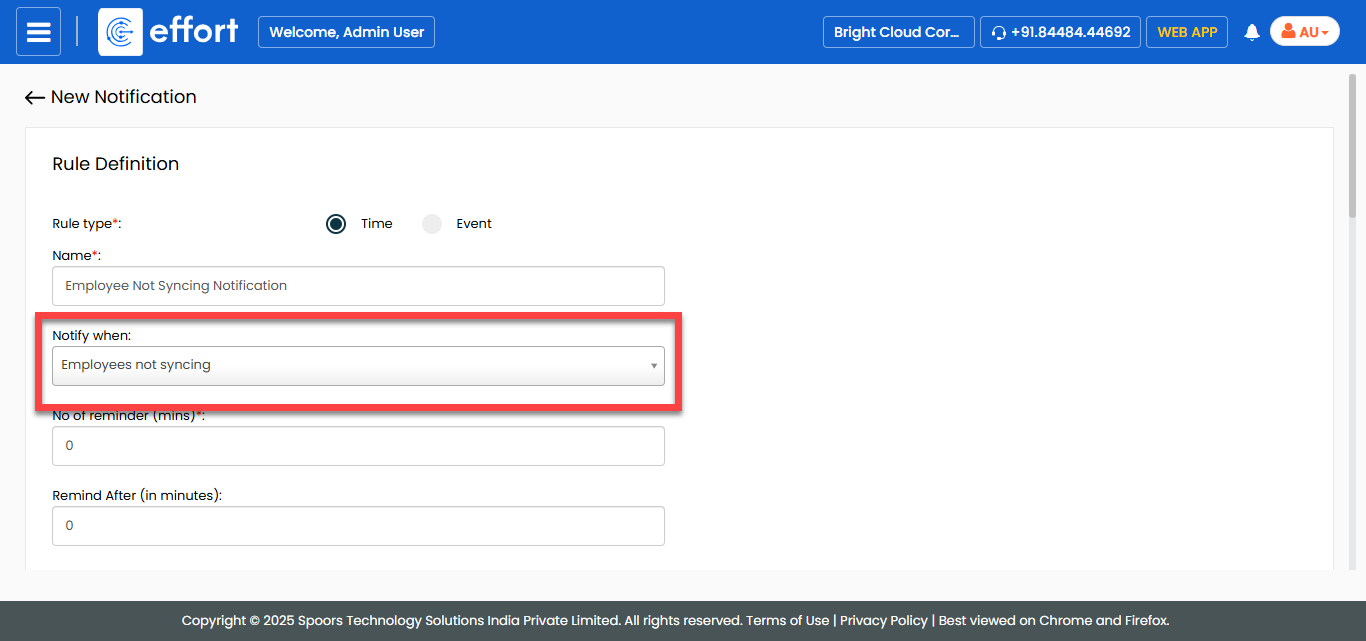
In the Notify When dropdown, select Employee
Not Syncing.
-
In the No of reminder (mins) field, specify the number
of minutes before the notification should be triggered.
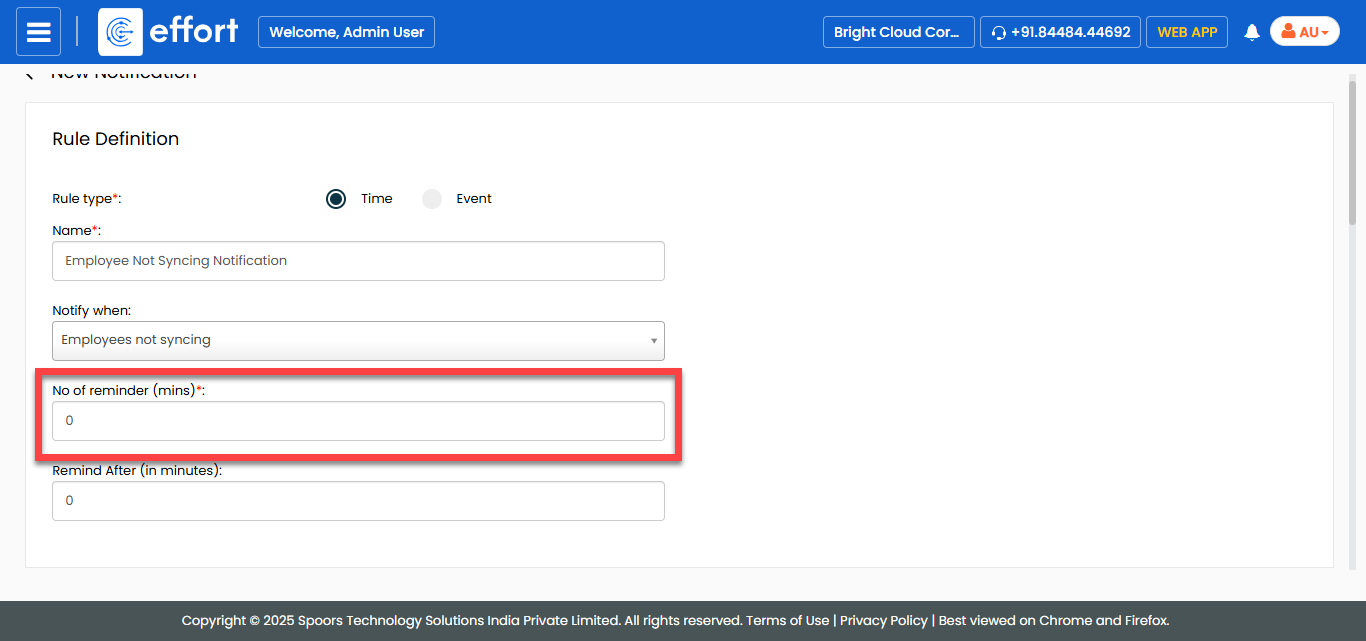
For example, if you set No of reminder (mins) to 30, the employees will receive a notification 30 minutes before the scheduled event.
-
In the Remind After (in minutes) field, specify the
number of minutes after which a notification is triggered if the employees has
not synced their data.
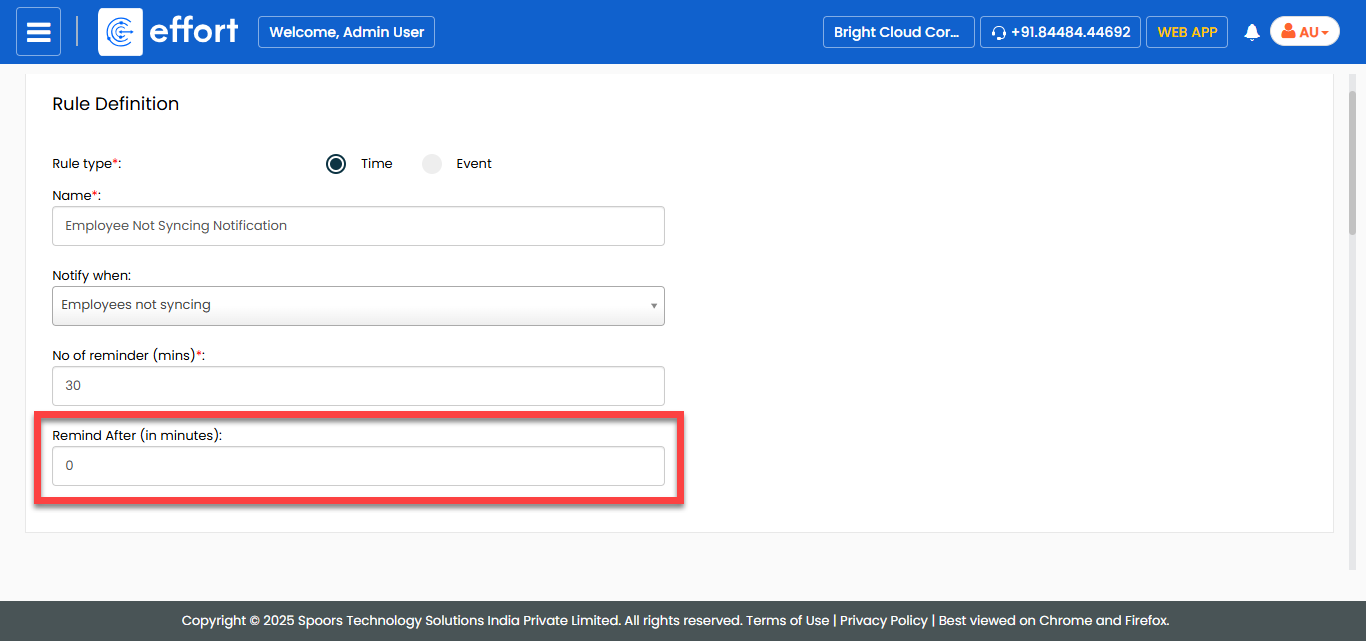
For example, if you set Remind After (in minutes) to 30, the system will send a notification 30 minutes after the employee's last sync attempt if no new sync has occurred.
-
In the Delivery Rule section, do the following:
-
Select the notification delivery options as per your requirement.

- Email: Allows you to send notification via Email.
- SMS: Allows you to send notification via SMS.
- Sync & Web-Notifications: Allows you to send web notifications.
-
For the To field, select the employees to whom
you want to trigger the notification.

-
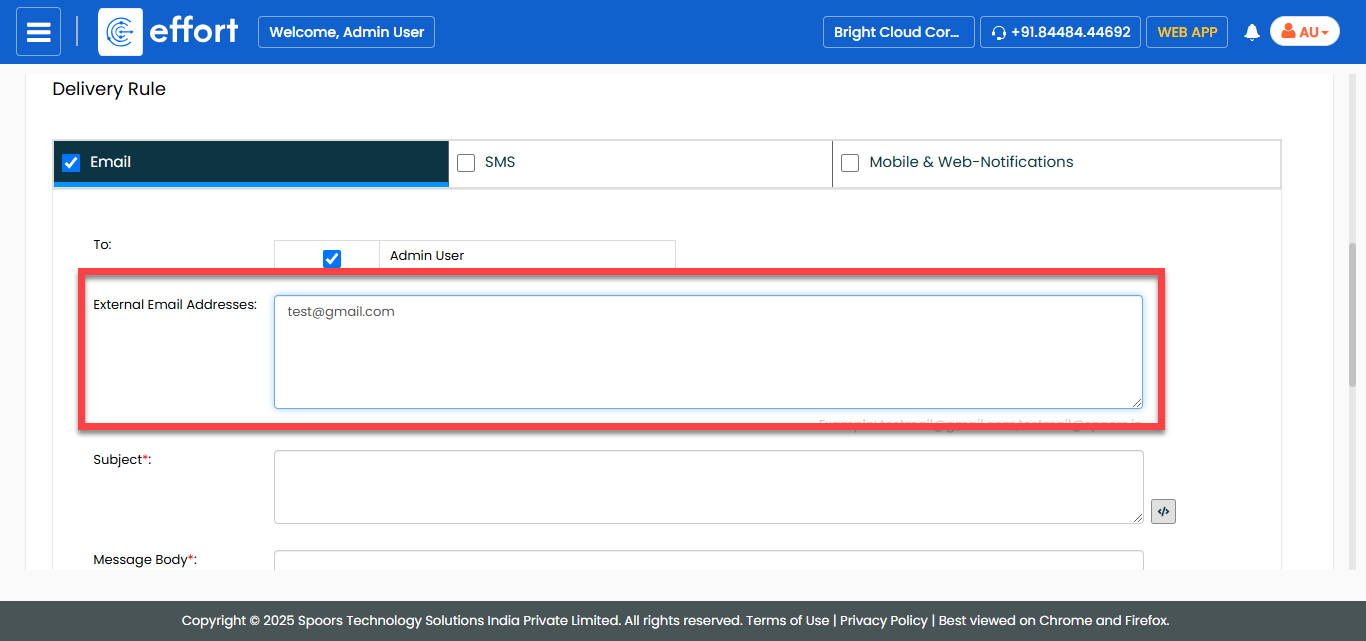
In the External Email Addresses field, enter the
email addresses to which you want to trigger email.
-
In the Subject field, enter the subject line for
the notification.

Click the pick fields icon to add fields such as employee name,
employee, and last sync time in the subject line.
to add fields such as employee name,
employee, and last sync time in the subject line. -
In the Message Body field, enter the
notification content.

-
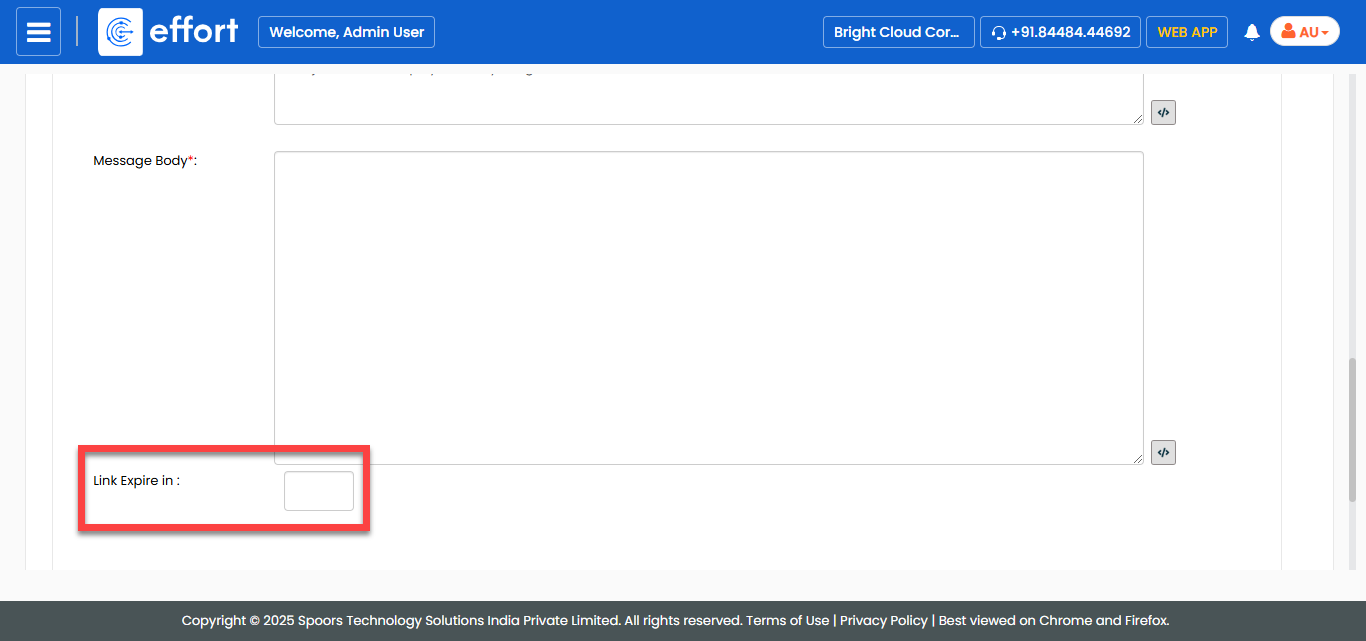
In the Link Expire in field, set the duration
for link expire if the message body contains any links.
-
Select the notification delivery options as per your requirement.
- Click Save.